You double-click a photo, and the Photos app takes its time opening it. That wait is why so many people still look for the old Windows Photo Viewer, the plain one that just showed the picture. On October 15, Microsoft showed off a rebuilt Photos app for Windows 11, and it’s being split into separate parts. What is changing, and does it fix the wait?
What Microsoft Is Actually Changing
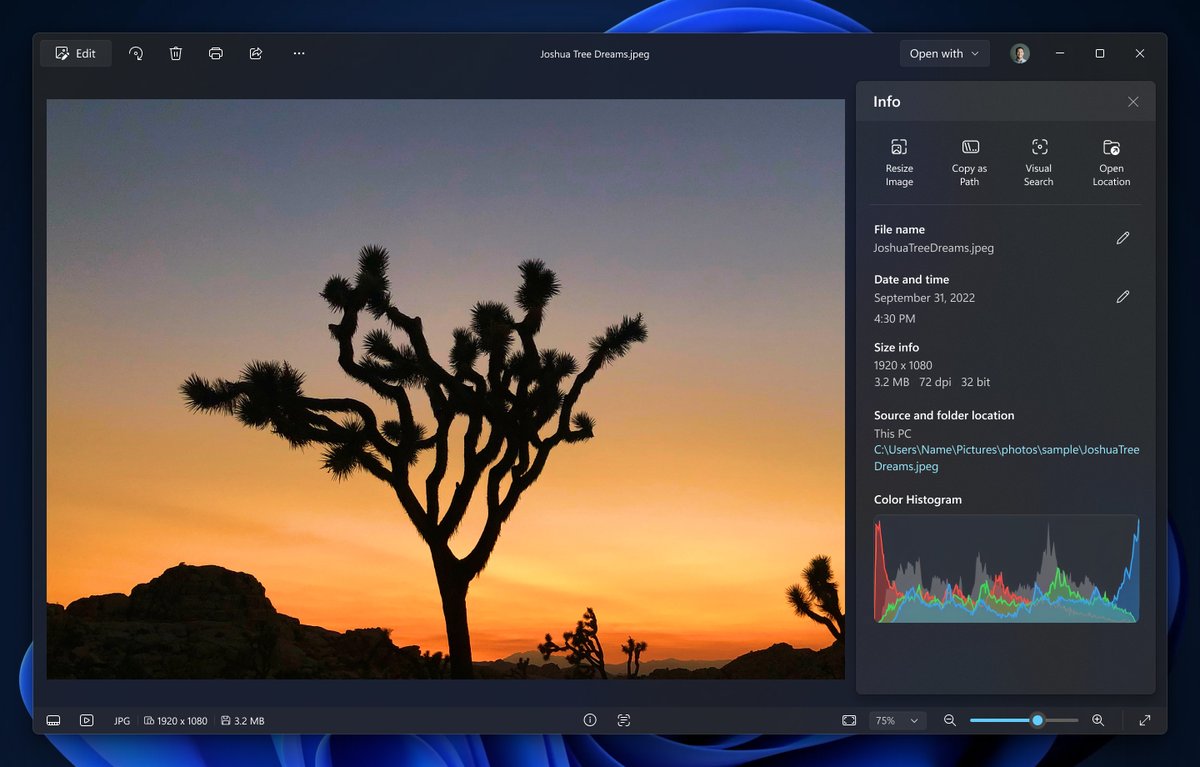
The new Photos app comes in three parts, a Gallery, an Editor and a Viewer. Microsoft calls the Viewer a native Photo Viewer for images you open from File Explorer or anywhere else in Windows. Photos itself stays in Start.
Microsoft’s pitch is mostly about speed, and it says the Viewer starts 15% faster on average in its own tests against an older Photos version. HEIC files, the photo format iPhones use, open up to 30% faster. The Editor loads 25% faster too. The Viewer also handles HDR (high dynamic range) photos better and opens SVG files, the kind often used for logos.
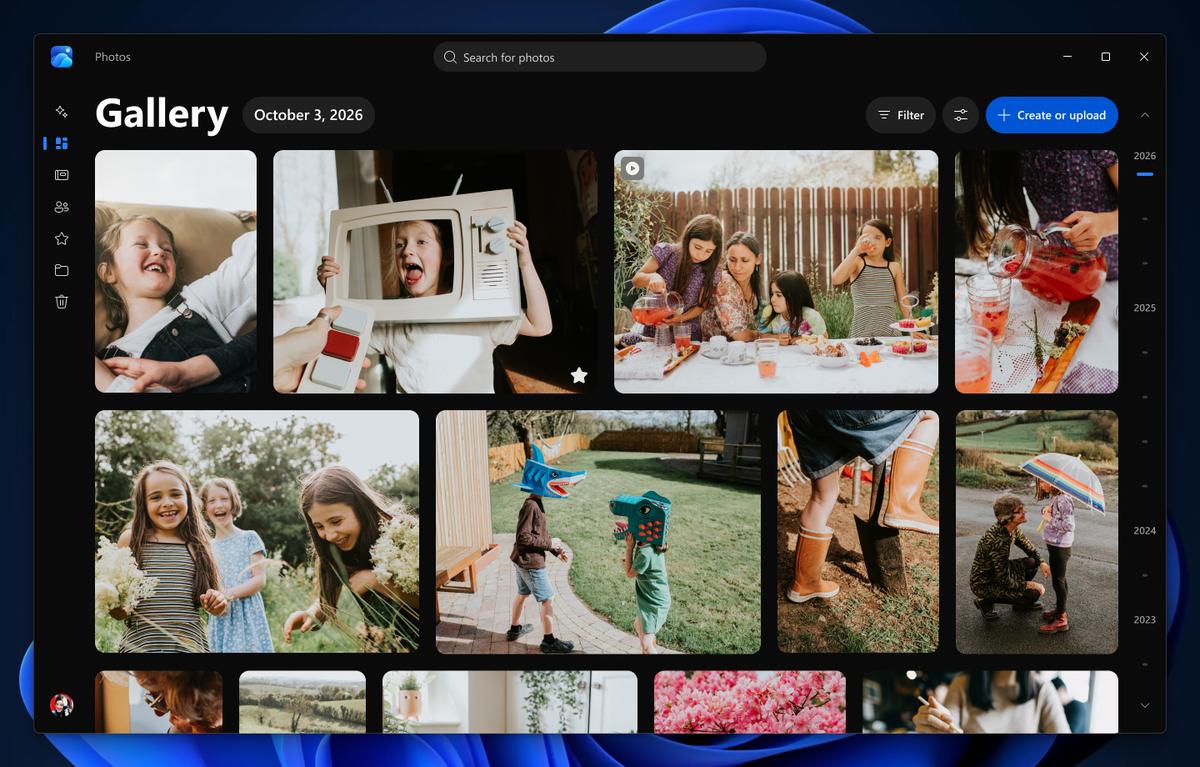
The Gallery is OneDrive’s Photos app, and it pulls together photos from your PC, OneDrive and iCloud. You don’t have to sign in to OneDrive for photos stored on your PC. iCloud photos come in through Apple’s iCloud for Windows app.
The update started with Windows Insiders, the people who test early builds. Microsoft’s notice to IT admins expects it to reach all Windows 11 PCs by mid-December.
Why Most People Can Skip the Gallery
If you mostly open photos from folders, the Viewer is the part you want, since it’s what opens when you double-click a picture in File Explorer. If another app has taken over, set it back under Settings, then Apps, then Default apps.
The Gallery makes sense if your photos already live in OneDrive or iCloud, though OneDrive on its own isn’t a full backup.
The classic viewer was pushed aside years ago, and the guides that bring it back rely on registry edits that are easy to get wrong. If you miss the older Photos app, Photos Legacy can run right next to the new app. Still waiting for the update? ImageGlass is an open-source viewer built to open images fast.
Splitting “look at a photo” from “manage my library” is the right call, and it’s overdue. If the speed claims hold up on everyday PCs, the old Windows Photo Viewer finally has a real replacement.
Want us to review your product? Send it over.
Frequently Asked Questions
Is Windows Photo Viewer still in Windows 11?
Not as a normal app. The new native Photo Viewer arrives with the Photos update instead.
Do I need a OneDrive account?
No. You can use Photos without signing in for photos stored on your PC.