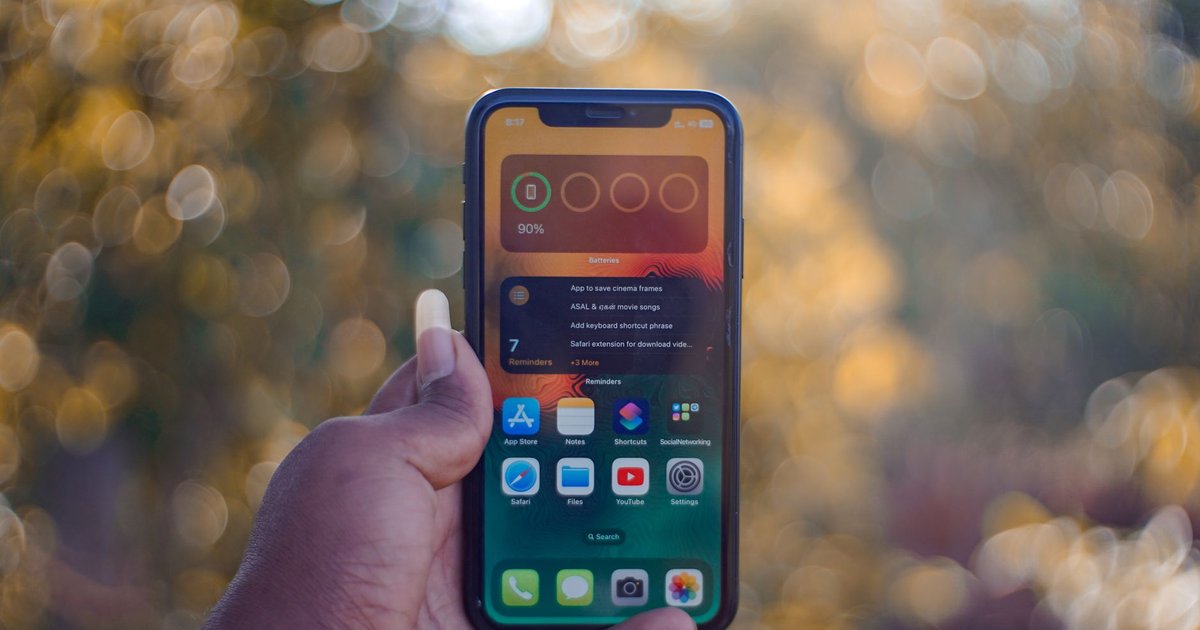
That yellow battery icon has a way of sticking around. You turn on Low Power Mode to get through a long afternoon, forget about it, and it’s still there at dinner. Then a small worry creeps in: is running the phone this way all the time doing quiet damage to the battery? It’s a fair worry if your iPhone battery drains fast already. And on newer iPhones, the mode can switch itself on without asking.
What Low Power Mode Actually Turns Down
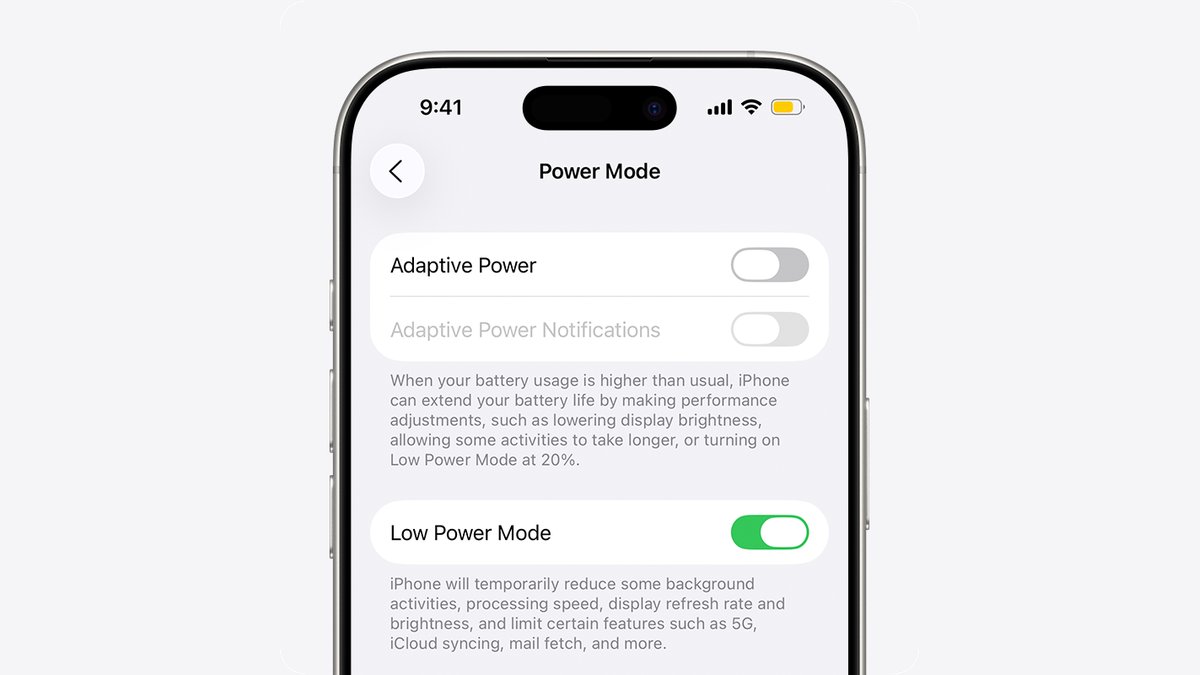
We went through Apple’s settings list to see what the mode changes. Auto-Lock drops to 30 seconds, the screen gets dimmer, and some visual effects turn off. iCloud Photos pauses, and automatic downloads, email fetch and Background App Refresh all stop.
There is a speed cost, too. Apple says your iPhone “might perform some tasks more slowly” in this mode. On iPhones with ProMotion, the screen also drops to 60 frames per second. Nothing on the list changes how the battery charges, and the mode turns itself off once the phone charges back to 80%.
Why Low Power Mode Leaves Your Battery’s Health Alone
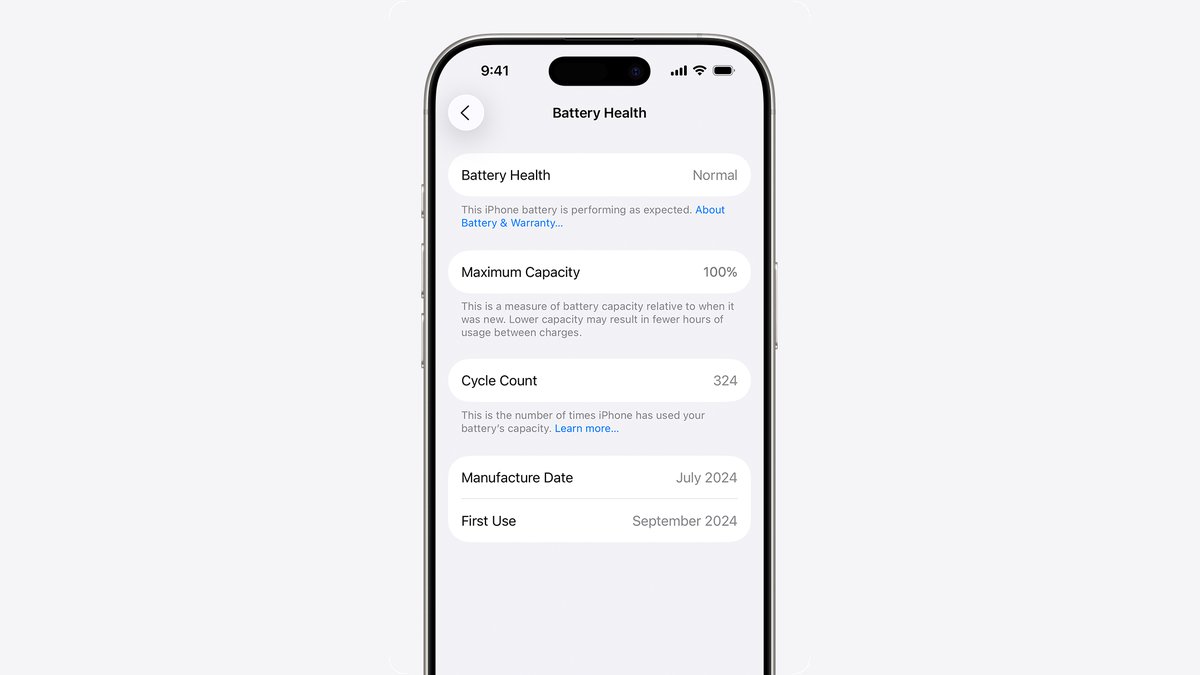
People often mix up two ideas. Battery life is how many hours you get from one charge. Battery lifespan is how long the battery lasts before it needs replacing, and that follows its chemical age, meaning charge cycles and how it was cared for. Heat is a big factor, because temperatures above 95°F (35°C) can permanently cut capacity, and charging in that heat is worse.
Battery wear comes down to charge cycles, heat and charging habits, and nothing on Apple’s Low Power Mode list touches any of those. If you worry about charging your phone overnight, that’s a charging question, not a Low Power Mode one.
So why does the icon show up on its own? Adaptive Power arrived with iOS 26, and it can switch the mode on when the battery hits 20%. Adaptive Power is on by default on iPhone 17 models, iPhone Air, iPhone 18 Pro models and iPhone Duo.
If you need the extra hours, we’d leave it on and stop worrying. Turn it off when you want full speed back, like on a gaming night.
Want us to review your product? Send it over.
Frequently Asked Questions
Is it bad to leave Low Power Mode on all the time?
No. Leaving it on doesn’t wear the battery. What ages a battery is charge cycles and heat, and Low Power Mode doesn’t add to either. The trade-off is a slower phone and less background syncing.
Does Android have a Low Power Mode too?
On most Android phones, the closest match is Battery Saver under Settings > Battery > Battery Saver, which turns on Dark theme and limits background activity.