Ask ten people what the best tablet for reading is and you will get ten brand names and a fight. The real answer sits one step earlier than the brand: what you read decides which screen technology you need, and the two options — e-ink and backlit LCD/OLED — are built for different jobs. An e-reader is the best tablet for reading books and little else. An iPad or Android tablet is the best tablet for reading everything else. The mistake most buyers make is picking one for the other’s job and paying for it for years.
Affiliate disclosure: TechDaily earns a commission on qualifying purchases through some links in this guide. It does not change our picks.
Photo: Jacek Halicki / Wikimedia Commons, CC BY-SA 4.0.
- The screen decision comes before the brand: e-ink is reflective like paper, a backlit LCD/OLED fires light at your face, and each wins a different kind of reading
- For novels, long sessions, and bright sunlight, e-ink wins — a 2013 PLoS ONE study found the LCD reader caused higher visual fatigue than e-ink or paper, which measured similarly
- For PDFs, comics, manga, sheet music, and note-taking, a backlit tablet wins because you need color, speed, and apps
- Battery is the giveaway: e-ink readers last weeks, tablets last hours — if you read 30 minutes a day, either works; if you binge, e-ink changes your life
- No single device is the best for everyone, but for most book readers the Kindle Paperwhite is the safest first pick at $159.99 with lock-screen ads, or $179.99 without
- If you read comics, magazines, PDFs, or take notes, buy the tablet now and install the Kindle app — you keep the books and gain the screen
Which tablet should you buy for reading?
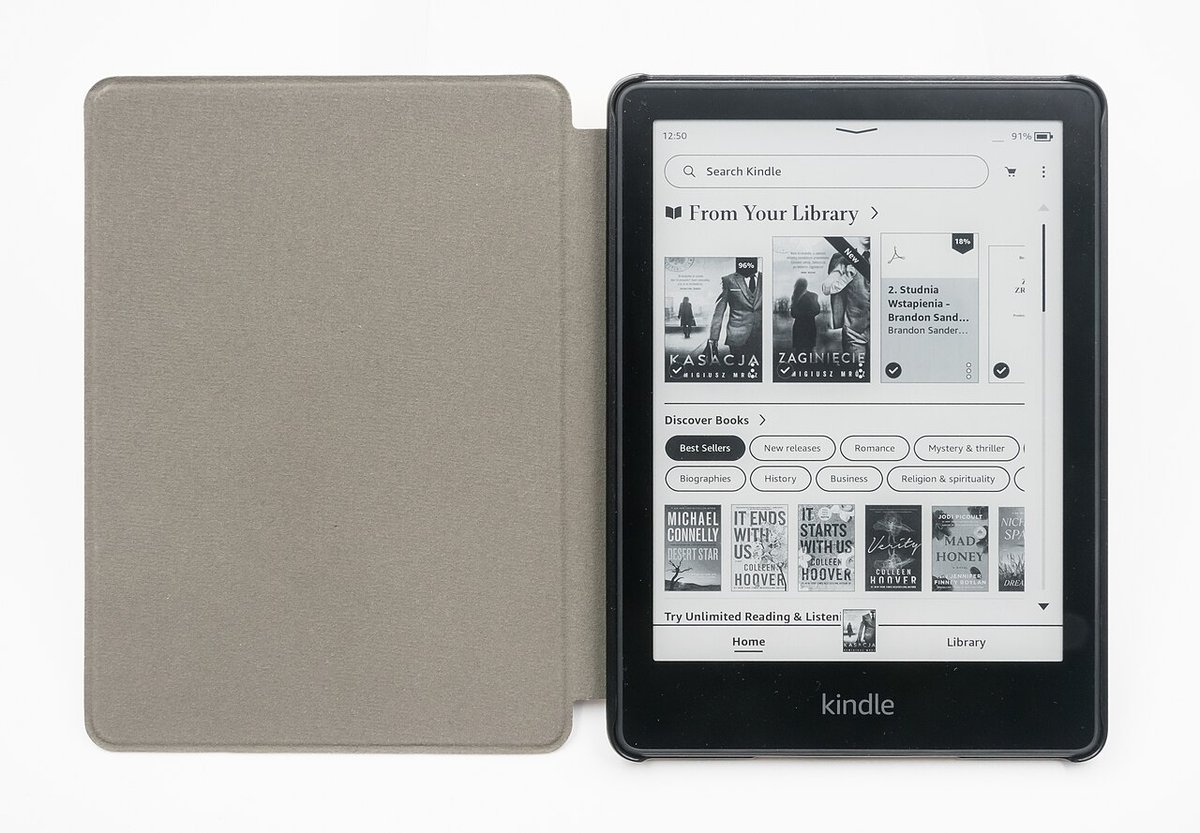
★ Your pick: Kindle Paperwhite
Best for books — e-ink, waterproof, weeks of battery
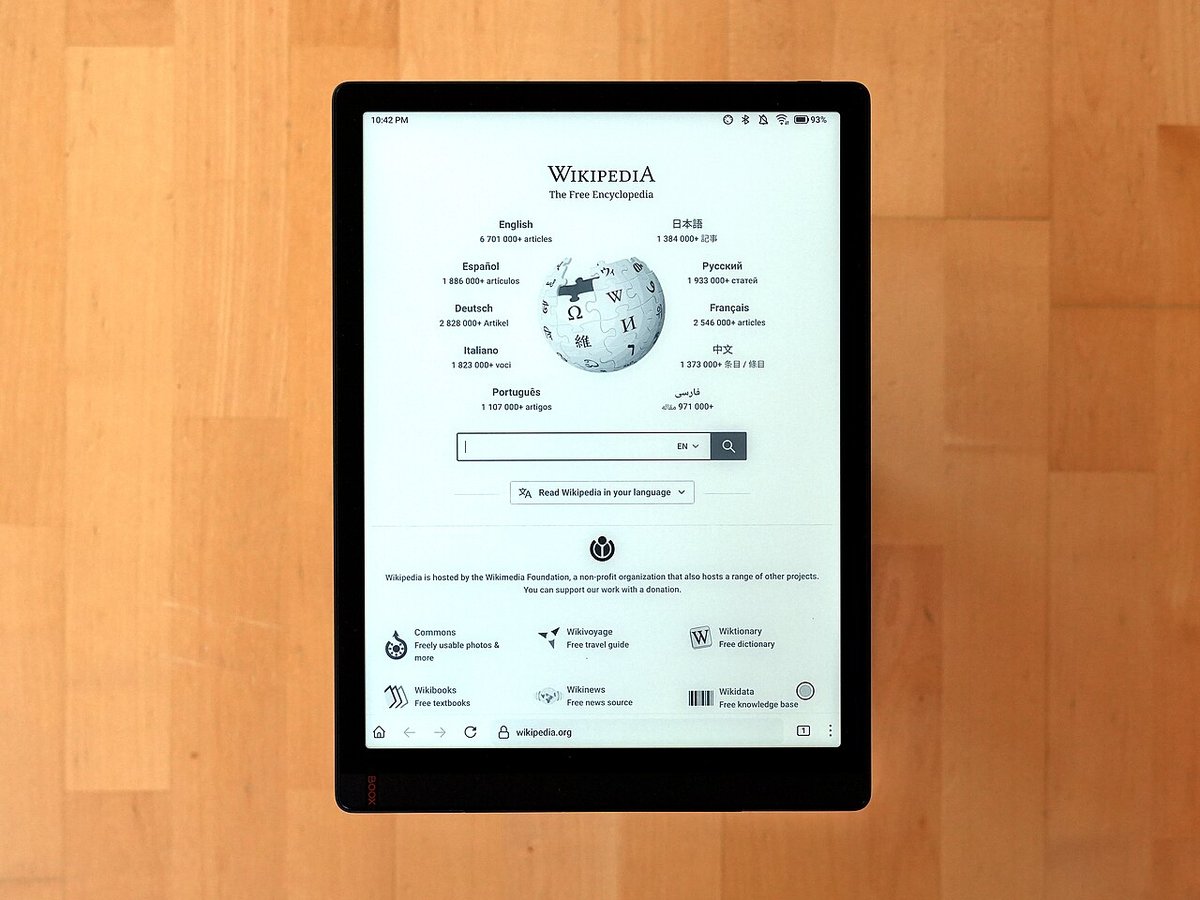
★ Your pick: Onyx Boox Tab X
Best for PDFs and notes — 13.3″ e-ink with Android
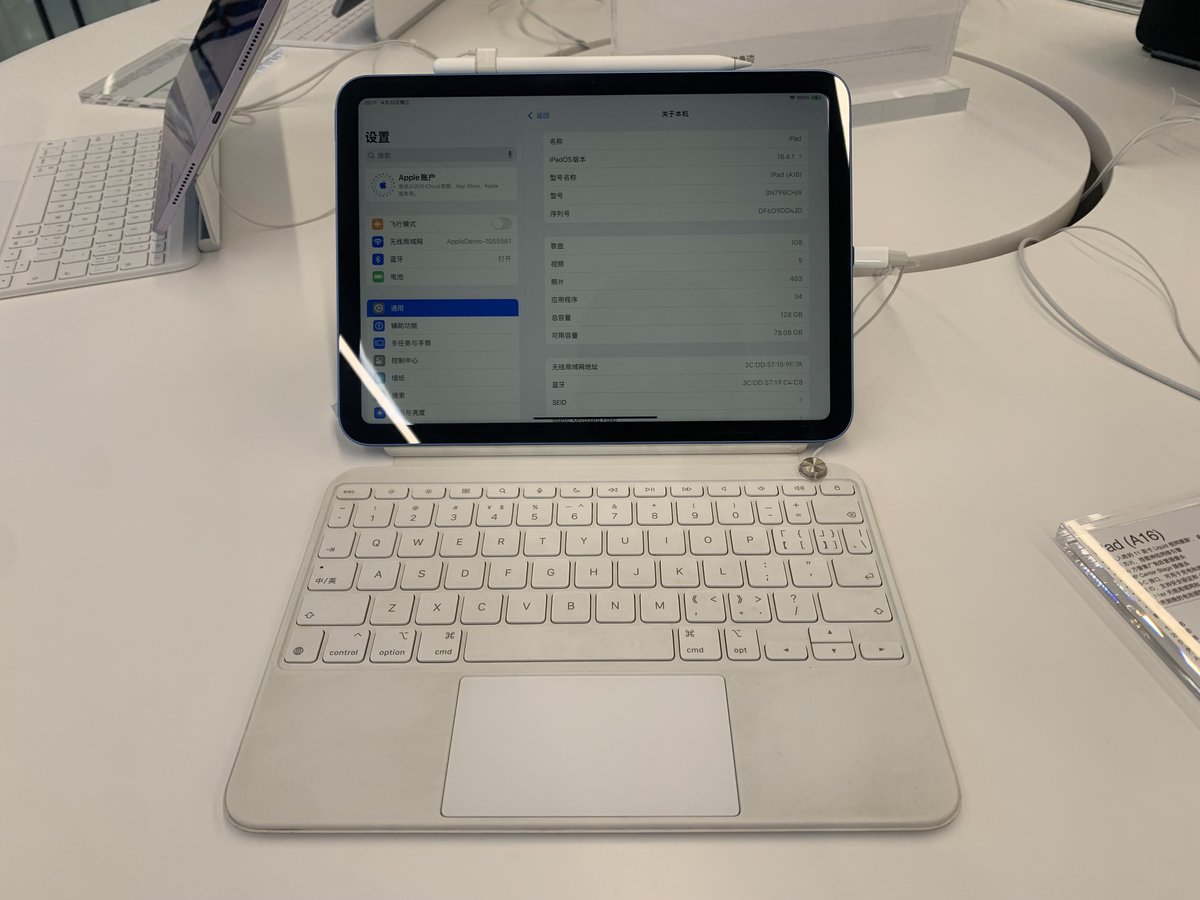
★ Your pick: Apple iPad (A16)
Best all-round — color comics, apps, note-taking
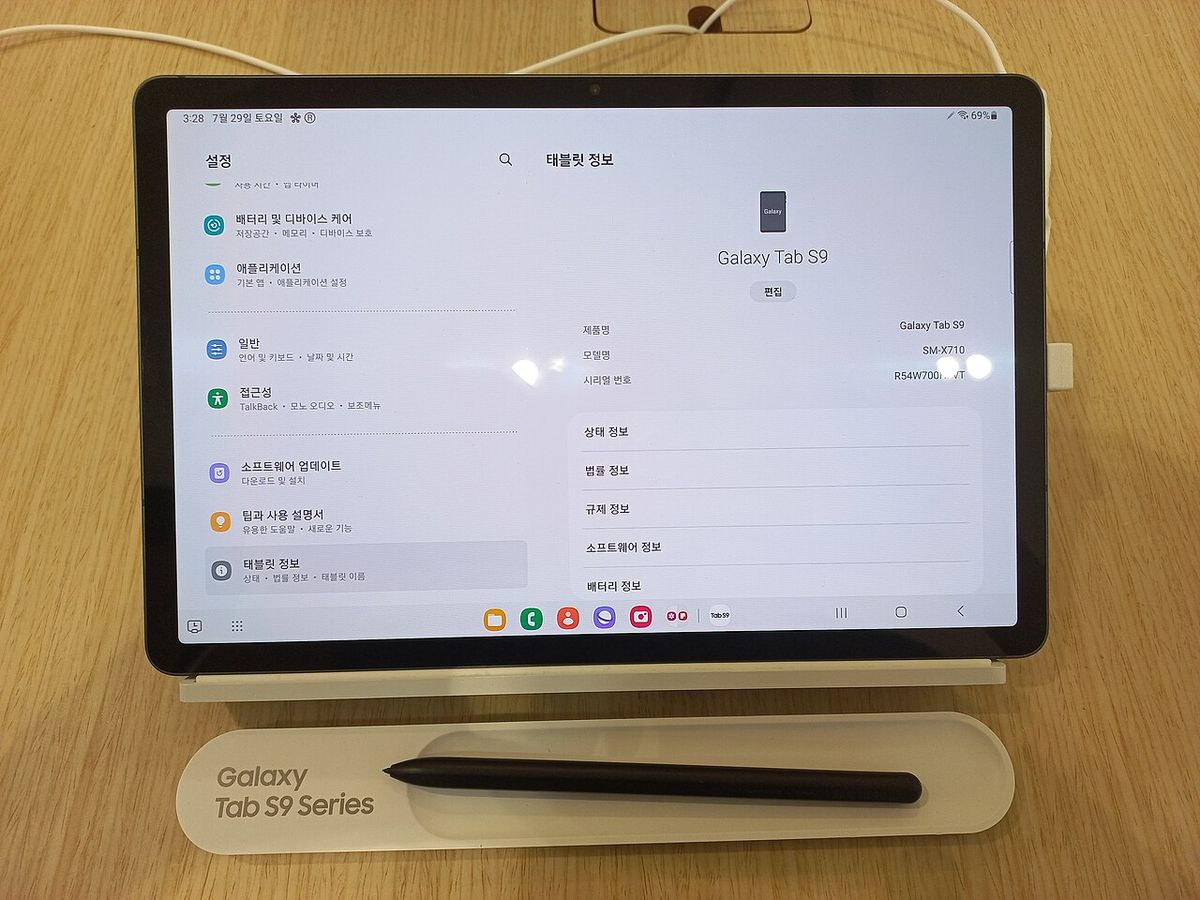
★ Your pick: Samsung Galaxy Tab S9
Best Android — AMOLED color, S Pen included
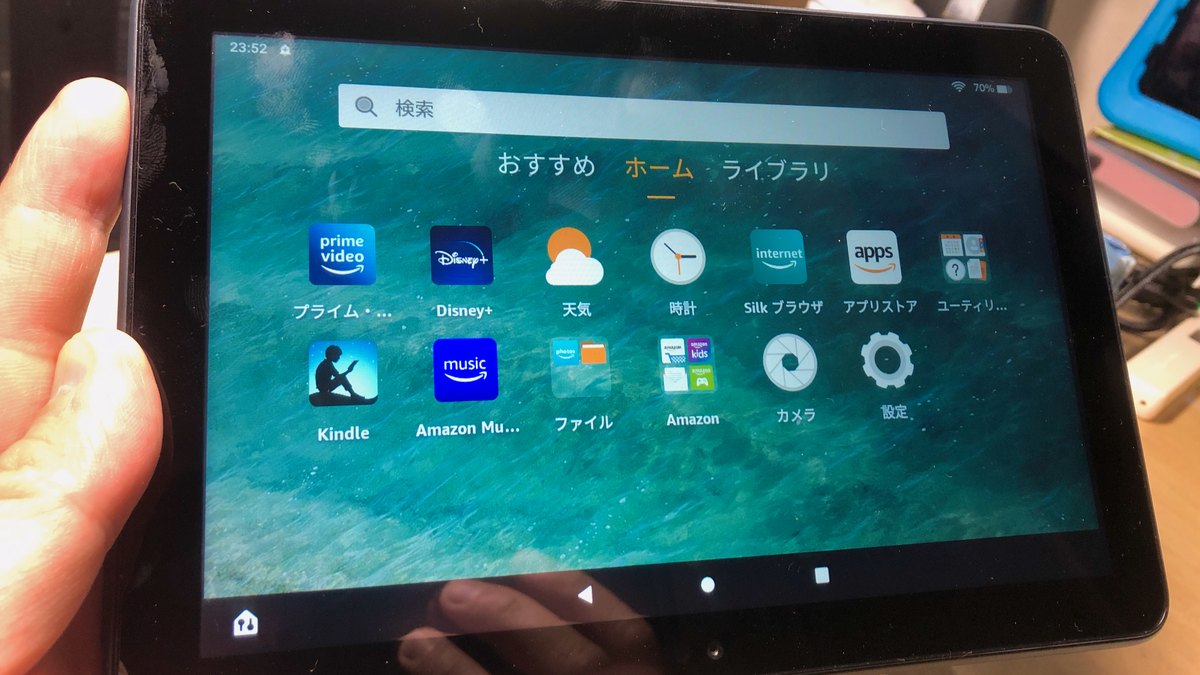
★ Your pick: Amazon Fire HD 8
Best budget — reading plus video for ~$90
👑 Our Top Pick — Best Overall Value
Kindle Paperwhite
Best for book readers — e-ink comfort, weeks of battery, from $159.99
Opens on our Top Pick. Tap an option to see the best match for you.
The Screen Decision Comes Before the Brand
Every “best reading tablet” roundup ranks devices as if screen technology were one spec among many. It is not. It is the entire product, and it splits the market into two genuinely different gadgets with different physics.
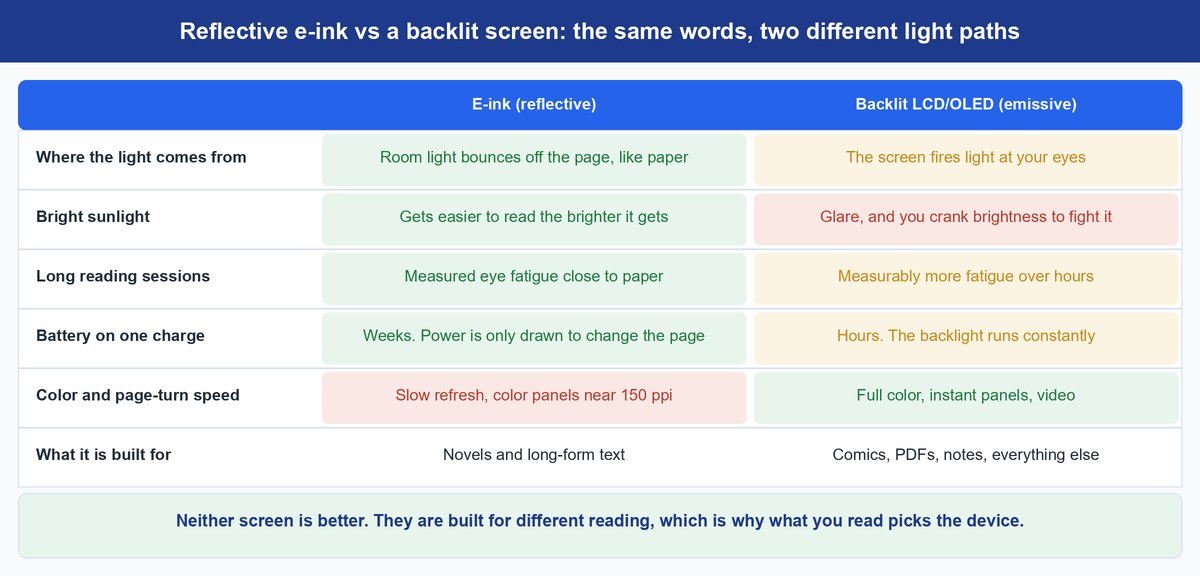
E-ink does not glow. It bounces room light off a page of pigment capsules, the way a paperback does. A tablet fires light at your face. That one difference decides sunlit reading, night reading, battery life, color, page-turn speed, and whether a PDF is a pleasure or a punishment. No brand badge fixes a mismatch you created at the screen level.
The catch: the word “tablet” covers two different products. Dedicated e-readers (Kindle, Kobo, Boox) and general tablets (iPad, Samsung, Fire) end up on the same shortlists even though only one of them is built for hours of text. So the useful question is never “which tablet” — it is “which screen does the reading I actually do require.”
Why E-Ink Wins When You Read Books
The Eye-Strain Evidence Is Real but Nuanced
The most-cited study on this is Benedetto et al. (2013) in PLoS ONE: participants read for prolonged sessions on an LCD reader (Kindle Fire HD), an e-ink reader (Kindle Paperwhite), and a paper book. On both objective (blink rate) and subjective (fatigue scale) measures, the LCD caused more visual fatigue than e-ink or paper — and e-ink was statistically indistinguishable from paper.
The nuance the headlines skip: an earlier study (Siegenthaler, comparing a first-generation iPad with an e-ink Sony reader) found no difference under specific light conditions. The evidence is device-dependent, not a law. But the direction is consistent enough: reflective screens cause less measurable eye strain than emissive ones for prolonged text reading, especially in bright light. And the practical differences — no backlight glare, no blue-light glow, adjustable warm lighting — match what readers report anecdotally.
The Battery Argument Is Not a Tie
An e-ink Kindle lasts three to six weeks on a charge. A tablet lasts 8 to 12 hours. If you read a half hour a day, this is a convenience difference. If you read for hours, or you travel, or you fall asleep reading, the e-ink battery turns a chore (charging every two days) into a non-event. It is the single most underrated feature in the category.
Sunlight and Bedtime Favor E-Ink
Read on a beach, a porch, or near a window and the e-ink screen behaves like paper — the brighter the light, the better it looks. A tablet fights glare and forces you to crank brightness, which drains the battery. At night, both work, but the e-ink front-light is warm and diffuse rather than a screen glow in a dark room, which most readers find easier to wind down with.
What You Actually Read Decides Everything
“Reading” is doing a lot of work as a word. Novels, manga, comics, PDFs, sheet music, newspapers, textbooks you annotate, and a bit of everything with a film afterwards are all reading, and they do not all want the same screen. Match your actual weekly mix to the right one.
Books and Long-Form Text — E-Ink
Novels, nonfiction, any single-thread, hours-long reading: e-ink. This is what the Kindle Paperwhite and its rivals are built for, and nothing a backlit tablet does compensates for the comfort and battery in this use case. If you are shopping the secondhand market to stretch the budget, our guide to what refurbished actually means covers which grades are worth it before you buy.
Comics and Manga — Backlit Tablet
Color is the whole point of comics, and panel speed matters for manga. E-ink color exists but sits near 150 ppi against 300 ppi for text models, and color e-ink panels are slow. A general tablet with a good color screen and the Kindle or ComiXology app is simply better here. This use case alone justifies an iPad-class device for many buyers.
PDFs, Textbooks, and Sheet Music — Backlit Tablet (or Large E-Ink)
PDFs are fixed layouts, so screen size and speed rule. The Onyx Boox Tab X (13.3 inches) is the niche crossover: big e-ink with Android, note-taking, and PDF annotations — the best tablet for reading PDFs if you also want e-ink comfort. Otherwise, a 10-to-11-inch tablet with a good PDF app wins on speed and zoom.
Note-Taking — Backlit Tablet or Big E-Ink
If reading and writing go together (study, research, journaling), you need a stylus and decent annotation software. Tablets (iPad, Samsung Tab) have mature note apps. The Boox line covers the e-ink version of this if you want the paper-like feel and hate screens during study.
Newspapers, Magazines, and Mixed Media — Backlit Tablet
Readers and news apps are color-rich and image-heavy, and most people also stream on the same device. A general tablet covers news reading plus YouTube, email, and light productivity in one purchase — which changes the value math against a single-purpose e-reader.
Sheet Music — Large Backlit or E-Ink by Preference
Musicians buy big screens for score legibility. A 12.9- or 13.3-inch screen (iPad Pro-class or Boox Tab X) keeps a full page readable without scrolling; the choice between them is backlight versus battery, and both work.
Tip: draw one line down a page and list what you read weekly. If 60 percent or more is books, buy the e-reader and add the Kindle app to whatever device you already own for the rest. If books are the minority of your time, buy the tablet — and read your Kindle books in its app, which is free and syncs everything.
The Best Tablets for Reading in 2026
1. Kindle Paperwhite — Best for Book Readers
from $159.997″ E-Ink300 ppiWeeks of BatteryWarm Light
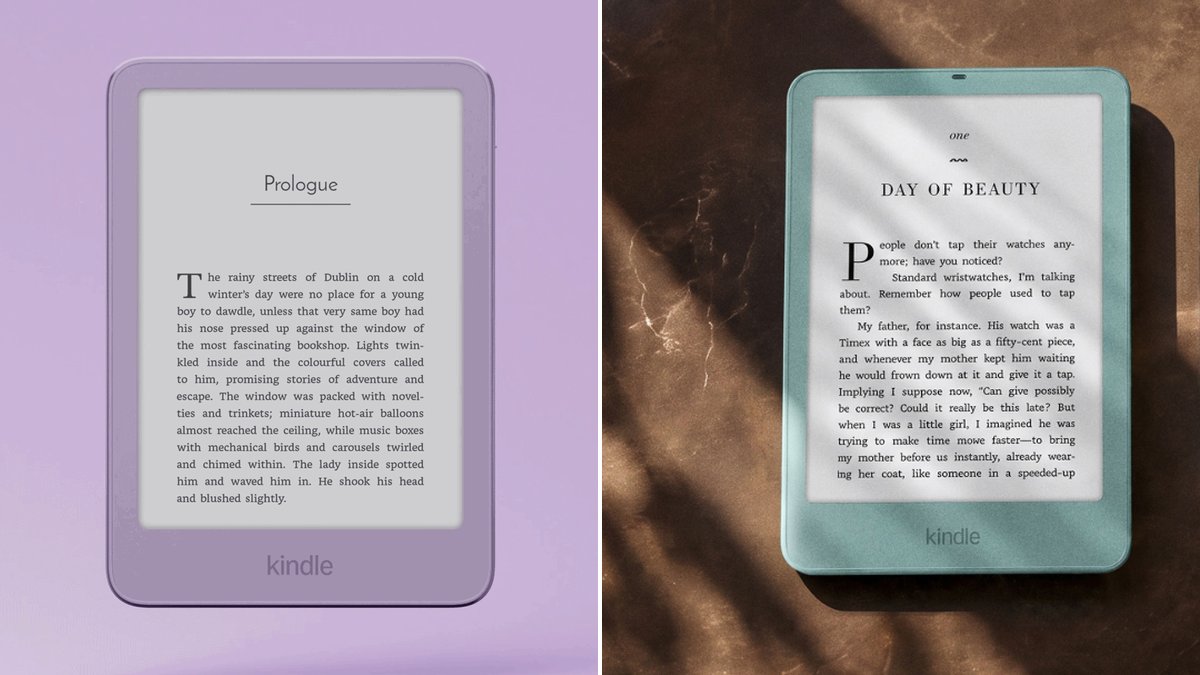
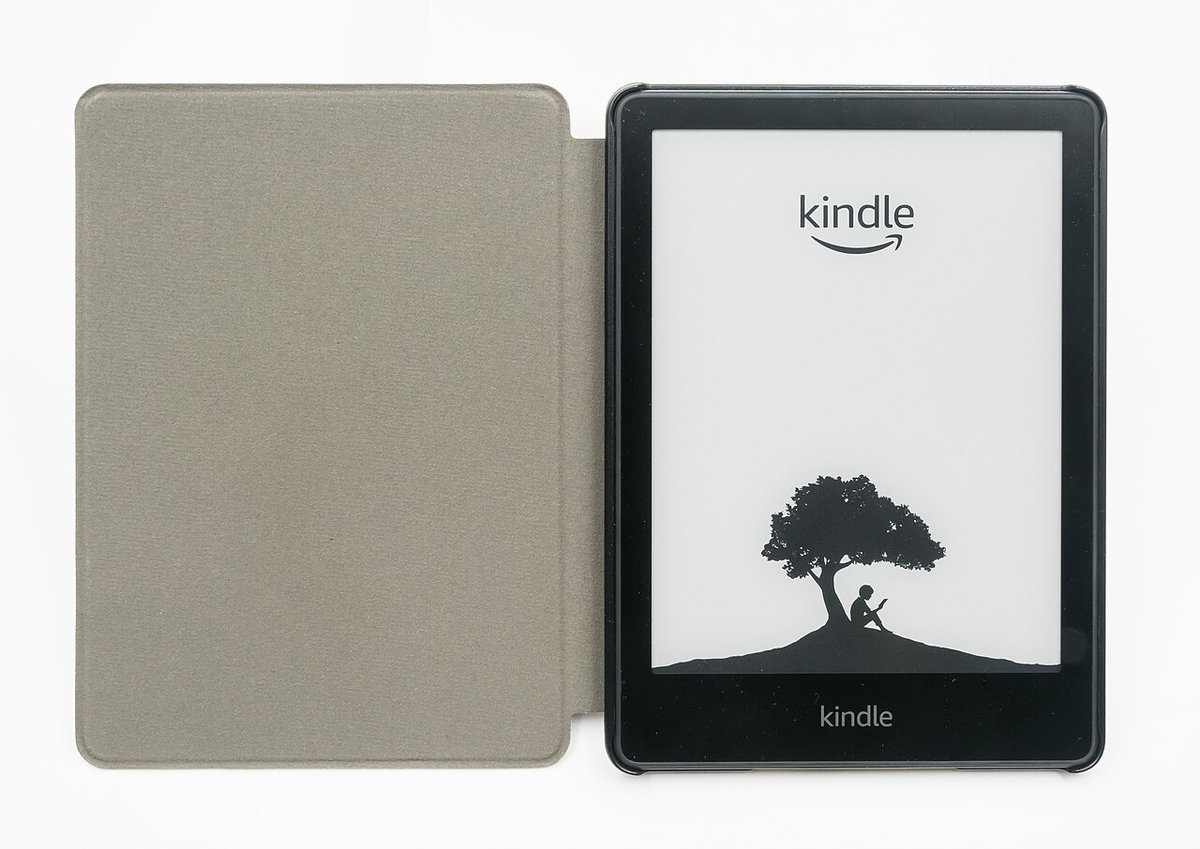
The default answer for anyone whose reading is mostly books. The Paperwhite hits the sweet spot of the e-ink world: a 7-inch 300 ppi display with adjustable warm light, waterproofing (IPX8) for bath and beach reading, and Amazon’s unmatched library and sync. It is the closest thing to paper in the reading experience, and the battery genuinely lasts weeks.
It is not a computer. No apps beyond reading, no color, and PDFs are a cramped compromise on a 7-inch screen. Buy it for books; it is the best at exactly that.
Pros
- Best-in-class e-ink readability
- Weeks of battery
- Waterproof (IPX8)
- Seamless Kindle library
Cons
- Books only — weak PDFs, no color, no apps
- Screen is small for comics
2. Onyx Boox Tab X — Best Large E-Ink for PDFs and Notes
≈ $80013.3″ E-InkAndroidStylus NotesPDF-First
The 13.3-inch e-ink tablet that does what no consumer e-reader can: full-page PDFs, technical documents, sheet music, and stylus note-taking on a paper-like screen that still lasts weeks. It runs Android, so the Kindle app, note apps, and browsers all work on it. For researchers, students, and musicians who want e-ink comfort with real document capability, this is the niche pick with no real rival.
The trade-offs are real: it is expensive, e-ink refresh is slow for video and web, and the build quality does not match a flagship tablet. It is a specialist tool, and for its specialty it is the best tablet for reading PDFs money can buy.
Pros
- Huge e-ink canvas
- Android app ecosystem
- Excellent stylus annotation
- Weeks of battery
Cons
- Pricey
- Slow refresh for anything animated
- Less polished hardware than iPads
3. Apple iPad (A16) — Best All-Round Tablet for Reading
≈ $44911″ LCDColor ComicsAppsApple Pencil (USB-C)
The safest general-purpose pick: an 11-inch color screen that handles comics, manga, PDFs, magazines, and every reading app, plus the entire app ecosystem for notes, streaming, and light work. The Kindle app makes your Kindle library fully readable on it, so you lose nothing by choosing the tablet route. The 128GB base model at $449 is the standard answer for mixed media readers.
It is heavier than an e-reader, battery is hours not weeks, and comics on a small screen require zoom. But nothing else at the price covers as much ground for “reading plus everything else.”
Pros
- Excellent color screen
- Full app ecosystem
- Strong note-taking with Pencil
- iPad longevity
Cons
- LCD backlight glare outdoors
- Battery lasts hours, not weeks
- Comics require zoom on an 11-inch screen
4. Samsung Galaxy Tab S9 — Best Android Tablet for Reading
≈ $80011″ AMOLEDVibrant ColorS Pen IncludedDeX
For Android households, the Tab S9’s 11-inch AMOLED is the best panel in its class for comics, magazines, and mixed media — deep blacks and vibrant color that LCD tablets cannot match. The S Pen is included, so note-taking on PDFs is free and immediate, and Samsung’s DeX mode doubles the device as a light laptop for study or work. Samsung’s current flagship is the Galaxy Tab S11 line; the S9 remains the smart buy once it is discounted.
Android’s app ecosystem is broader than the Fire’s but less polished than the iPad’s, and AMOLED still reflects glare outdoors like any backlit screen. It is a tablet first, reading second — but a very good second.
Pros
- Best-in-class AMOLED color
- S Pen included
- Strong multitasking
- Flexible storage
Cons
- Heavier and pricier than e-readers
- Backlit glare in sunlight
- App polish trails iPad
5. Amazon Fire HD 8 — Best Budget Tablet for Reading
≈ $908″ LCDKindle IntegrationAlexaValue-First
The budget answer: an 8-inch LCD tablet at roughly $90 that integrates Amazon’s Kindle app natively, so your library and audiobooks are one tap away. It reads fine in normal indoor light, runs all the major reading apps, and costs less than most e-readers — making it a legitimate candidate for kids, travel beater devices, or anyone who wants reading plus video for almost nothing.
Expect compromise: the screen is lower-resolution, the Fire OS app store is limited, and battery is tablet-class. For the price it is the best tablet for reading on a strict budget, and it pairs well with a Kindle for serious books.
Pros
- Extremely affordable
- Native Kindle integration
- Good enough indoor reading
- Kid-friendly options
Cons
- Limited app store
- Lower-resolution screen
- No stylus or heavy productivity
Frequently Asked Questions
Is a Kindle better than a tablet for reading?
For books, yes — e-ink is easier on the eyes over long sessions, works in sunlight, and the battery lasts weeks instead of hours. For anything with color, PDFs, apps, or notes, a tablet is better. The honest answer is that they are different tools, and which is “better” depends entirely on what you read.
Is reading on an iPad bad for your eyes?
Not bad, but measurably more tiring for long sessions than e-ink. The 2013 PLoS ONE study found higher visual fatigue reading on an LCD reader versus e-ink or paper, though an earlier study found no difference with a first-generation iPad. Modern tablets with night mode and reduced white point are far kinder than older screens, but a reflective e-ink screen remains the most comfortable for extended text.
What size tablet is best for reading?
Books: 6 to 7 inches (e-ink) is ideal for one-hand reading. PDFs, sheet music, and textbooks: 10 to 13 inches so pages fit without scrolling. Comics and manga: 10 to 11 inches balances color, panel size, and portability. Size should follow the document you read most.
What is the best tablet for reading comics and manga?
A color backlit tablet — an iPad, a Samsung Tab, or similar — because comics need color and manga needs fast panel rendering, which e-ink cannot deliver well. Color e-ink exists but runs at lower resolution and slower refresh, so it is not the pick for panel-heavy reading.
Can I read Kindle books on a regular tablet?
Yes, free and fully synced: install the Kindle app from the app store, sign in with your Amazon account, and your entire library syncs across devices with reading position, highlights, and notes. This is the key move for anyone choosing the tablet route — you keep your books and gain the screen.
What is the best tablet for reading at night?
E-ink with a warm front light is the most comfortable night reader because it glows softly instead of shining at your eyes — the Kindle Paperwhite is the standard pick. On a backlit tablet, enable dark mode or night shift, lower brightness, and use a warm color temperature; the OLED Samsung panels dim lower than LCDs and are the better tablet-side choice for dark rooms.