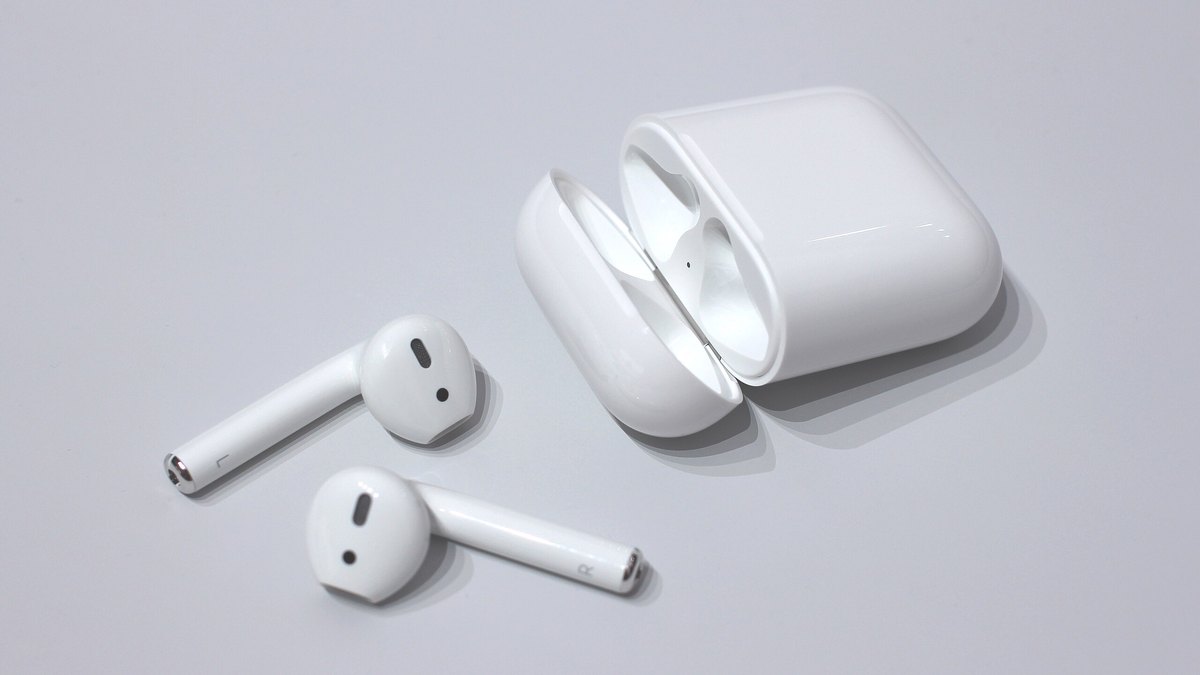
You press play, the music kicks in, and half of it is missing. One side is loud and clear, the other is a whisper or dead air. When your airpods only playing in one ear, the first thought is always the worst one: the speaker died and you’re buying new AirPods. Take a breath. That’s rarely what happened.
Here’s the truth after fixing a lot of these: a genuinely blown driver is near the bottom of the list, not the top. Nine times out of ten the quiet side is choked with earwax, tripped up by a setting you’ve never opened, or sulking over a one-sided Bluetooth handshake. All of that is free to fix at your kitchen table in about ten minutes. This guide walks the causes in the exact order a repair tech would, cheapest and most likely first, so you don’t clean the wrong thing, reset the wrong device, or book a Genius Bar appointment for a problem a soft brush would have solved.
- A quiet AirPod almost never means a dead speaker. Earwax packed into the mesh grille is the single most common cause, and it wipes off in minutes.
- Two settings buried in Accessibility, the left-right balance slider and Mono Audio, can mute one side even when both buds are flawless. Check them before you touch anything physical.
- The two buds charge and drain on their own, so one can quietly run flat and cut out while the other plays on. Charge both fully before you panic.
- Work the fixes cheapest-first: clean, check settings, re-pair, charge, clean the case contacts. You’ll usually be done before you spend a cent.
- Real hardware failure has a fingerprint: the same side stays silent on every phone, app, and song even after all the free fixes. That’s your cue to call Apple, not before.
Why Only One AirPod Suddenly Goes Silent
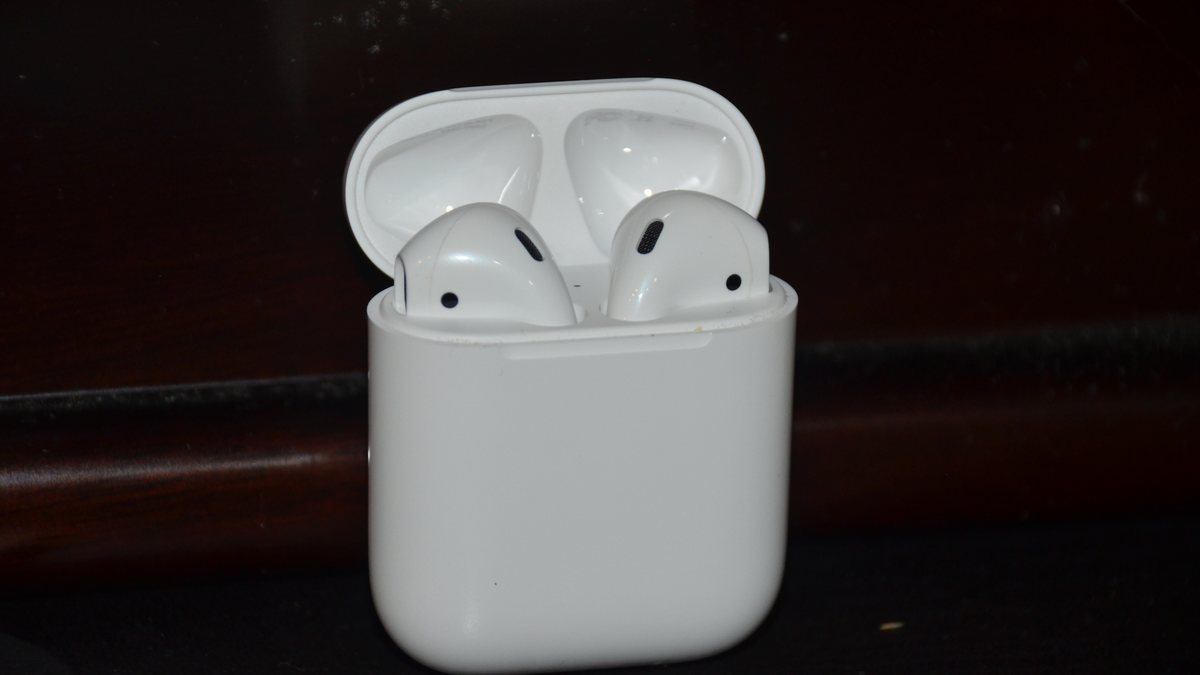
Before you fix it, it helps to picture what’s actually going on. Each AirPod is a tiny, complete speaker with its own battery, its own Bluetooth radio, and its own little sound outlet covered by a fine metal mesh. Your phone streams audio to both buds at once, but they play back independently. That independence is exactly why one can fail while the other sails on. It’s also great news, because it means the fault is usually isolated to one small, cleanable, resettable thing, not your whole setup.
So when one side drops out, you’re really asking one question: where is the sound getting blocked on its way to that ear? It can get blocked physically, at the mesh grille where wax builds up. It can get blocked by software, at a volume setting that favors one channel. Or it can get blocked by a bad connection, when the bud and your phone lose their one-to-one link. Each of those has a fast, specific fix, and we’ll take them in order of how often they’re the real culprit.
Keep in mind: if only one bud is in your ear and the audio still sounds thin or missing, that may not be a fault at all. Plenty of songs, podcasts, and phone calls put different content on the left and right channels, so a single bud only plays its half. The Mono Audio fix further down solves that in one tap.
Those three blocks are worth naming, because each one points you at a different fix. Here’s how to tell them apart.
A Physical Block at the Mesh Grille
This is a wall of earwax or lint sitting in front of a perfectly good speaker. The tell is that the quiet side sounds muffled or thin rather than totally dead, and it got worse gradually over weeks. It’s the most common block by a wide margin, and it wipes clean in minutes.
A Software Setting Muting One Channel
Here the AirPods are flawless and your phone is sending uneven sound. The tell is that the problem followed you across different headphones, or it appeared suddenly right after you fiddled with settings. No cleaning will touch this one, because there’s nothing physically wrong.
A Broken One-to-One Bluetooth Link
Each bud holds its own connection to your phone, and that link can drop or scramble on its own. The tell is a side that’s fully silent rather than muffled, often flickering in and out, and frequently after a software update or after using the buds with several devices. A re-pair usually clears it.
Work the Fixes Cheapest-First, Not at Random

Most articles dump ten random tips on you with no order, so you end up buying a cable you didn’t need or resetting gear that was fine. Don’t do that. The causes of one silent AirPod fall into a clear ranking, from dirt-cheap and super common at the top to rare and expensive at the bottom. Start at step one and stop the moment sound returns.
The order below isn’t arbitrary. Each step is either more common or cheaper than the one after it, so you spend the least time and money to get both ears back. Follow it top to bottom and the odds are you’re done within the first three rungs.
Clean the Speaker Mesh Grille First
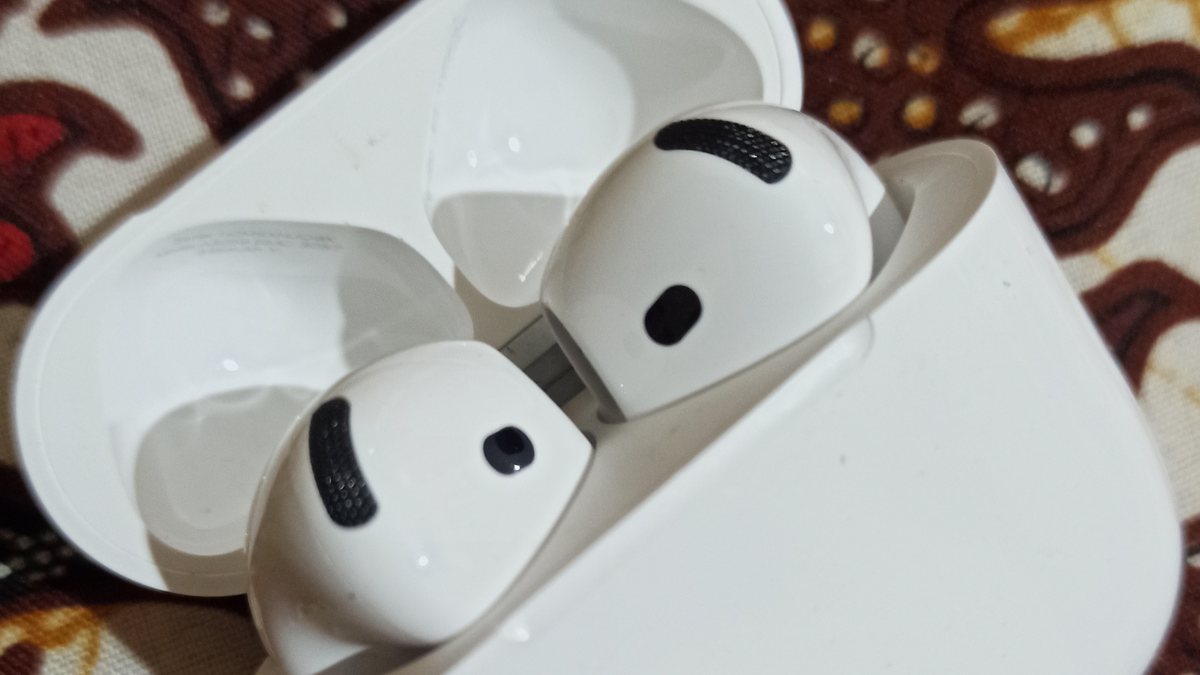
This is the number-one real cause, full stop. Look closely at the AirPod and you’ll see a small oval of fine mesh where the sound comes out. That mesh sits right at the mouth of your ear canal, which is a warm, waxy place, and over weeks it collects earwax, skin oil, and dust until it packs into a felt-like plug. The speaker behind it still works perfectly, but the sound can’t get through, so that ear goes quiet or muffled while the cleaner bud stays loud. If one AirPod is lower volume than the other, this is your prime suspect.
Cleaning it is easy and free, but the method matters more than people think. Work over a desk, in good light, and be gentle.
- Brush the mesh with a clean, dry, soft-bristled brush. A fresh soft toothbrush or a small paint brush is perfect. Brush across the mesh so the loosened wax falls away from the grille, not into it.
- For packed-in wax, gently dab the mesh with a bit of poster putty or the sticky side of a piece of tape. It lifts flakes out of the holes without pushing them deeper.
- Finish with a dry cotton swab or a dry microfiber cloth to pick up whatever came loose.
Warning: never put liquid on the mesh, and that includes alcohol, water, or cleaning spray. Apple’s own guide to cleaning your AirPods says to keep moisture out of the openings, because it can seep past the mesh and kill the driver you’re trying to save. Skip metal too. A pin or safety needle pushes wax inward and can scratch or short the speaker. Dry, soft, and patient wins.
Check the Balance and Mono Audio Settings
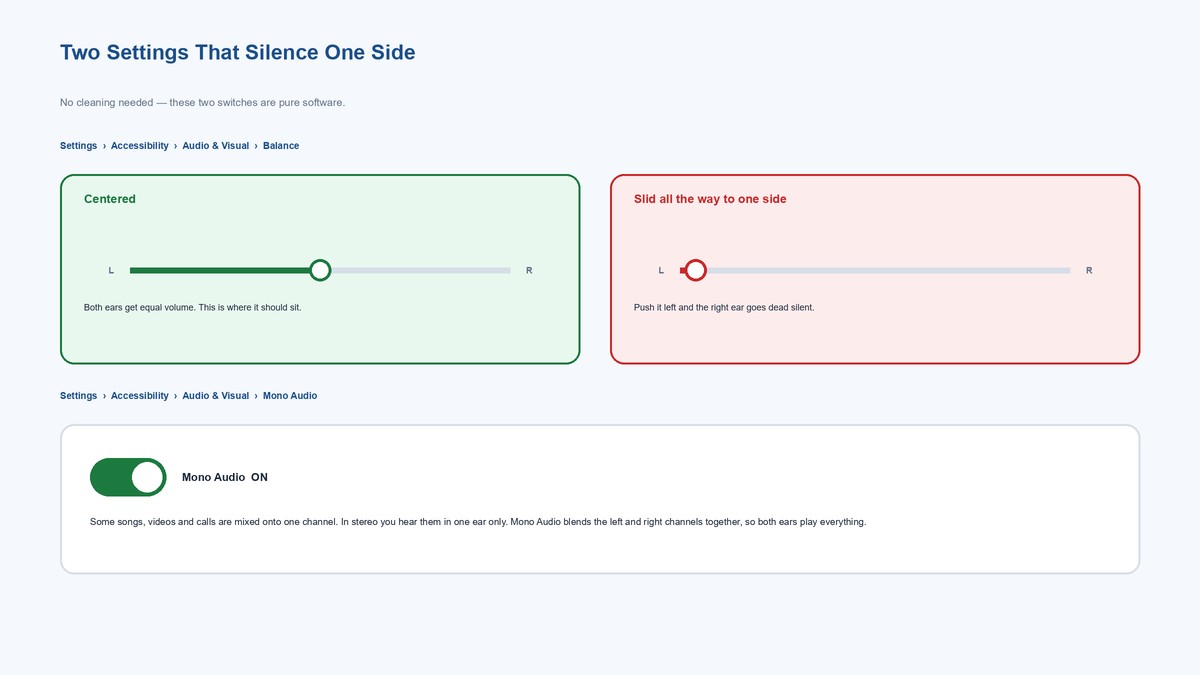
If a good clean didn’t do it, stop cleaning and look at your settings, because this is the fix almost nobody knows about. Your phone has an audio balance slider that decides how much volume goes to the left versus the right ear. If it gets nudged off-center, one side goes quiet no matter how perfect your AirPods are. It’s shockingly easy to bump by accident, and once it’s set, it stays set across every pair of headphones you own.
On an iPhone, go to Settings, then Accessibility, then Audio & Visual, and find the Balance slider. Make sure the little dot sits dead center. On Android, it lives under Settings, then Accessibility, then the audio section, as “Audio balance.” Center it and test again.
While you’re on that screen, look for Mono Audio. This is the fix for the “one bud sounds empty” problem from earlier. Normal stereo sends different sound to each ear, so a track mixed heavily to one channel plays in one bud only. Flip Mono Audio on and your phone blends the left and right channels together, so both ears get the full mix. It’s a lifesaver if you often wear a single AirPod.
Tip: if centering the balance fixes it, do a quick sanity check by dragging the slider fully left, then fully right, listening each time. If the sound obediently follows the slider to both sides, both speakers are healthy and you just had a stray setting. That thirty-second test rules out hardware for free.
Re-seat, Forget, and Re-pair the Connection
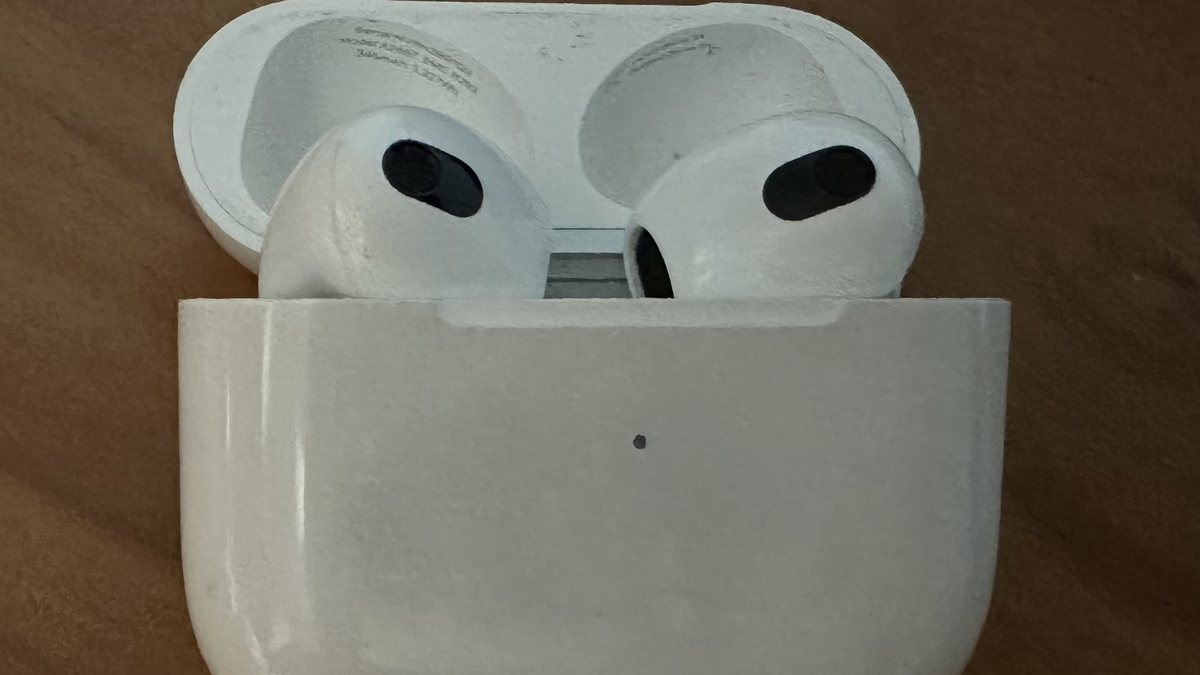
Still lopsided? The next suspect is the Bluetooth link. Each AirPod pairs to your phone as part of a set, and now and then that bond gets confused, especially after an update or after hopping between your phone, laptop, and iPad. The result is a bud that’s connected but not really playing, so one ear stays silent.
Start with the ten-second reset that fixes most connection hiccups: put both AirPods back in the case, leave the lid open, wait about fifteen seconds, then take them out and pop them in your ears. That forces the buds to re-sync with each other and your phone. If that’s not enough, forget the AirPods and pair them fresh. On your iPhone, go to Settings, then Bluetooth, tap the “i” next to your AirPods, and choose Forget This Device. Then open the case next to your phone and set them up again like new.
The full reset differs by model. The older cases with a round setup button, from the original AirPods through AirPods Pro 2, reset by holding that button until the light flashes amber and then white. The newest models, AirPods 4 and AirPods Pro 3, dropped the button, so you reset those by double-tapping the front of the case instead. Either way, you then re-pair from scratch. If you’ve reset other earbuds before, the logic is identical to our brand-by-brand walkthrough on how to reset Bluetooth headphones.
Rule Out a Low Battery on Just One Bud
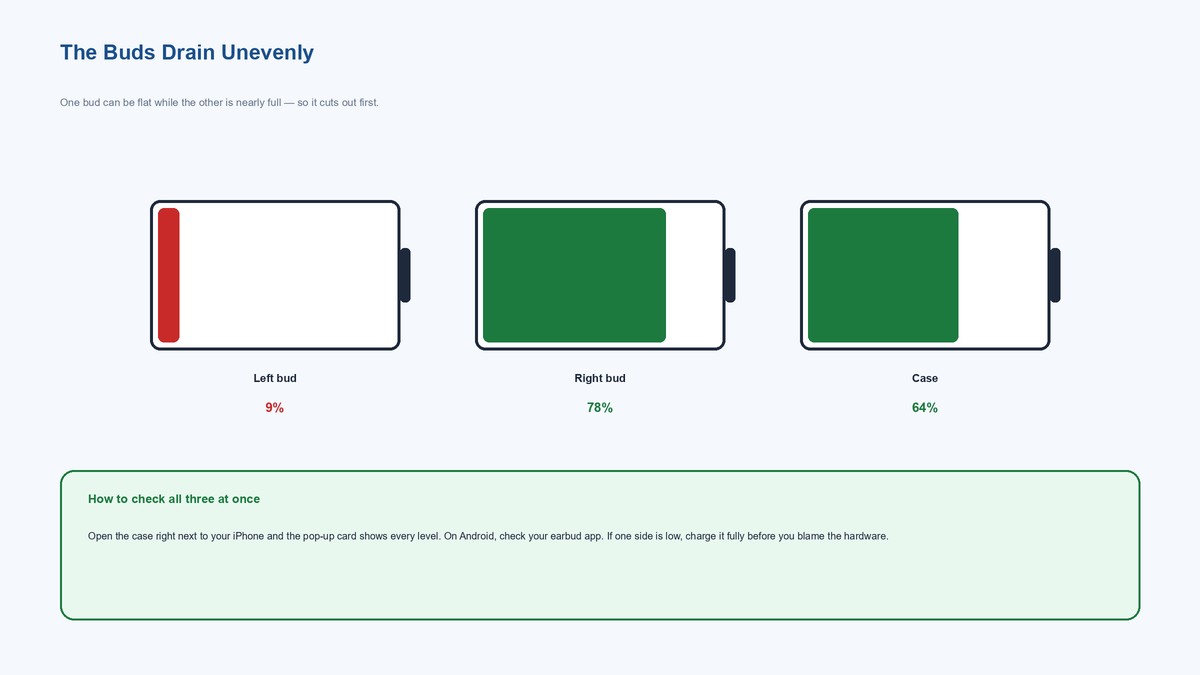
Here’s a cause people almost never suspect, because the AirPod still “turns on.” Each bud runs on its own tiny battery, and they don’t drain in perfect lockstep. One can be sitting at 8 percent while the other is near full, usually because it charges a hair worse in its case well (more on that next). A radio needs steady power to hold a clean audio link, so as one bud’s battery sags, it starts cutting out and eventually goes silent while its twin plays on happily.
The fix is dead simple: charge both buds all the way up and test again. To see the actual levels, open the case right next to your iPhone and the pop-up card shows the left bud, the right bud, and the case as three separate numbers. On Android, your earbud companion app shows the same thing. If one side is dramatically lower, that’s your answer, and twenty minutes on the charger will confirm it.
Clean the Charging Contacts Inside the Case
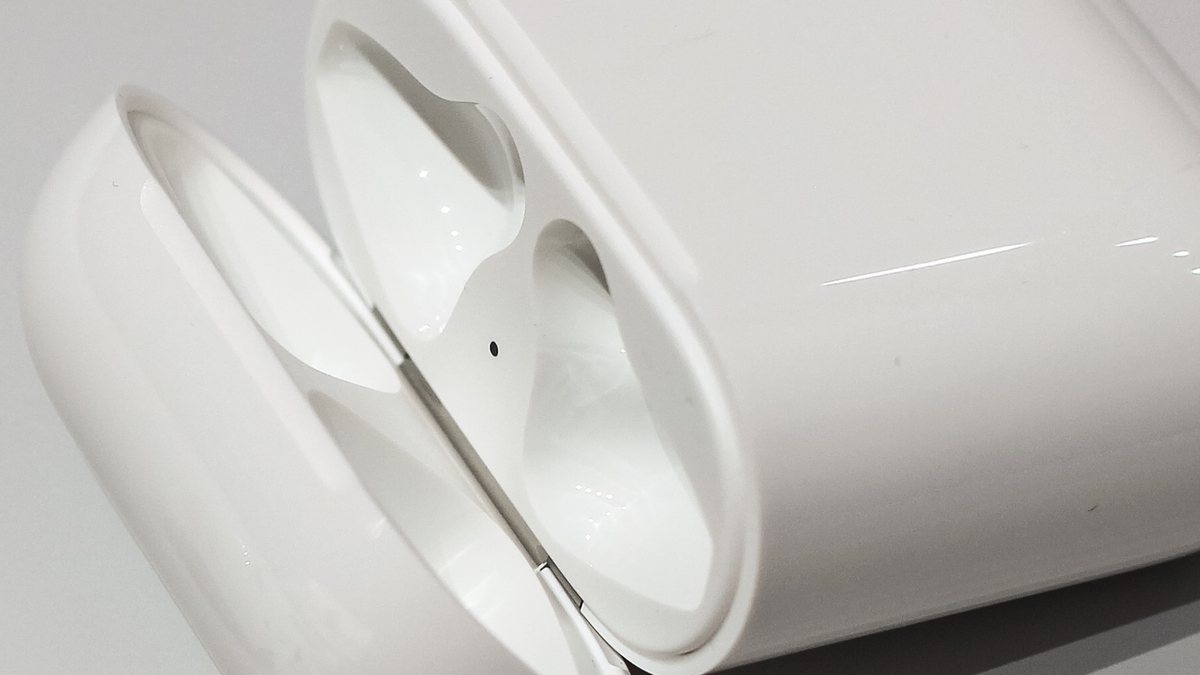
If one bud keeps ending up with a lower battery than the other, the case is usually why. Look inside the two wells where the AirPods sit and you’ll find small metal contacts. Those touch matching contacts on each bud to charge it. When one well collects lint, wax, or grime, that bud charges slowly or not at all, drains flat during the day, and goes quiet, while the clean well keeps its bud topped up. It’s the hidden root cause behind a lot of “one AirPod dies faster” complaints.
Clean the contacts the same gentle way you cleaned the grille: a dry cotton swab, or a dry soft brush, worked lightly over the metal points inside each well and on the tip of each bud. A cotton swab barely dampened with a touch of isopropyl alcohol is fine on these hard metal contacts, as long as it’s nearly dry and you let it air out before charging. Just keep every drop away from the speaker mesh.
Tip: while you’re in there, check that the bud actually clicks and holds in the well. A worn magnet or a fleck of debris can let one AirPod sit a millimeter proud, breaking contact. If your case itself has stopped charging entirely, that’s a different rabbit hole, and our guide on why an AirPods case won’t charge covers it.
How One Quiet Side Behaves on AirPods Pro
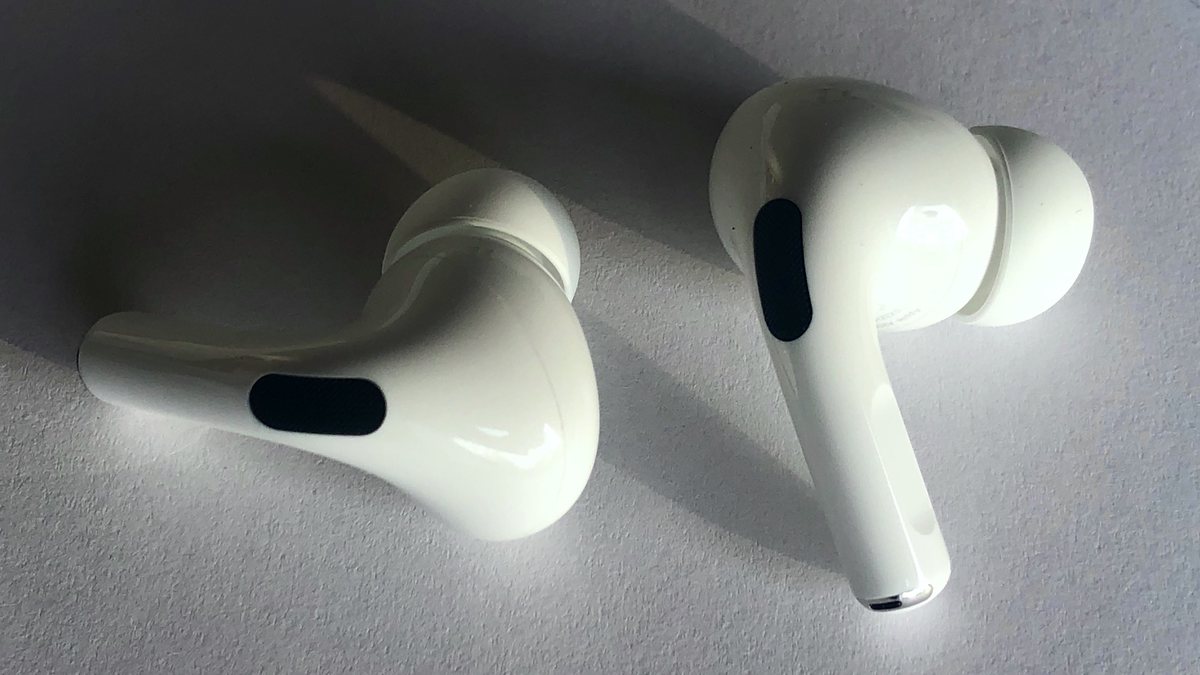
The silicone-tipped AirPods Pro add one more thing that can fake a dead speaker, and it fools people constantly. The Pro’s sound exits through the mesh at the tip, so if that mesh clogs with wax, or if the removable silicone ear tip is gunky or torn, that side goes quiet even though the driver is perfect. Before anything else, pull off the ear tip on the quiet side, rinse the tip alone in water, dry it fully, and gently brush the mesh underneath. Swapping to a fresh tip is a two-dollar test that solves a surprising number of “my AirPod Pro is silent” cases.
Everything else on this list still applies to the Pro: the balance slider, Mono Audio, the re-pair dance, and the charging contacts. The Pro also runs an ear-tip fit test in Settings that can flag a bad seal, which often feels like low volume on one side rather than true silence. If cleaning the tip and the mesh brings it back, you just saved yourself a repair.
What Changes on the Over-Ear AirPods Max
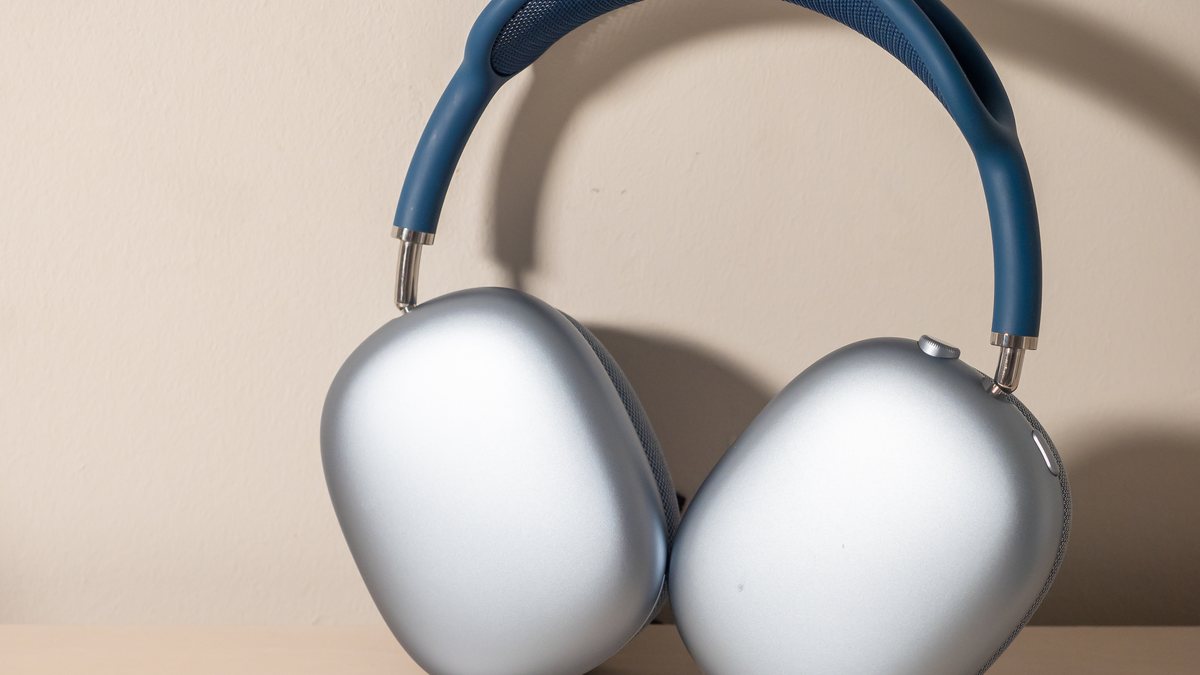
The AirPods Max play by slightly different rules because they’re one headphone, not two separate buds, so there’s no case, no charging wells, and no independent per-bud battery to go flat. When one ear cup goes silent on the Max, the software culprits are identical: check the balance slider and Mono Audio first, because those mute one side on any headphone. After that, the usual move is a plain reset. Hold the noise-control button and the Digital Crown together for about ten seconds until the status light flashes, then re-pair.
Because there’s no wax-magnet grille pressed into your ear canal, physical clogging is far less likely on the Max. That shifts the odds: on the Max, a stubborn one-sided silence that survives a balance check and a reset points toward a connection issue or a genuine fault sooner than it would on the in-ear models. It’s still worth the free steps first, but you’ll reach the “call Apple” line a little faster here.
When It’s Real Hardware and Time to Call Apple
There’s a point where more cleaning is just wasted effort, and knowing that line saves an afternoon. Real driver failure has a clear fingerprint, and you can test for it yourself in five minutes.
The catch: if the same AirPod stays silent after you’ve cleaned the grille, centered the balance, turned on Mono Audio, re-paired, and fully charged it, and it’s still dead when you pair it to a completely different phone, then the hardware has failed. The “different phone” test is the clincher, because it rules out every setting and every quirk of your original device at once. A single quiet source is a setting; silence on everything is a broken bud.
At that point, price it out honestly. AirPods carry a one-year limited warranty, and if you bought AppleCare+ it likely covers this, so start at Apple’s AirPods repair page and enter your model for the real number. Out of warranty, Apple replaces a single lost or dead AirPod rather than the whole set, and the fee is usually a fair bit less than a new pair. Because the batteries and drivers are glued in tight, a truly failed bud isn’t worth a DIY repair, but a single-bud replacement often is, especially if the rest of your set is young and healthy.
Frequently Asked Questions
Why is only one of my AirPods playing sound?
It’s almost always one of three things: earwax clogging the mesh grille, an off-center balance slider in Accessibility settings, or a Bluetooth connection that needs a fresh re-pair. Clean the grille, center the balance, then re-pair, and most silent AirPods come back to life without a repair.
How do I clean the AirPod that’s gone quiet?
Brush the mesh grille with a clean, dry, soft-bristled brush, then lift stubborn wax with poster putty or tape and finish with a dry cotton swab. Skip water, alcohol, and sprays, and never poke the mesh with a pin, since moisture turns a cleanable clog into real damage.
Could a setting really mute one AirPod?
Yes, and it’s the most overlooked cause. The audio balance slider in Settings, Accessibility, Audio and Visual sends more volume to one ear, and if it drifts off-center, that side goes quiet on any headphones. Center the slider, and flip on Mono Audio if a track sounds one-sided.
Why does one AirPod keep dying before the other?
Each bud has its own battery and charges independently in the case. A dirty charging well charges its bud poorly, so it runs flat and cuts out while the other keeps playing. Wipe the metal contacts in both wells with a dry swab and reseat each bud firmly.
Is a silent AirPod always broken?
No, a dead speaker is actually one of the rarest causes. Run every free fix first, then pair that AirPod to a different phone. If it plays there, the hardware is fine and the problem was a setting or connection. Only silence on every device points to real failure.
Do AirPods Pro and AirPods Max have the same fix?
The software fixes match: balance slider, Mono Audio, and re-pairing work identically across every model. The physical fixes don’t. AirPods Pro also need the silicone ear tip and mesh underneath cleaned or swapped. AirPods Max has no tips or case, so a reset is your main move.
The Bottom Line
A single silent AirPod feels like a death sentence for a pricey gadget, but it almost never is. Picture the sound getting blocked on its way to that one ear, then clear the blockages cheapest-first: brush the wax off the mesh grille, center the balance slider, flip on Mono Audio if you wear one bud, re-pair the connection, and charge both buds after cleaning the case contacts. Those free steps fix the overwhelming majority of cases in minutes. Save the repair call for the one telltale sign that actually means hardware, when the same bud stays silent on a completely different phone. Until you see that, keep your wallet closed, because a soft brush and a stray setting are usually the whole story.