A refurbished iPhone can cost about as much as a new Android phone below the top price range. But the word “refurbished” on a listing tells you very little. Before you buy, check three things: at least 90% battery health, enough time to return the phone, and a price well below the same phone when new. If one is missing, keep looking.
This guide helps you choose the right model, seller, and price. It also shows you what to check when the phone arrives. If you first want to know what sellers mean by “refurbished,” read our plain-English refurb guide.
Affiliate disclosure: TechDaily may earn a commission from qualifying purchases through links in this guide. It does not change our picks or your price.
- Check the warranty and return steps first. A shiny grade protects you less than a seller who must take a bad phone back.
- Aim for at least 90% battery health. Apple uses 80% as the point where a battery may need service, so an 80% phone is already close to repair time.
- The iPhone 15 is the best choice for most people because it brings USB-C without the high price of the newest model.
- The iPhone 13 is the best low-cost pick when it stays under roughly $330. The iPhone 16 is the better pick for long ownership when it saves at least 20% versus new.
- Record the unboxing and finish every hardware check before moving your data. Evidence turns a seller argument into a quick return.
Which refurbished iPhone should you buy?
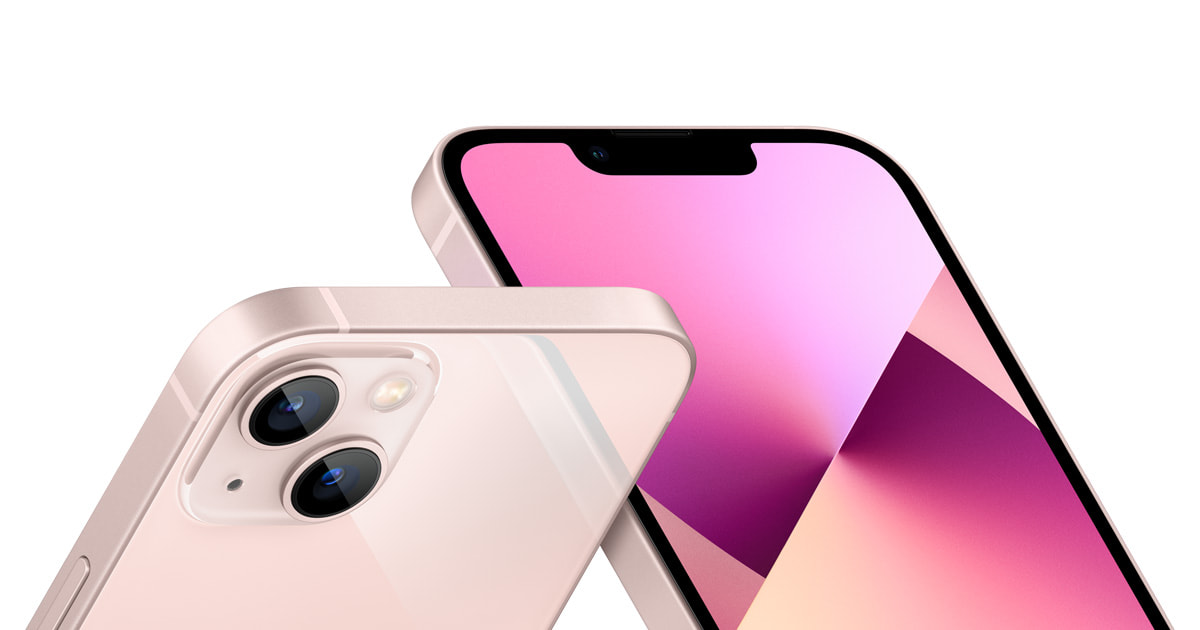
★ Your pick: iPhone 13
The cheapest model here still worth buying, but only with a strong battery and warranty
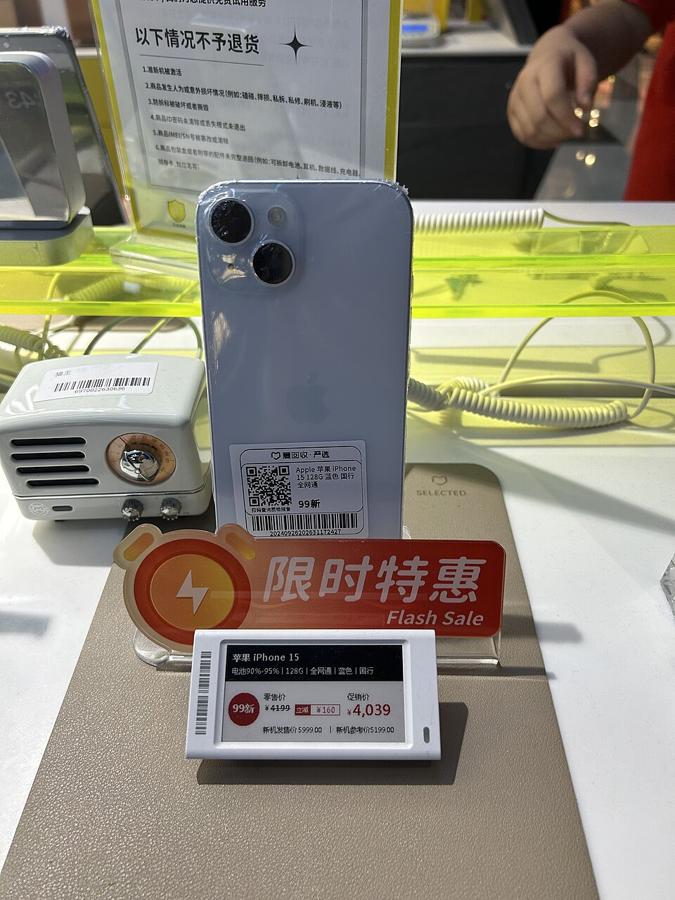
★ Your pick: iPhone 15
USB-C and several likely update years make it the best choice for most buyers
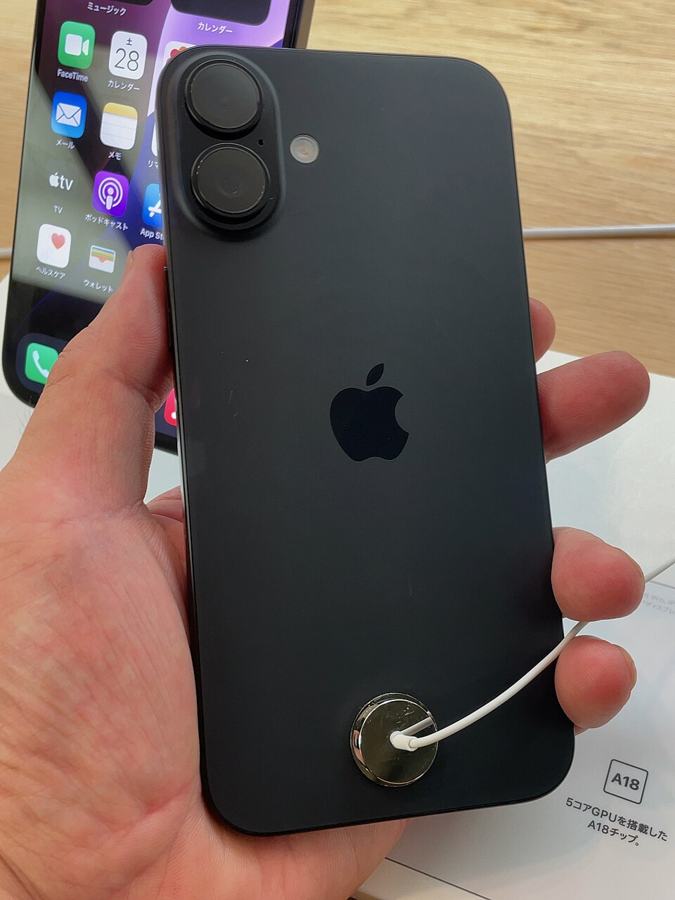
★ Your pick: iPhone 16
Pay more now for the most likely years of iPhone software updates in this list
👑 Our Top Pick — Best Overall Value
iPhone 15
Best balance of price, USB-C, camera life, and years of updates left
Opens on our Top Pick. Tap an option to see the best match for you.
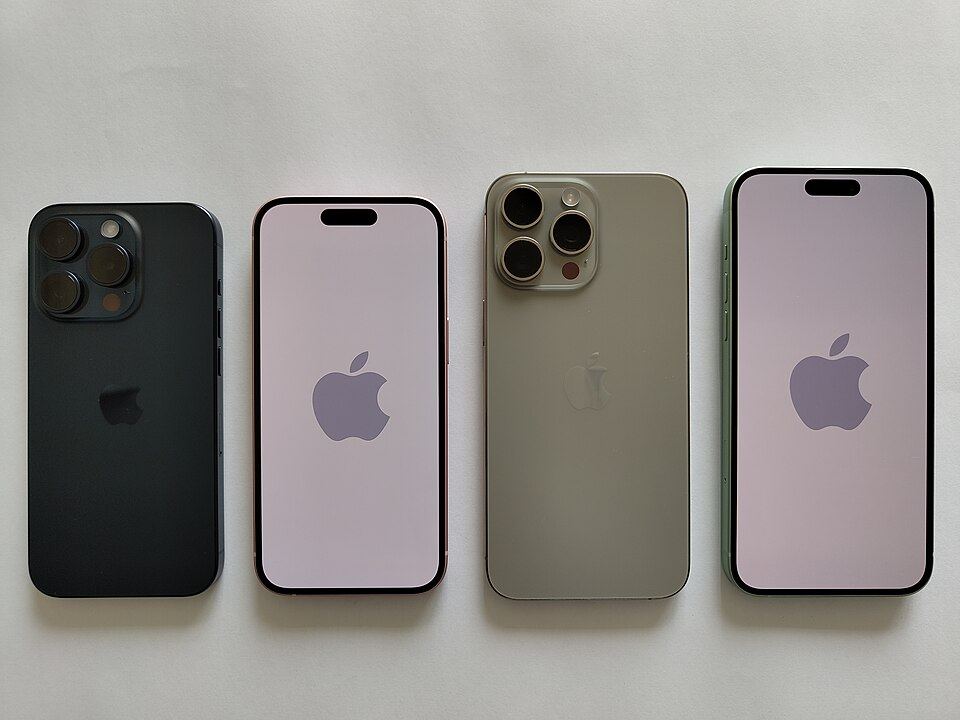
Picker photo credit: Kskhh, CC BY-SA 4.0, via Wikimedia Commons (https://commons.wikimedia.org/wiki/File:IPhone_13.jpg).
The Three Numbers That Decide the Deal
The phone can look perfect and still be a bad buy. Cosmetic grades describe scratches. They do not tell you how long the battery lasts, whether Apple will service it, or how hard the seller will fight a return.
Battery Health at 90% or Better
Ask for a screenshot of Settings, Battery, then Battery Health before paying when the seller allows it. At 90%, you have useful room before a battery replacement becomes likely. At 80%, you are buying close to the point where Apple may service the battery.
Apple says iPhone 14 batteries and earlier are designed to retain 80% capacity after 500 full cycles under ideal conditions. The iPhone 15 target is 80% after 1,000 cycles. That does not make 80% dangerous. It makes 80% a poor starting point for a phone you just bought.
Warranty Long Enough to Expose a Bad Phone
A battery can pass a quick test and fail after a week of normal use. Cameras can focus in daylight and hunt at night. A charging port can work only when the cable sits at one angle. You need enough time to find those faults.
Do not accept a warranty shorter than 90 days. One year is much better. It must cover a phone that stops working, not just damage during delivery. You should also be able to find the return steps before you pay.
Savings That Pay for the Risk
Do not accept a 5% discount for a phone with a previous owner. When an outside seller restores the phone and lists it in an online market, aim for at least 20% below the same storage size sold new. Apple Certified Refurbished can justify a smaller difference because Apple fits a new battery and shell.
The catch: storage can fake a bargain. Compare 128GB with 128GB, unlocked with unlocked, and the same model size. A cheap 64GB phone is not beating a 128GB deal; it is a different product.
The Best Refurbished iPhone Models to Buy Now
There is no magic model year. The useful choice is the oldest phone that still gives you the features you care about and enough software life to spread the price across several years.
Apple does not promise a fixed number of iOS upgrades. The likely years of updates below are estimates based on Apple’s long record, not promises. Check the current iOS compatibility list before buying an older model. iOS is the software that runs an iPhone.
| Model | 128GB Price Worth Considering | Apple Intelligence | Likely Years of Updates Left | Our Verdict |
|---|---|---|---|---|
| iPhone 13 | $240–$320 | No | About 2–3 years | Best cheap choice |
| iPhone 14 | $280–$360 | No | About 3–4 years | Usually skip |
| iPhone 15 | $380–$470 | No — base iPhone 15 is not supported | About 4–5 years | Best overall; choose 15 Pro if AI matters |
| iPhone 16 | $500–$620 | Yes | About 5–6 years | Best for long ownership |
Price check, September 2, 2026: These are broad prices worth considering, not claims about the average price. We checked unlocked 128GB listings and market pages at Amazon Renewed, Back Market, Walmart Restored, and Swappa. The iPhone 13 generally sat in the mid-$200s, while the iPhone 14 moved into the low-$300s. The iPhone 15 was usually in the low-to-mid-$400s, and the iPhone 16 stretched from the mid-$500s into the low-$600s. Condition, battery details, carrier locks, and seller rules still change the final price. Use each model’s button below to see the retailer’s current amount. If a listing costs more than the range in the table, compare it with Apple and carrier deals before calling it a bargain.
1. iPhone 13 Is the Best Low-Cost Pick
$240–$320About 2–3 Years of UpdatesLightning PortNo Apple Intelligence
The iPhone 13 still feels modern in daily use. Its OLED screen lights each pixel on its own. That gives it strong color, dark blacks, and a sharp picture. Its cameras are dependable. Its A15 chip is the phone’s main processor, and it is still fast enough for normal apps. The real age shows up in the battery and Lightning port. Lightning is Apple’s older charging connector.
Buy it under roughly $330 with 90% battery health or better. Skip any “excellent” unit that hides the battery number. A cheap iPhone 13 plus an early battery replacement can erase the savings that made it attractive.
Pros
- The lowest price in this list
- Still fast enough for normal daily apps
- Dependable cameras and a sharp screen
Cons
- Uses Apple’s older Lightning charging port
- Has the fewest likely update years left here
- An old battery can erase the savings
2. iPhone 15 Is the Best Choice for Most People
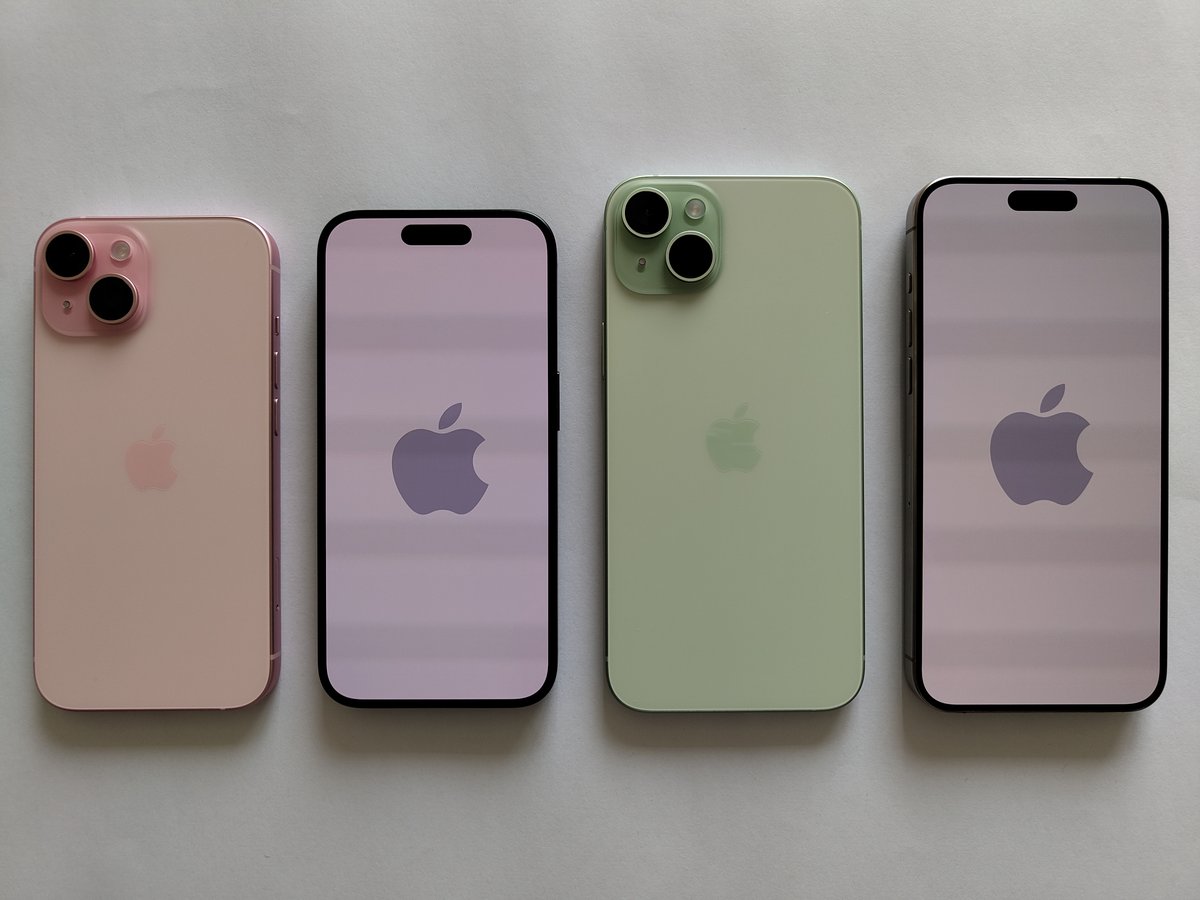
$380–$470About 4–5 Years of UpdatesUSB-CNo Apple Intelligence on Base Model
The iPhone 15 is where a refurbished phone stops feeling old. USB-C is the common charging port on many new phones, tablets, and laptops. One cable can serve all three. The 48-megapixel main camera gives you more room to crop a photo. Dynamic Island is the pill-shaped area around the front camera. It shows alerts and controls while keeping the front looking current.
This is our default recommendation. It avoids the extra price charged for the newest model while keeping the most useful recent change. If the iPhone 15 and iPhone 14 are close in price, buy the 15.
If you want Apple’s AI features: the base iPhone 15 does not support Apple Intelligence. That is Apple’s set of artificial-intelligence tools. Apple’s current compatibility list starts at iPhone 15 Pro models and iPhone 16 models. If those tools are part of your upgrade, compare a refurbished iPhone 15 Pro with the base iPhone 16. Do not assume every iPhone 15 can run them.
Pros
- USB-C works with many newer cables and chargers
- Best mix of price, camera, and likely update years
- Feels much newer than the iPhone 13 and 14
Cons
- Costs much more than an iPhone 13
- Base model does not support Apple Intelligence
- A small discount may not be worth refurbished-phone risk
3. iPhone 16 Is the Best Pick for Long Ownership
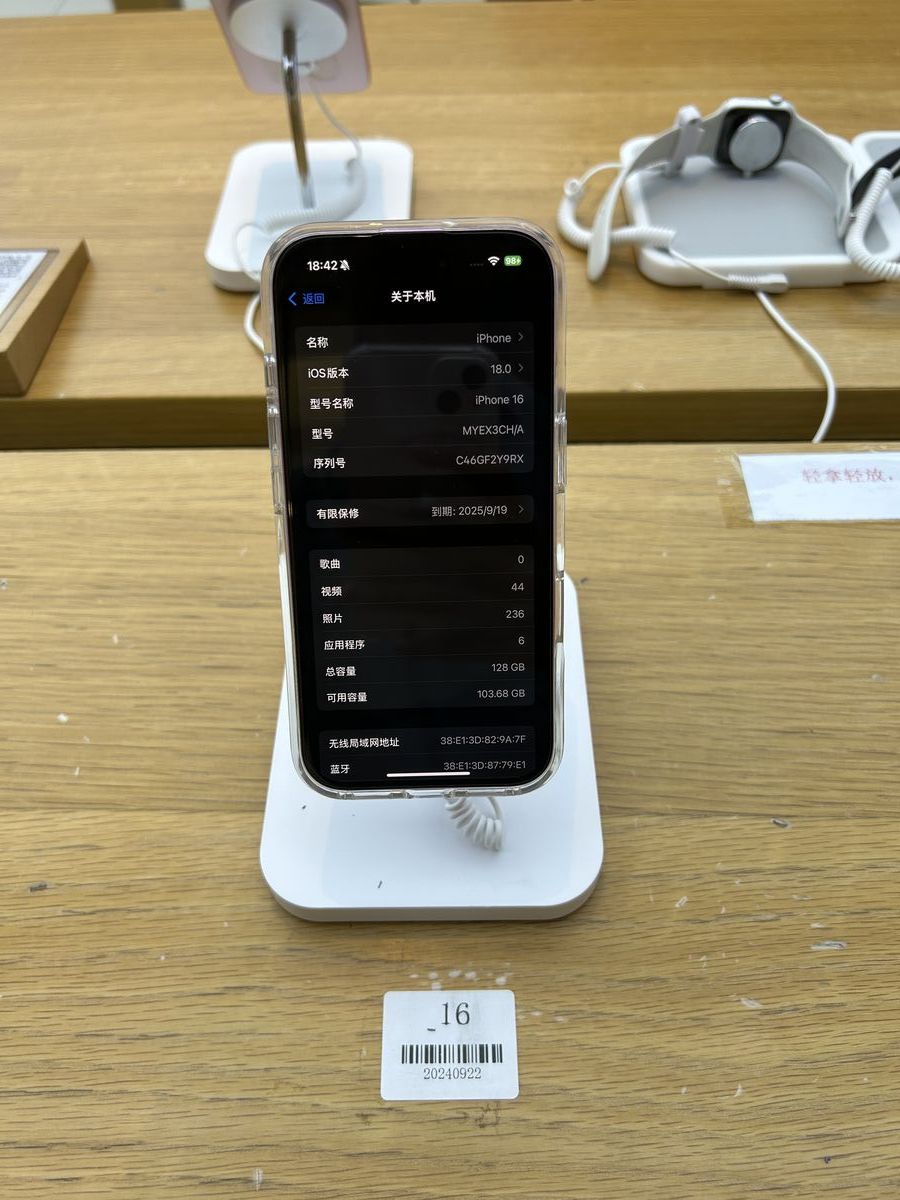
$500–$620About 5–6 Years of UpdatesUSB-CApple Intelligence
The iPhone 16 costs more. It is likely to get iPhone updates for longer before it feels old. It also has the newer button layout and the A18 processor. Those details matter most if you plan to keep the phone for four years or longer.
Demand a bigger discount here. Is the refurbished phone less than 20% cheaper than a similar new phone after discounts? Buy new and get a warranty with no previous owner or repair shop in the middle. A seller should pay you for the extra risk through a lower price.
Pros
- Most likely update years left in this list
- Supports Apple Intelligence
- Best fit for someone keeping the phone four years or longer
Cons
- Highest price in this list
- Small discounts make a new iPhone the safer buy
- You pay for useful years that a short-term owner may never use
4. iPhone 14 Only Makes Sense at a Very Low Price
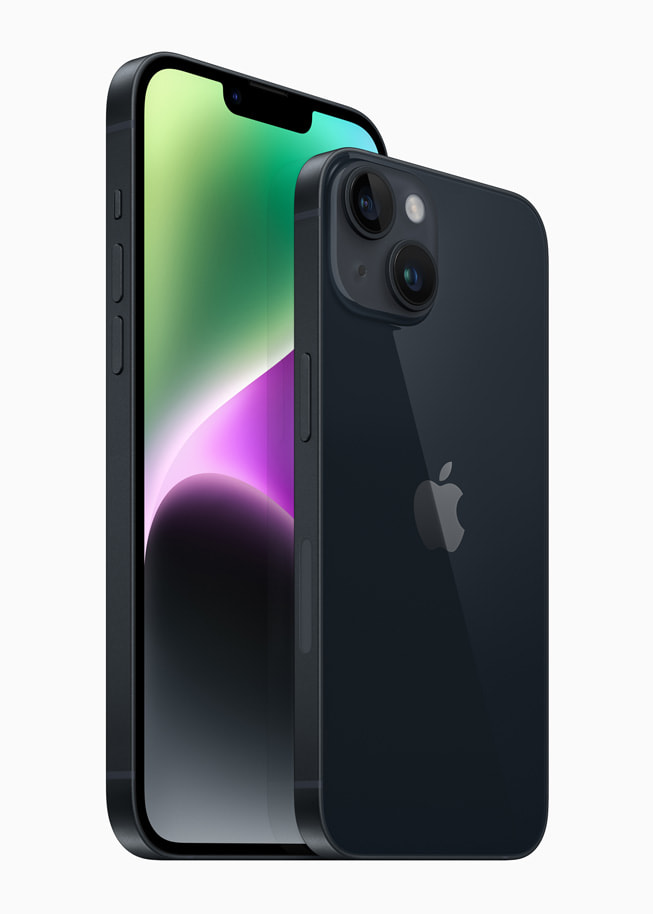
$280–$360About 3–4 Years of UpdatesLightning PortNo Apple Intelligence
The iPhone 14 sits in the awkward middle. It still uses Lightning. Its everyday jump over the iPhone 13 is small. It only makes sense when it costs within about $30 of a similar iPhone 13. A much better battery and warranty can also make it worth buying.
That is the larger lesson: newer is not automatically a better deal. The model number matters less than the extra money it costs and the condition you can prove.
Pros
- Likely to get updates longer than the iPhone 13
- Can be worth buying with a much better battery or warranty
- Familiar design and dependable daily performance
Cons
- Small everyday improvement over the iPhone 13
- Still uses Apple’s older Lightning port
- Often too close to the better iPhone 15 in price
Where to Buy and What Each Seller Really Covers
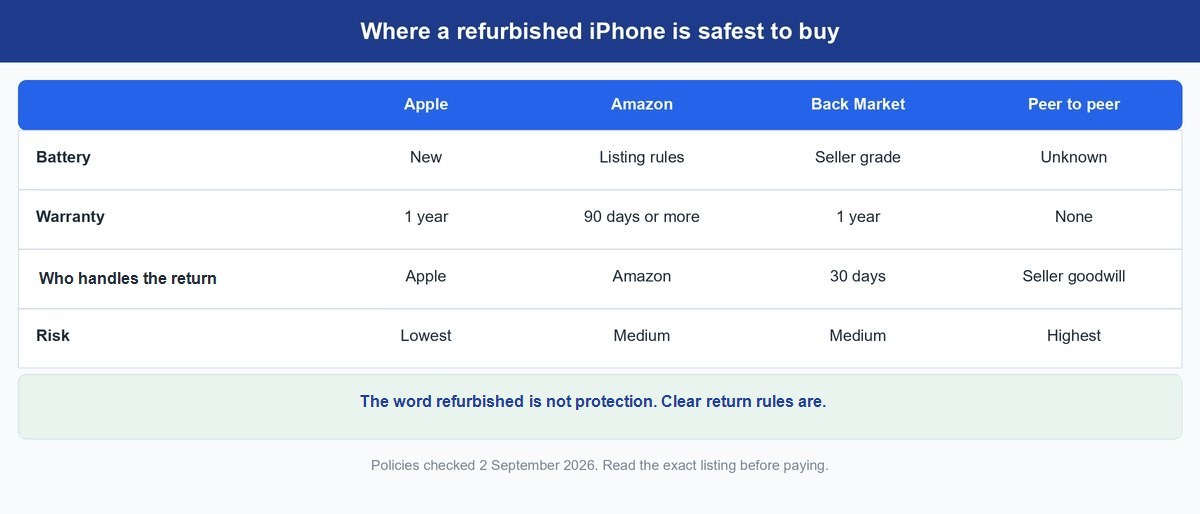
The type of seller changes the deal more than a label about scratches. An online market can list great phone repair companies beside poor ones. Read the seller name and rules on the exact listing.
| Type of Seller | Battery Rule | Warranty and Return Steps | Best For |
|---|---|---|---|
| Apple Certified Refurbished | New battery and outer shell on refurbished iOS devices | One-year Apple warranty | Lowest risk when iPhones are stocked |
| Amazon Renewed | Varies by program and listing | Standard guarantee is at least 90 days; Premium can be longer | Easy returns and broad stock |
| Back Market | Condition is graded by the seller | One-year warranty and 30-day returns | Comparing many refurbishers |
| Carrier refurb | Varies by carrier | Often tied to account and carrier rules | Financing and trade-in credits |
| Buying from another person | Whatever the owner says | Usually none | Experts who can test in person |
Apple’s refurbished promise is the strongest baseline: iOS devices get a new battery and outer shell, plus a one-year limited warranty. Stock is the catch. Apple’s US refurb store does not always offer iPhones.
Amazon Renewed is not one repair shop. It is a program used by outside sellers. The Amazon Renewed Guarantee gives standard products at least a 90-day path, while some Premium listings advertise longer cover. Read the badge and seller on the exact phone.
Back Market also sits between you and independent refurbishers. Its US warranty policy says purchases include a one-year warranty, and its published return window is 30 days. That is useful protection, but the repair quality still comes from the seller who handled the phone.
Keep in mind: “Amazon Renewed” and “Back Market” are storefront rules, not a single repair standard. Two phones with the same grade can come from different shops. Seller history still matters.
Battery Health Is the Fastest Truth Test
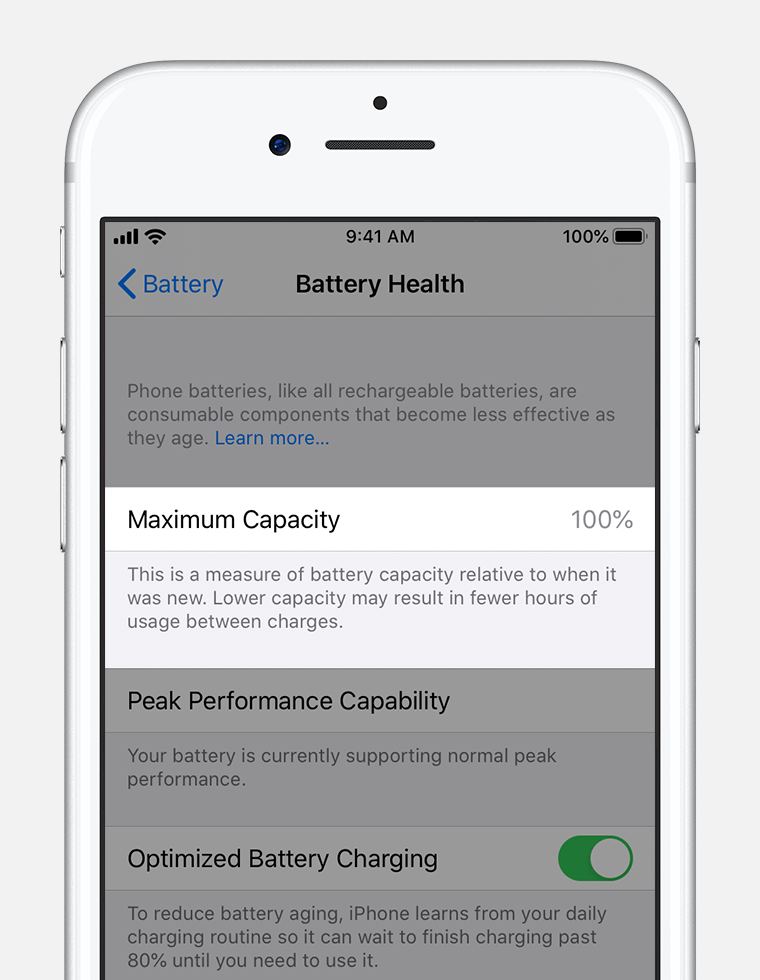
Open Settings, Battery, then Battery Health. Maximum Capacity tells you how much charge the battery can hold compared with new. It is not a perfect lab reading, but it is the best number you can see without opening the phone.
Our simple rule is 90% or walk away unless the low price already makes up for the cost and trouble of a battery replacement. At 85%, the phone may work fine today, but you are much closer to paying for service. Under 80%, AppleCare, Apple’s paid repair plan, can cover battery service at no extra charge on eligible phones. That shows how Apple treats 80%.
Also look for an “Unable to verify” battery message. Apple warns that battery-health data may be inaccurate when the phone cannot verify a genuine battery. That does not prove the repair is unsafe. It does remove the number you were using to judge the deal.
For the deeper meaning of Maximum Capacity, see our guide to when an iPhone battery should be replaced.
Tip: take a screenshot of Battery Health on day one. If the reading or performance changes sharply during the return window, you have a dated comparison instead of a vague complaint.
The 10 Checks to Run Before the Return Window Closes
Do not move your entire digital life onto the phone first. Test it while returning it is still emotionally easy.
- Record the sealed package, labels, phone, and first power-on in one video.
- Confirm the device reaches the Hello screen before setup.
- Reject any phone that shows “iPhone Locked to Owner.” Activation Lock is Apple’s theft-protection lock that ties the phone to the previous owner’s account. Apple says not to take the phone while that lock remains on.
- Match the serial number in Settings with the box and invoice.
- Enter that serial on Apple’s coverage checker and compare the result with the listing.
- Check Maximum Capacity and photograph any parts or service warning.
- Test every rear camera, the selfie camera, flash, autofocus, and video sound.
- Test both speakers, both microphones, every button, Face ID face unlock, charging, and vibration.
- Insert your SIM card or activate eSIM, a digital SIM stored in the phone. Then test a call, mobile data, Wi-Fi, and Bluetooth connections to wireless devices.
- Leave it unplugged through a normal day. Heat, fast drain, or surprise shutdowns are return reasons.
If Find My is still tied to the seller, our guide to turning off Find My iPhone shows what the previous owner must do. Do not accept a promise that they will fix it later.
One warning: do not let a seller run down the return clock with troubleshooting. If a core check fails, open the return case that day. You can always cancel it after a clean fix.
When a New iPhone Is the Better Buy
Buying refurbished is one way to save money, not a rule you must follow. Sometimes the safer new phone is also cheaper once you count the whole deal.
Buy new when a trade-in deal from your mobile company or a discount from Apple makes the difference less than about 15%. Buy new when you need AppleCare from day one and the refurbished phone cannot get it. Buy new when you use the phone for work and losing it during a repair would cost more than the discount.
The newest generation is also usually a poor refurbished buy. Few used units are available at first, discounts are small, and sellers know impatient buyers will pay. If you are thinking about waiting for a launch, compare prices during the week before it and the two weeks after it. A launch date alone does not promise a price drop.
Our iPhone 18 coverage explains the changes that could lower prices on older models. You do not need to follow every launch rumor. Just check whether a new iPhone has made last year’s model cheaper.
The Buy Rule That Keeps This Simple
Start with the iPhone 15. Move down to the iPhone 13 when the budget matters more than USB-C. Move up to the iPhone 16 when you plan to keep the phone long enough to use its extra years of likely software updates.
Then check three numbers: at least 90% battery health, a warranty of at least 90 days, and a price at least 20% below a similar new phone. A phone that meets all three can be a good deal. If it misses one, the seller is asking you to accept extra risk without enough savings.
Frequently Asked Questions
Should I Buy a Refurbished iPhone?
Yes, if the phone has at least 90% battery health, a clear return window, and a real warranty. The price should also beat a comparable new phone by about 20%. If the seller hides any of those details, skip it.
What Is the Best Refurbished iPhone to Buy Right Now?
The iPhone 15 is the best balance for most buyers. It has USB-C, a strong main camera, and several useful years ahead without the extra price attached to the newest model.
Is Amazon Renewed Legit for iPhones?
The program is legitimate, but the individual seller still matters. Check who restored the phone, the exact guarantee shown on the listing, battery promises, and recent reviews about returns. Amazon handles the return, but another company may have repaired the phone.
Is 80% Battery Health Good Enough on a Refurbished iPhone?
No, not for a fresh purchase. An 80% phone can still work, but it is already at the point where Apple may service the battery. That gives you little room before shorter battery life becomes annoying. Aim for 90% or better.
Is a Refurbished iPhone Better Than a Used iPhone?
Only when the refurb comes with testing, a return window, and a warranty. A used phone from a careful owner can be better than a poorly repaired refurb. Protection and evidence matter more than the label.
What Should I Check First When the Phone Arrives?
Reach the Hello screen and make sure Activation Lock is gone. Then match the serial number, check coverage, open Battery Health, and test cameras, sound, charging, Face ID, Wi-Fi, and cellular service before moving your data.