

Walk into any electronics store in 2026 and half the laptops have an “AI PC” or “Copilot+” sticker on the palm rest. Sales staff will tell you the AI revolution lives inside this machine. Marketing pages promise on-device intelligence, multi-day battery, and a future-proofed purchase. So do you need an AI PC right now, or is this a classic case of buying the first generation of something you could grab cheaper and better in a year?
Short answer: If you are buying a new Windows laptop in 2026 anyway, get an AI PC — nearly every model worth owning already includes a qualifying NPU at no real premium. If your current machine still runs well, there is no urgent reason to upgrade for AI alone, so it is fine to wait.
This guide answers that honestly. We will define exactly what separates an AI PC from a normal one, show what the chip actually does for you today versus what is still cloud-dependent hype, walk through the genuinely interesting 2026 hardware (Qualcomm’s just-launched Snapdragon X2 Plus, Intel Panther Lake, AMD Ryzen AI), and finish with a plain verdict broken down by who you are. No hand-waving, no spec-sheet worship.
- An “AI PC” is just a PC with a dedicated NPU (neural processing unit). A “Copilot+ PC” is Microsoft’s stricter badge requiring an NPU rated at 40+ TOPS, plus 16GB RAM and a 256GB SSD.
- The headline 2026 news is power getting cheaper: Qualcomm’s Snapdragon X2 Plus, announced at CES 2026, brings up to roughly 80 TOPS to mid-range laptops, versus 45 TOPS on last year’s X Plus.
- Most people will not feel 80 TOPS today. The marquee local AI features (live captions, image generation, background effects, Recall) run fine on the 40-50 TOPS the whole category already clears.
- The real, felt benefit of a 2026 AI PC for most buyers is battery life and efficiency, not AI wizardry.
- If your current laptop is healthy, waiting is rational. If you are buying anyway, buy an AI PC, because every new Windows laptop worth owning now ships with an NPU regardless.
What Is an AI PC and What Makes a Copilot+ PC Different

An AI PC is a computer with a third major processing block alongside the CPU and GPU: a neural processing unit (NPU). The CPU handles general logic, the GPU handles graphics and heavy parallel math, and the NPU is purpose-built to run the small, repetitive matrix operations that machine-learning models live on, doing it at a fraction of the power either of the others would burn for the same job. If you want the chip-level deep dive on how that silicon actually works, we cover it in our explainer on what an NPU is. The short version: the NPU is the part that earns the “AI” in “AI PC.”
Here is the distinction that trips people up. “AI PC” is a loose marketing term; almost any laptop with any NPU can wear it. “Copilot+ PC” is a specific Microsoft certification with a hardware floor. To carry the Copilot+ badge, a machine must have an NPU rated at a minimum of 40 TOPS (trillion operations per second), at least 16GB of RAM, a 256GB SSD or larger, and Windows 11 version 24H2 or newer, per Microsoft’s own Copilot+ requirements. That 40 TOPS line is the threshold Microsoft decided is enough to run its on-device AI features smoothly. Below it, you have an “AI PC” in name only; above it, you unlock the actual Copilot+ feature set.
TOPS, by the way, is just a throughput rating, trillions of operations per second. More is not automatically better for you; it is better the way a wider freeway is better. It only matters once you have enough cars to fill the lanes you already own.
AI PC vs Regular PC and What Actually Changes

The honest framing is that the gap between an AI PC and a regular PC in 2026 is narrower in daily use than the marketing suggests, with two real exceptions: a set of NPU-exclusive Windows features, and meaningfully better battery life on the efficient new chips. Everything else, web browsing, Office, gaming, video calls, runs essentially the same on a good non-AI laptop from 2023.
The table below cuts through it.
| Factor | Regular PC (no qualifying NPU) | AI PC / Copilot+ PC (40+ TOPS NPU) |
|---|---|---|
| On-device AI features | Cloud-only AI (e.g., web Copilot, ChatGPT) | Adds local features: Recall, Cocreator, Live Captions with translation, Studio Effects, Click to Do |
| Everyday apps (Office, web, media) | Excellent | Excellent (no real difference) |
| Battery life | Varies, often 6-10 hrs | Often 12-20+ hrs on Snapdragon/Lunar/Panther Lake |
| Background AI tasks | Run on CPU/GPU, drain battery, add fan noise | Offloaded to NPU, quiet and efficient |
| Local LLM / creator AI | Possible but slow on CPU | Faster, but a discrete GPU still wins for heavy work |
| Price floor | Lower, big sales on outgoing stock | Higher, though mid-range Copilot+ pricing is falling fast |
| App compatibility | Full x86 (Intel/AMD) | Full on x86 AI PCs; ARM models emulate some apps |
The takeaway is not “AI PCs are a scam.” It is that the differences cluster in two buckets, exclusive features and efficiency, and whether you need an AI PC comes down to whether you value those two buckets enough to pay today’s prices.
What Can an AI PC Do Today Versus What Is Just Marketing

This is where buyers get burned, so let us separate the on-device reality from the cloud-powered marketing gloss.
Local Features That Genuinely Use the NPU
These run on your machine, work offline, and are the actual reason the NPU exists — we unpack what the NPU in your laptop actually does in a separate deep dive. Per Microsoft’s Copilot+ feature documentation, the current set includes:
- Live Captions with translation. Real-time captions for any audio or video, translating 40-plus languages into English, working even with no internet. This is the single most universally useful NPU feature.
- Windows Studio Effects. Background blur, automatic framing, eye-contact correction, and voice focus on video calls, handled by the NPU instead of taxing your CPU and fans.
- Cocreator and Image Creator. Generate and edit images from text or rough sketches locally in Paint and Photos.
- Recall and Click to Do. Recall builds a searchable timeline of what you have seen on screen so you can find it by description; Click to Do offers contextual actions on anything on screen. Recall remains opt-in and has been the most privacy-debated feature of the bunch, so treat it as a maybe, not a selling point.
- Improved Windows semantic search. Find files and settings by meaning rather than exact filename.
What Still Runs in the Cloud
Plenty of the “AI” people associate with these machines does not touch the NPU at all. The conversational Copilot assistant, most of what ChatGPT, Gemini, and Claude do, and the heaviest generative tasks still run on remote servers and work on any PC with a browser. Buying an AI PC does not unlock those; you already have them. The NPU’s job is the on-device, privacy-sensitive, always-running stuff, not the big cloud models. The cloud side is also where the bills live: metered token usage has ballooned into the tokenmaxxing trend quietly burning company AI budgets, a cost problem no NPU purchase solves.
The Local LLM Wildcard
A growing reason enthusiasts want a strong NPU is running large language models locally with tools like Ollama or LM Studio. The catch in 2026 is that most of these tools still lean on the GPU and system RAM more than the NPU, and a laptop with a discrete GPU or a lot of unified memory often beats an NPU-only thin-and-light for that specific task. The new high-memory chips (the X2 Plus supports up to 128GB of unified memory) make this more viable, but if local LLMs are your goal, prioritize memory capacity and GPU, not just the TOPS number.
The 2026 AI Chip Landscape You Are Actually Buying Into
The reason this question is live in 2026 rather than settled is that the silicon just took a real step up, and prices are sliding down the stack. Here is the verified state of play.
At a glance, here is how the 2026 silicon lines up against Microsoft’s 40-TOPS Copilot+ floor. The short story: every current chip clears it comfortably, so the real fight has moved to battery life, price, and whether you want x86 or ARM.
| Chip | NPU (TOPS) | Launch | Platform |
|---|---|---|---|
| Qualcomm Snapdragon X2 Plus | 80 (Hexagon) | Announced Jan 5, 2026; laptops in 1H 2026 | ARM (Windows on ARM) |
| Qualcomm Snapdragon X2 Elite | 80 (Hexagon), +78% INT8 vs prior gen | Announced Sept 2025 | ARM (Windows on ARM) |
| Intel Panther Lake (Core Ultra series 3) | 50 (NPU 5); 180 platform TOPS | Pre-orders Jan 6, 2026; systems Jan 27, 2026 | x86 |
| Intel Lunar Lake (Core Ultra 200V) | Not published alone; 120 platform TOPS | On shelves since Sept 24, 2024 | x86 |
| AMD Ryzen AI 300 (XDNA 2) | 50+ peak | Q1 2025 | x86 |
| AMD Ryzen AI Max (XDNA 2) | Up to 50 | Q1 2025 | x86 |
Every chip in that table clears Microsoft’s bar, which is why “is it Copilot+ capable” has stopped being the interesting question and “x86 or ARM” has become it. The NPU numbers are each maker’s own peak INT8 figure, per Qualcomm on the X2 Plus, Qualcomm’s X2 Elite product brief, Intel on Panther Lake, Intel on Core Ultra 200V, and AMD; the 40-TOPS eligibility line is Microsoft’s published Copilot+ requirement. One honest asterisk on that Lunar Lake row: Intel publishes a combined 120 platform TOPS for Core Ultra 200V but no standalone NPU rating, which is exactly why you will see the same chip quoted at wildly different “TOPS” numbers across spec sheets and shop listings. Compare platform figures to platform figures, never to NPU figures.
Qualcomm Snapdragon X2 Plus
The headliner. Qualcomm launched the Snapdragon X2 Plus platform at CES 2026, as detailed by TechPowerUp’s CES coverage. It carries an updated Hexagon NPU rated at up to roughly 80 TOPS (INT8), a big jump from the 45 TOPS of last year’s Snapdragon X Plus. It comes in 10-core and 6-core CPU variants clocking up to 4 GHz, supports up to 128GB of unified memory, and Qualcomm’s own launch specs put it at 43% lower power draw and 35% faster single-core CPU than the prior generation, with multi-day battery life as the marquee pitch. Devices land in the first half of 2026. What makes this important is not the 80 TOPS itself; it is that 80 TOPS is arriving in mid-range laptops rather than only premium ones. The pricier Snapdragon X2 Elite, revealed at Snapdragon Summit in September 2025, got there first: Qualcomm’s own product brief puts it at the same 80 TOPS Hexagon NPU, a 78% INT8 uplift over the previous generation. So the X2 Plus is not a cut-down AI chip. It inherits the flagship NPU wholesale and saves the money on the CPU instead, which is the single most consumer-friendly thing Qualcomm has done in this category.
Intel Panther Lake (Core Ultra Series 3)
Intel’s 2026 mainstream AI-PC part. Per Intel’s own CES 2026 launch, Panther Lake’s NPU 5 delivers up to 50 TOPS, comfortably clearing the 40 TOPS Copilot+ bar, and Intel pitches battery life as high as 27 hours of video streaming on its top SKU; adding the Xe3 GPU and CPU pushes the combined figure to up to 180 platform TOPS, by Intel’s own count. Read that 180 as a marketing sum, not a spec you can spend: it stacks three engines you cannot saturate at once, which is precisely why the 50-TOPS NPU number is the one that decides Copilot+ eligibility. Its predecessor, Lunar Lake, is also a Copilot+ chip and remains widely sold. The key advantage of Intel here is that it is x86, sidestepping the app-compatibility caveat that follows ARM.
AMD Ryzen AI
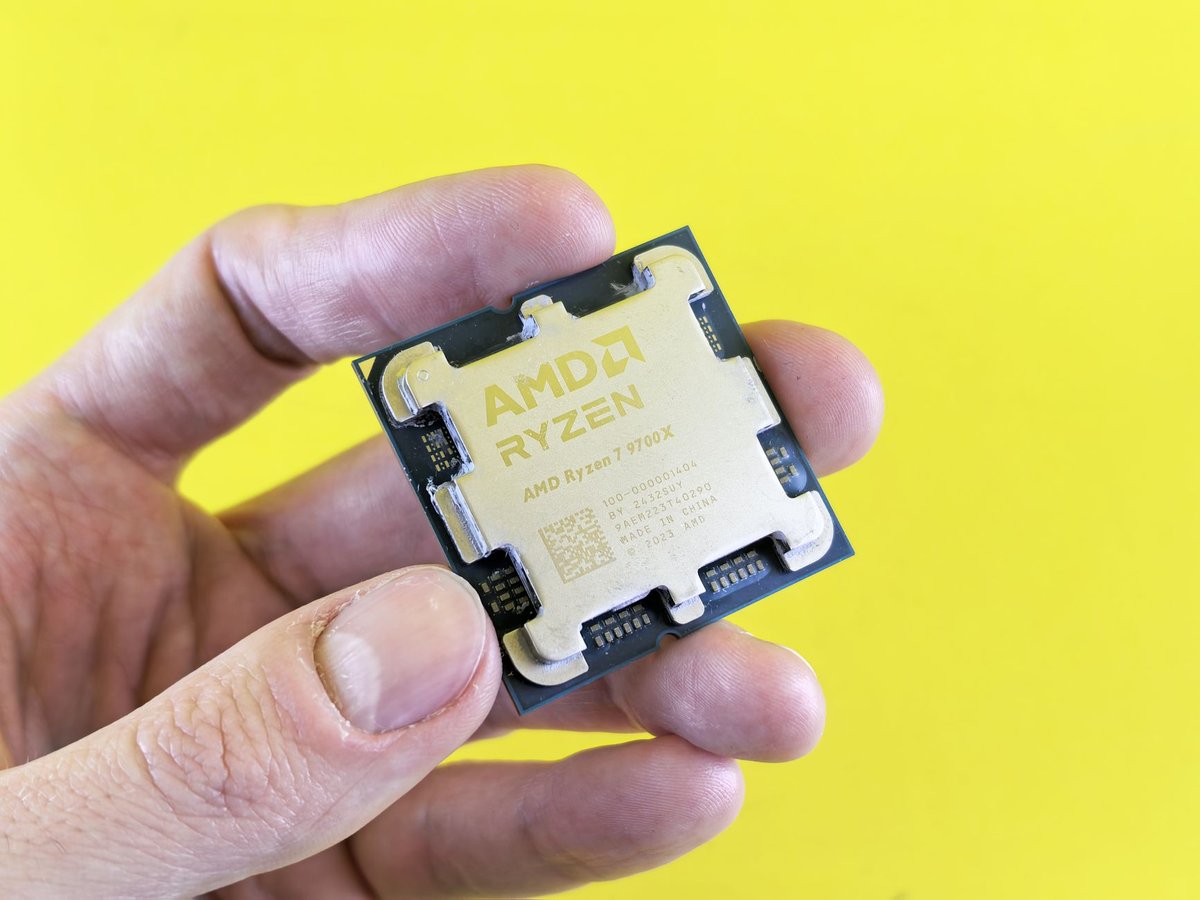
AMD’s Ryzen AI 300 series (Zen 5) lands at up to 50 TOPS on its XDNA 2 NPU, by AMD’s own figures, and is fully Copilot+ certified, while the newer Ryzen AI 400 and PRO 400 series push to up to 60 NPU TOPS, per AMD’s CES 2026 announcement, with systems shipping from Q1 2026. As with Intel, the practical gap between 50 and 60 TOPS is negligible for today’s workloads, because nothing in Windows currently asks for more than the 40 the badge requires. Also x86, so no emulation worries.
The pattern across all three vendors is clear: everyone has comfortably blown past Microsoft’s 40 TOPS floor. The 2026 competition has shifted from “do we qualify” to battery life, single-core speed, and price, which is exactly why your decision now hinges less on AI features and more on the kind of laptop you want overall.
Is a Copilot+ PC Worth It in 2026

Worth it for whom is the only useful version of this question, because the answer genuinely flips depending on who is asking. One piece of calendar pressure applies to almost everyone, though: Microsoft ended all support for Windows 10 on October 14, 2025, so anyone still on an older machine is already being pushed onto Windows 11 hardware, and in 2026 that hardware is an AI PC by default. Below is a straight buy-or-wait matrix, followed by the reasoning.
| User type | Verdict | Why |
|---|---|---|
| Your laptop is dying / 5+ years old | Buy an AI PC now | Every good new Windows laptop has an NPU anyway; you lose nothing and gain efficiency |
| Frequent traveler / battery obsessive | Buy now | The Snapdragon and Lunar/Panther Lake efficiency gains are the real, felt upgrade |
| Heavy video-caller / content creator | Buy now | Studio Effects, live captions, and NPU-accelerated creative tools pay off daily |
| Privacy-focused user | Buy now (lean Intel/AMD) | On-device AI keeps data local; x86 avoids the ARM app-compat caveat |
| Happy with a healthy 2-3 year-old laptop | Wait | You gain little today; prices and features both improve by late 2026 |
| Gamer / needs a discrete GPU | NPU is secondary | Buy for the GPU; the NPU is a nice extra, not the deciding factor |
| Runs niche / legacy Windows software | Wait or buy x86 only | ARM emulation still trips on some apps, drivers, and VPNs |
| Bargain hunter | Wait | Outgoing non-AI and first-gen Copilot+ stock is heavily discounted right now |
The Battery-Life Case (the Strongest One)
If you take one practical reason to buy, make it this. The efficient 2026 chips, especially Snapdragon and Intel’s Lunar/Panther Lake, routinely deliver all-day-plus battery in real use. This is not just a marketing line: Tom’s Hardware measured a fleet of Snapdragon X-class laptops averaging north of 15 hours on its web-surfing battery benchmark, with Intel’s efficient chips trailing not far behind. The best individual results go a lot further: the same outlet clocked the Snapdragon-powered Lenovo ThinkPad T14s Gen 6 at 21 hours in its review testing. That is the number worth holding onto, because it is a two-day work laptop without a charger, and no amount of TOPS on a spec sheet communicates that as clearly. The NPU quietly handles background AI chores that would otherwise spin up the CPU and the fans. For a lot of buyers this efficiency, not any single AI feature, is what makes a Copilot+ PC feel like a genuine upgrade.
The x86 vs ARM Compatibility Caveat
Snapdragon AI PCs use ARM architecture and run traditional x86 Windows apps through Microsoft’s Prism emulation layer. For mainstream software (browsers, Office, streaming, Spotify, most popular apps) this is now smooth and native ports keep expanding. But specialized tools, some games, certain VPNs, niche drivers, and older enterprise software can still stumble or run slower. If your livelihood depends on a specific legacy program, either confirm it has a native ARM build or buy an x86 AI PC (Intel or AMD) instead. This single caveat is the most common source of buyer’s remorse with ARM machines.
A Simple Decision Framework for Whether You Need an AI PC

Run yourself through these five questions. If you answer “yes” to the first one, the rest barely matter.
Are You Buying a New Laptop Anyway
If yes, just buy an AI PC. In 2026 essentially every Windows laptop worth owning ships with a qualifying NPU, so you are not paying a meaningful premium for “AI” as a standalone feature; it comes in the box. The only real choice is which platform.
“Has an NPU” is not the same as “Copilot+ certified.” Confirm the exact configuration also lists 16GB of RAM and a 256GB-or-larger SSD. Budget SKUs sometimes pair a capable NPU with only 8GB of RAM, which disqualifies the machine from Copilot+ features.
Is Battery Life or Portability a Top Priority
If yes, lean hard toward Snapdragon X2 or Intel Lunar/Panther Lake. This is where you will actually feel the difference every single day.
Do You Rely on Specific Local AI Features
Live translation captions, on-call background effects, local image generation, or private on-device search? If those map to your real workflow, a Copilot+ PC earns its keep. If your “AI use” is really just ChatGPT in a browser, you do not need an NPU for that.
Do You Depend on Legacy or Niche Software
If yes, avoid ARM unless you have verified compatibility, and choose an x86 AI PC. When in doubt, x86 is the safer default.
Is Your Current Machine Still Healthy
If yes, and none of the above lit up, wait. There is no shame in it. The hardware is getting cheaper and better month over month, and a healthy laptop owes you nothing. For a deeper look at the trade-offs, Pureinfotech maintains a solid running breakdown of Windows AI PC features as they ship.
The bottom line: do you need an AI PC in the urgent, must-upgrade sense? For most people with a working computer, no. But if you are replacing a machine anyway, the answer quietly becomes yes by default, because the NPU now comes standard on the laptops you would want regardless. Buy for the laptop, not for the sticker.
Frequently Asked Questions
What Is an AI PC
An AI PC is a computer that includes a dedicated neural processing unit (NPU) alongside its CPU and GPU, built to run AI and machine-learning tasks efficiently and locally. Almost any laptop with any NPU can be marketed as an AI PC, which is why the stricter “Copilot+ PC” certification exists to set a real performance floor.
What Is the Difference Between an AI PC and a Regular PC
The core difference is the NPU and the on-device AI features and battery efficiency it enables, such as live caption translation, background video effects, and local image generation. In everyday tasks like browsing, Office, and media, a good regular PC performs the same; the gap shows up in NPU-exclusive Windows features and, often, longer battery life.
Is a Copilot+ PC Worth It
It is worth it if you are buying a new laptop anyway, value all-day battery life, or use the local AI features regularly, since the NPU now comes standard on most quality Windows laptops. It is not worth a rushed upgrade if your current machine is healthy and your AI use is mostly cloud tools like ChatGPT in a browser.
Do You Need an NPU
You need an NPU only if you want the on-device, offline AI features (live captions, Studio Effects, Recall, local image generation) or the efficiency of offloading background AI work from the CPU. For traditional computing, web AI assistants, and gaming, an NPU is a bonus rather than a requirement.
How Many TOPS Do You Need for AI Features
Microsoft requires an NPU of at least 40 TOPS for a Copilot+ PC, which is enough to run all current on-device features smoothly. The newer 50-80 TOPS chips from Qualcomm, Intel, and AMD add headroom for future workloads, but most users will not feel the difference between 50 and 80 TOPS today.
What Is the Snapdragon X2 Plus
The Snapdragon X2 Plus is Qualcomm’s mid-range Windows-on-ARM platform announced at CES 2026, featuring a Hexagon NPU rated at up to about 80 TOPS (up from 45 TOPS on the prior X Plus), 6- and 10-core CPU options, up to 128GB of unified memory, and multi-day battery claims. Devices using it arrive in the first half of 2026.
Should I Buy an AI PC Now or Wait
Buy now if you need a new laptop, prioritize battery life, or use local AI features, because a qualifying NPU is now standard and adds little to the price. Wait if your current laptop is healthy and your needs are basic, since prices keep dropping and each generation meaningfully improves efficiency and features.


