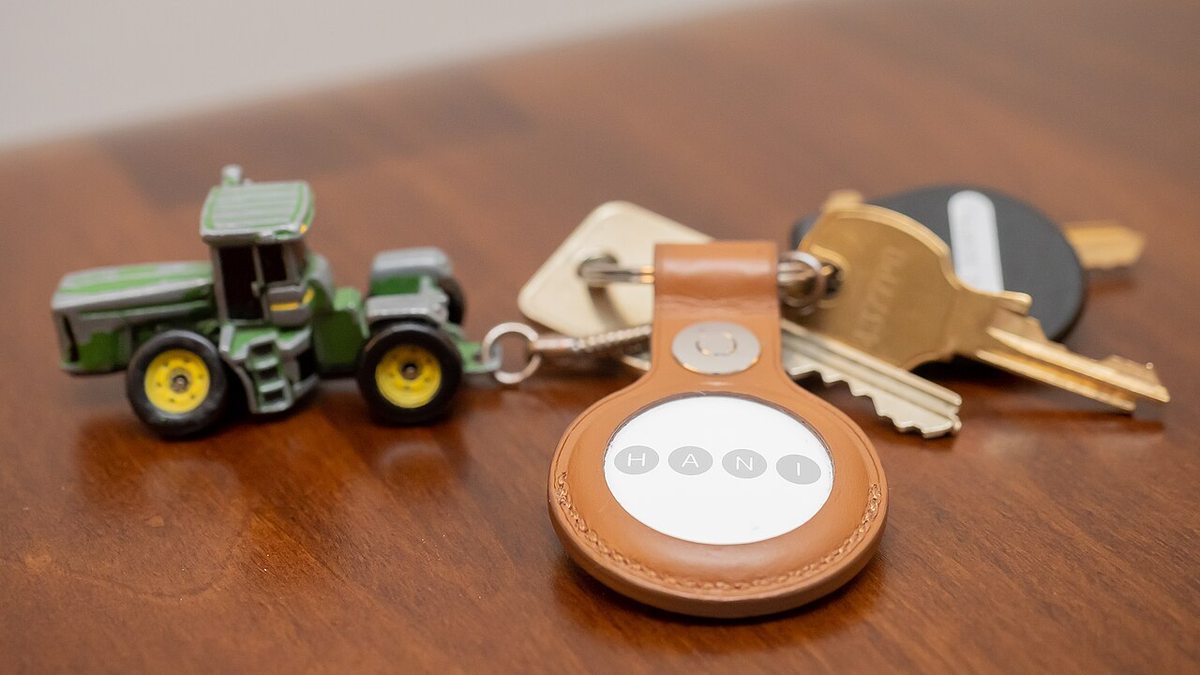
Your iPhone just flashed a low battery warning for the AirTag on your keys. Good news first: an AirTag battery replacement is the easiest repair in Apple’s entire lineup. Press down on the steel back, twist it counterclockwise, drop in a fresh CR2032 coin cell, and twist the cover back on. Thirty seconds, no tools, about a dollar. The only way to botch this job is in the battery aisle. Some CR2032 cells wear a bitter-tasting safety coating, and Apple itself warns that coated cells may not work in an AirTag. That one detail turns a trivial swap into a “why is my AirTag dead” mystery for thousands of people. Here’s the whole job, the batteries that just work, and what a fresh cell actually does for your tracking range.
Quick disclosure: some links in this post are affiliate links, and TechDaily may earn a small commission if you buy through them. That doesn’t change your price — or which batteries we tell you to put back on the shelf.
- The swap is press, twist, replace — 30 seconds, no tools, no Genius Bar visit.
- Every AirTag runs on one CR2032 coin cell, the same battery in car key fobs.
- A bitter coating alone isn’t the problem — Apple’s shelf rule is the label “Compatible with Apple AirTag.” A plain uncoated CR2032 skips the question entirely.
- Plan on roughly a year per battery. Find My flags “Low Battery” under the tag’s name when it’s nearly done.
- A dead battery means zero range. The billion-device Find My network can only relay a tag that’s still beeping out a signal.
How to Change an AirTag Battery in Under a Minute
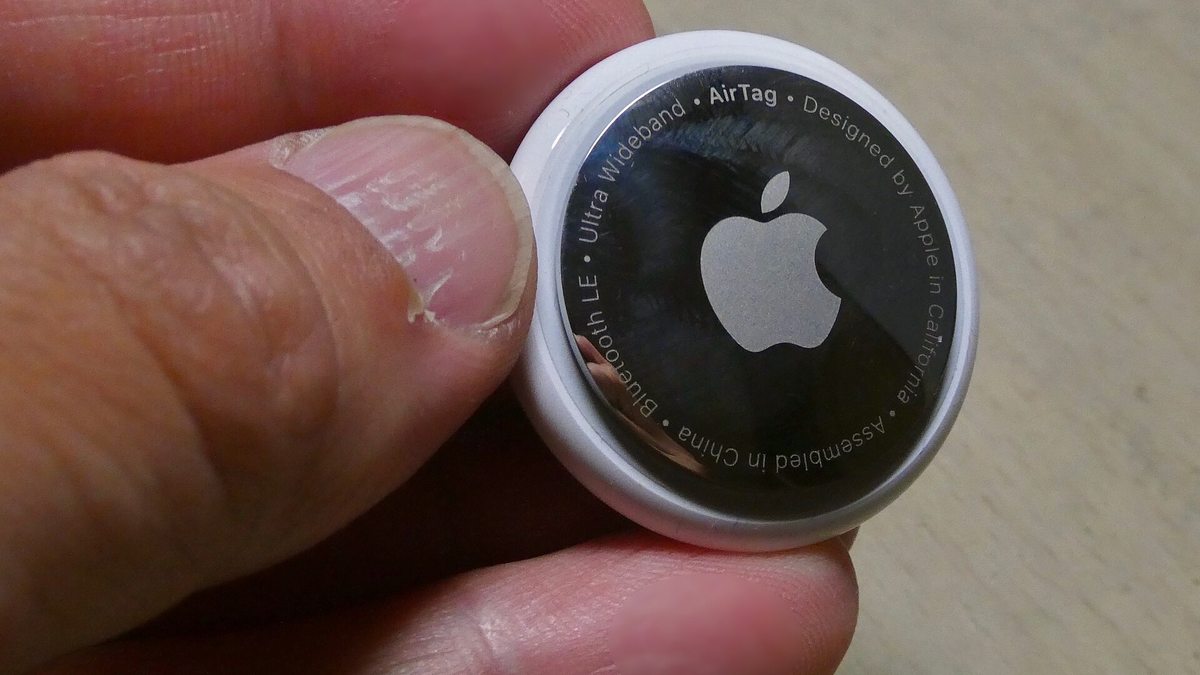
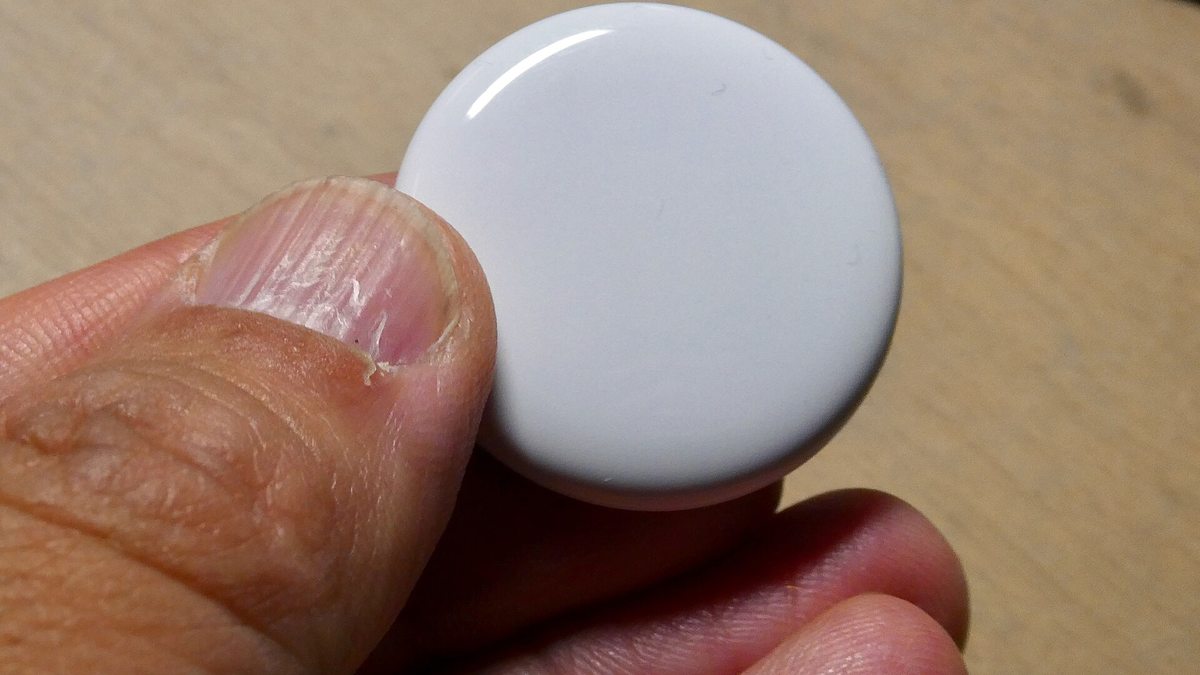
The battery cover is the polished stainless steel side with the Apple logo. The white plastic side stays sealed — everything happens from the back. Here’s the full routine.
Press Down and Twist the Steel Cover
Put the AirTag logo-side up between your thumbs. Press down firmly on the steel cover and rotate it counterclockwise. It only turns a short distance before it stops. The press matters — without downward pressure, the cover just spins in place and nothing releases.
Remove the Cover and the Dead Battery
Lift the cover off and tip the old CR2032 out into your hand. Nothing else comes loose, so there’s no spring or gasket to lose. Set the dead cell aside for battery recycling — coin cells don’t belong in the trash in most places.
Seat the New CR2032 Positive Side Up
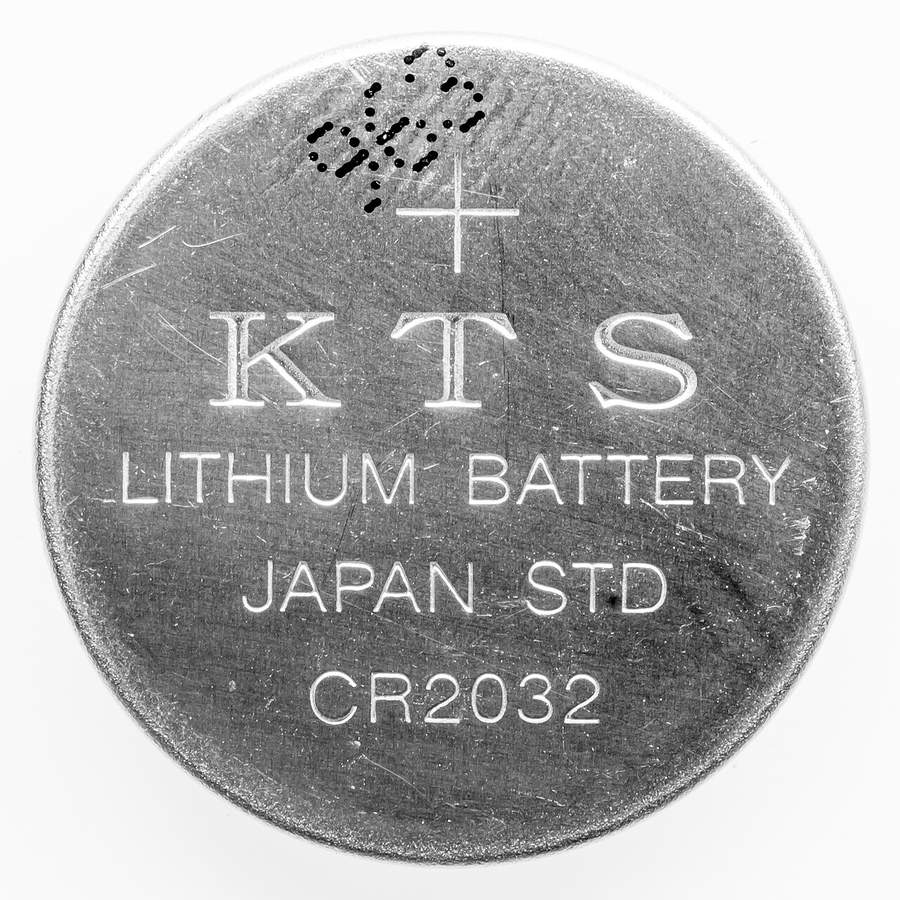
Drop the new battery in with the positive side — the one with the engraved plus sign and the brand markings — facing up at you. Most AirTags answer with a short chime when the battery makes contact. That little sound is the tag telling you it has power again.
Align the Three Tabs and Lock the Cover
The steel cover has three small tabs around its edge. Line them up with the three slots on the AirTag body, press down, and rotate clockwise until it stops. That’s the entire repair. Open Find My and the tag should report in like nothing happened.
Why Bitterant-Coated CR2032 Batteries Fail Inside an AirTag
This is the part most people learn the hard way. You do everything right, the AirTag stays dead, and you assume the tag itself failed. Nine times out of ten, the battery is the problem — and not because it’s flat.
The Safety Coating That Blocks the Contact
Battery makers coat some coin cells with denatonium benzoate — the most bitter substance known. It’s a child-safety measure, painted on so a toddler who mouths a battery spits it out instantly. Smart idea, real problem here: that coating isn’t conductive. If it sits over the spot where the AirTag’s contacts touch the cell, the circuit never closes. Apple’s own support page puts it plainly: some CR2032 batteries with bitterant coatings “might not work with AirTag or other battery-powered products.” Here’s the twist: Apple’s own page now points to Duracell’s bitter-coated 2032 as the one to buy — its coating is placed so the AirTag’s contacts stay clear, and the pack says “Compatible with Apple AirTag” right on it. The cells that fail are coated ones without that label — older stock and off-brand cheapies.
The Batteries That Just Work
You want a plain, uncoated CR2032. Panasonic CR2032 cells are plain and uncoated — the zero-thought pick. Energizer CR2032 cells do carry a bitter coating, but they’re engineered and labeled AirTag-compatible, with scissors-proof child-resistant packaging on top.
Watch out: you don’t have to guess at the shelf — Apple says to look for packaging that states “Compatible with Apple AirTag.” No label and a bitter-coating brag? Put it back. A plain CR2032 multi-pack costs a few dollars, and one pack covers every AirTag, key fob, and bathroom scale in your house for years.
Important: whatever brand you buy, keep coin cells locked away from small kids. A swallowed battery burns through tissue in hours — it’s a straight-to-the-ER emergency, coated or not. The bitterant helps, but the scissors-proof packaging exists for a reason.
How Long Do AirTag Batteries Last in the Real World
Apple’s official line is that an AirTag “works for more than a year on a standard battery,” and real-world use mostly backs that up. Plan on about a year, give or take a season. The tag spends almost all its life whispering a tiny Bluetooth signal, which barely sips power — that’s how a dollar battery lasts twelve months in the first place.
What shortens it? Sound and searching. Every time you ping the tag’s speaker from Find My, or walk around with Precision Finding pointing arrows at your couch, the AirTag draws far more power than it does just sitting on your keys. Cold weather is the other quiet tax — lithium coin cells lose capacity in freezing temperatures, so a tag that winters in a car or on a ski bag may come up short of the full year.
You don’t need to guess when it’s time. When the cell runs low, your iPhone gets a notification, and the Find My app shows “Low Battery” under that AirTag’s name.
Heads up: the low battery warning deserves a same-week response, not a someday one. The worst time to discover a dead tag is at the airport baggage carousel — swap the cell before any trip where the tag actually matters.
AirTag Range and Why the Battery Sets the Real Limit
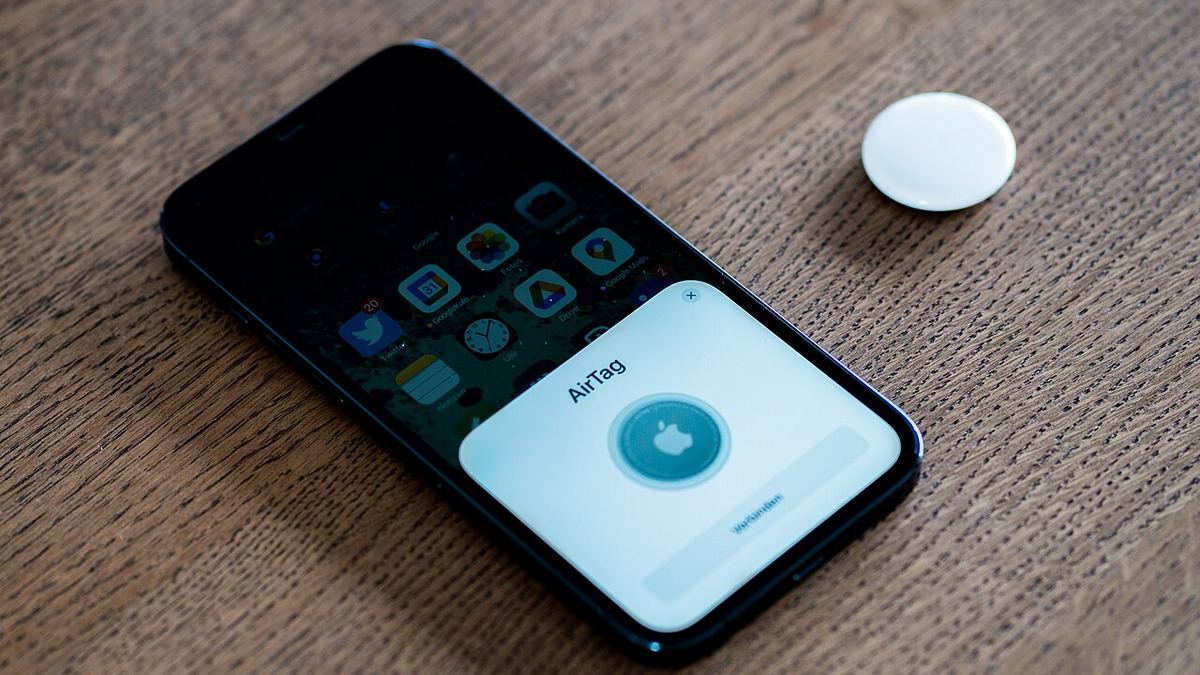
People ask about AirTag range as if it were a spec on a box, but Apple has never published an official number. In practice, the tag’s Bluetooth signal reaches somewhere in the range of 30 to 100 feet — closer to the low end indoors, with walls and interference in the way, and farther with clear line of sight.
Here’s the thing: that number barely matters. The AirTag’s real range is the Find My network. Apple says the network can lean on “more than a billion” iPhones, iPads, and Macs, each one silently relaying the location of any AirTag that passes within Bluetooth earshot. Your tag in a lost suitcase doesn’t need to reach your phone — it needs to reach anyone’s iPhone, and in most of the world that’s never far. Precision Finding adds the last ten feet, using ultra wideband on most iPhones from the iPhone 11 onward to point you at the exact cushion your keys fell behind.
Which is exactly why the battery is the range spec that matters. A tag with a flat cell broadcasts nothing, relays through no one, and shows you only its last known location — a breadcrumb that goes stale the moment the battery dies. A one-dollar swap once a year is what keeps a billion-device search party on your side. And if you’re ever selling the iPhone that tag is paired to, turn off Find My properly first so the new owner isn’t haunted by your keychain.
Frequently Asked Questions
Can I use any CR2032 battery in an AirTag?
Almost any. The exception is bitterant-coated cells whose packaging doesn’t say “Compatible with Apple AirTag” — Apple warns the non-conductive coating on those can block the battery contacts. Plain Panasonic cells or any pack carrying the compatibility label are the safe grab.
How do I change the battery in my AirTag?
Press down on the polished steel back and twist counterclockwise until it stops. Lift the cover, swap the CR2032 with the positive side facing up, then line up the three tabs and twist the cover clockwise until it locks. No tools needed.
How do I know when my AirTag battery is low?
Your iPhone sends a notification, and the Find My app shows a “Low Battery” label under that AirTag’s name. There’s no percentage readout — when you see the label, just swap the cell.
How long do AirTag batteries last?
Apple rates the battery at more than a year, and about a year is the honest real-world expectation. Heavy use of the speaker and Precision Finding drains it faster, and freezing temperatures can shave months off.
Why is my AirTag not working after a battery change?
First suspect: a bitterant-coated battery that isn’t marked AirTag-compatible blocking the contacts — swap in a plain cell or one labeled “Compatible with Apple AirTag.” Also check that the positive side faces up and the cover’s three tabs are seated in their slots. Listen for the chime that confirms power.
How far does an AirTag’s range reach?
Bluetooth gets you roughly 30 to 100 feet depending on walls and interference. Beyond that, the Find My network takes over, relaying the tag’s location through more than a billion Apple devices worldwide — so its practical range is wherever iPhones exist.
The Bottom Line on a One-Dollar Repair
An AirTag is a tracker you buy once and feed a dollar a year — as long as you feed it the right dollar. The swap itself is a press and a twist. The whole game is the battery on the counter: plain CR2032 in, bitter-coated cell back on the shelf. Do that, mind the low battery warning when it shows up, and the only time you’ll ever think about this again is once a year, for thirty seconds, probably at the kitchen table.