You get one bar in the kitchen, and calls keep cutting out. There’s a setting called WiFi Calling iPhone owners can turn on for exactly this, and it sends your calls over your home internet instead. But if you had to call 911 from that kitchen, which way would the call go, and would help find the right house? We went through Apple’s and the carriers’ support pages to find out.
What Your iPhone Does When You Call 911 With Wi-Fi Calling On
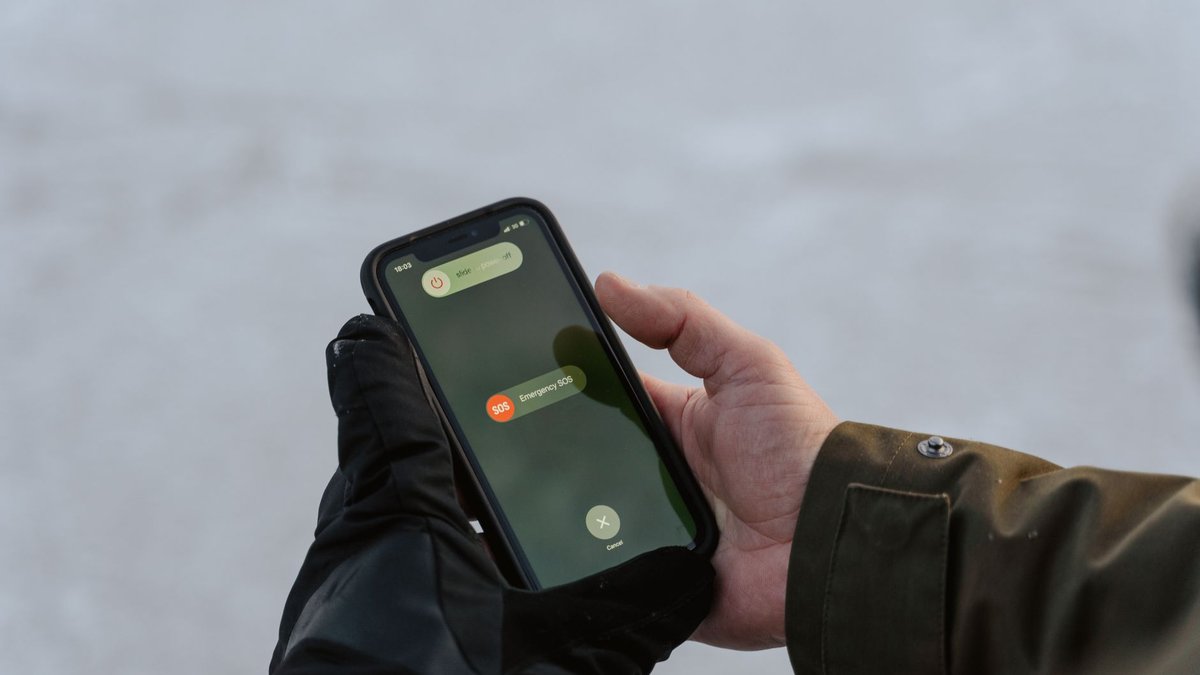
Apple puts it plainly: “When cellular service is available, your iPhone uses it for emergency calls.” Wi-Fi Calling is only the backup for when there’s no cell service.
When a call does go over Wi-Fi, it has no cell tower to help place you, so carriers ask you for an emergency address. On a Wi-Fi 911 call, they may route the call using it. Verizon’s own 911 page says help will only be sent to the address you entered.
This catches people who moved, or who use Wi-Fi Calling at a cabin with the old address still on file. With an outdated address, a Wi-Fi 911 call may be delayed or sent to the wrong place.
Turn On iPhone Wi-Fi Calling, Then Check the Address in the Same Minute
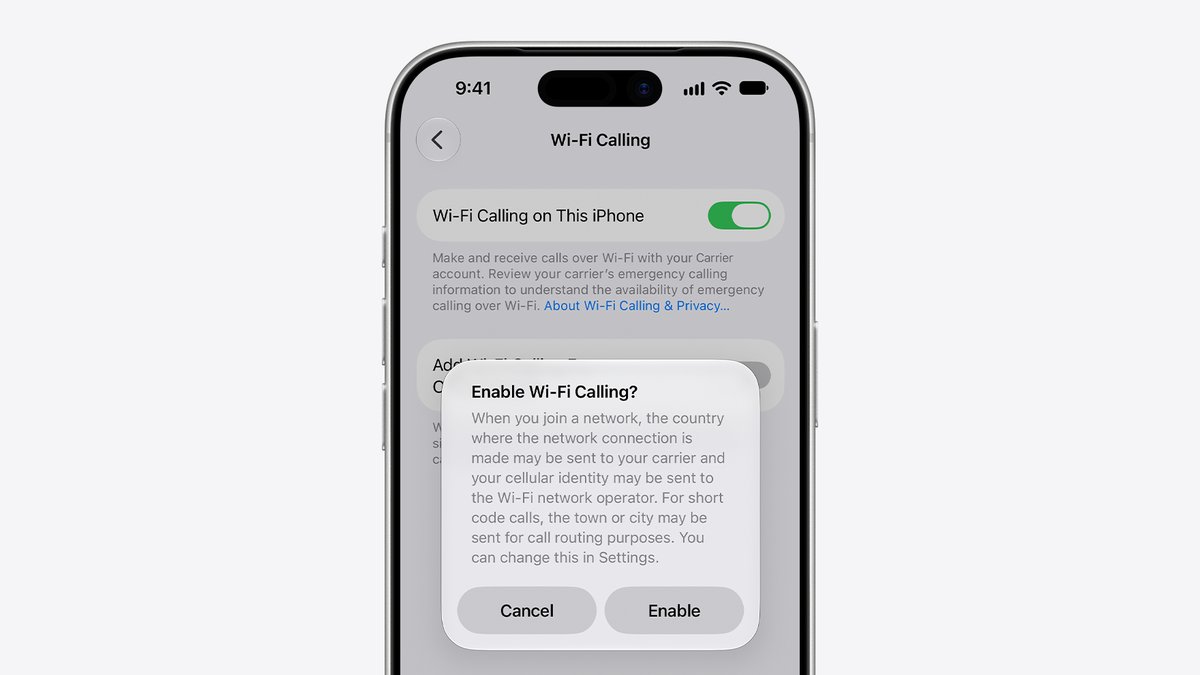
Open Settings, tap Cellular, then tap Wi-Fi Calling. If you have two lines, pick one first (here’s how an eSIM and a physical SIM share one phone). Turn on Wi-Fi Calling on This iPhone, then enter or confirm the address it asks for. Once it works, you’ll see “Wi-Fi” next to your carrier’s name in Control Center.
Already have it on? Go back to the Wi-Fi Calling settings and tap Update Emergency Address, or change it in your carrier account (My Verizon on Verizon). Do it every time you move.
Wi-Fi Calling is only as steady as the Wi-Fi under it, so if your home Wi-Fi keeps dropping, fix that first.
Our take: for a home with weak signal, Wi-Fi Calling is the easiest fix there is, since there’s nothing to buy. Leave it on, and change the emergency address the day you move, just like your mailing address.
Want us to review your product? Send it over.
Frequently Asked Questions
Is Wi-Fi Calling free on an iPhone?
It depends on your carrier. On Verizon, calls to US numbers over Wi-Fi are free on unlimited talk-and-text plans and don’t use plan data. Calls from abroad and international calls follow your carrier’s rules.
Why can’t I turn on Wi-Fi Calling?
Your carrier has to offer it first. If it does, restart your iPhone or try another Wi-Fi network. Still stuck? Contact your carrier. Verizon iPhones also need to be on Verizon’s US network to turn it on.