
Here’s the thing nobody selling you a charger wants to admit: your phone almost certainly charges slower than it’s capable of, and the battery is rarely the problem. Nine times out of ten it’s the tired little 5-watt brick you’ve been reusing since your last phone, a cheap cable that can’t carry the current, or a phone that’s quietly cooking itself and hitting the brakes to survive. Figuring out how to make your phone charge faster isn’t about buying the beefiest charger on the shelf, it’s about finding the weakest link in the chain and fixing it, then getting out of your phone’s way. Do that and a dead phone can go from “plug it in before bed” to “50% before you finish your coffee.”
- Watts do the actual work, and the chain is only as fast as its weakest link. Your charger, your cable, your port, and the phone’s own limit all have to line up. That ancient 5W brick is usually why your brand-new phone crawls.
- Buy the right spec, not the biggest number on the box. Most phones need USB Power Delivery (and Samsung specifically needs PPS) to hit top speed. A 240W GaN monster won’t push a 27W iPhone past ~27W.
- The last 20% always crawls, on purpose. Lithium batteries deliberately slow down as they near full to stay safe, so 0 to 50% is where all the real speed lives.
- Heat is the silent brake. A warm phone throttles its own charging to protect itself. Get it off the couch, out of the case, and out of the sun.
- Airplane mode and a dark screen are free speed. Killing the radios and background sync can genuinely shave minutes off a top-up.
The Physics of Charging Speed and Why Watts Beat Wishes
Before the tips, one minute of physics that makes every one of them make sense. Charging speed is measured in watts, and a watt is just volts multiplied by amps. An old-school charger pushes 5 volts at 1 amp, which is 5 watts. A modern USB Power Delivery charger negotiates with your phone and jumps the voltage up to 9, 15, or 20 volts, so it can pour far more energy down the exact same-looking cable. That’s the whole trick: higher voltage, same wire, dramatically more power per minute.
Now the part that trips everyone up: your battery does not charge at one steady speed. Lithium-ion cells charge in two phases, and this is well documented by the folks at Battery University. In the first phase, the charger blasts current in at full wattage and the battery gulps it down, which is why you rocket from 0 to 50% so fast. Then, somewhere around 80%, the phone switches to a gentler, tapering trickle to avoid stressing the cell. That’s the charge curve, and it’s why the last stretch to 100% feels like it takes forever. It’s not broken. It’s chemistry protecting a very expensive battery.
So the strategy writes itself. If you want speed, you want to spend your charging time in that fast first phase, feed the phone the most wattage it will actually accept, and remove anything (heat, background load, a garbage cable) that forces it to slow down. Everything below is a version of that one idea.
Why Your Phone Charges So Slowly in the First Place
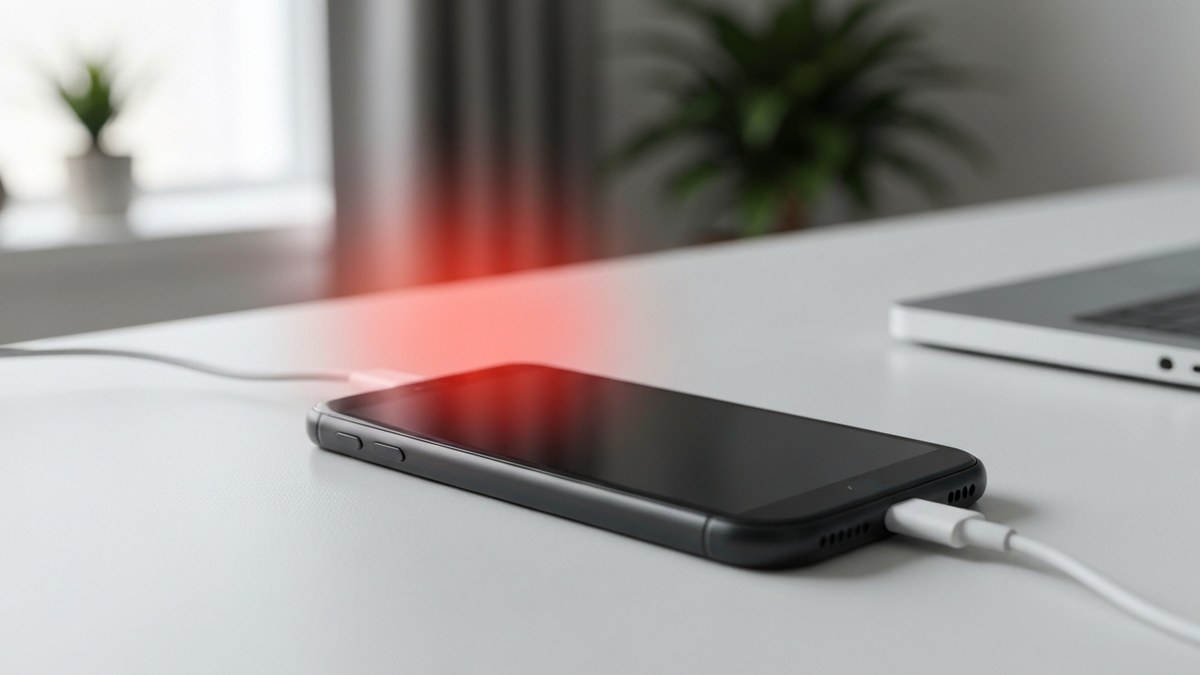
Slow charging almost always traces back to a specific, fixable bottleneck. Before you buy anything, run down this list and find yours, because throwing a new charger at a lint-clogged port fixes nothing.
The Ancient 5-Watt Brick Still in Your Drawer
This is the number one culprit, full stop. For years, phones shipped with tiny 5W chargers, and plenty of people are still using one (or a hand-me-down) with a phone that can pull 20, 45, or even 100+ watts. Your phone will happily sip at 5W all night and you’ll blame the battery. The charger, not the phone, is capping you at a fraction of the possible speed.
A Cheap or Damaged Cable That Chokes the Current
Cables are not interchangeable, even when they physically fit. A thin, no-name cable with skinny internal wires simply can’t carry high amperage, so it throttles the whole session no matter how good your charger is. Frayed, kinked, or gunked-up connectors make it worse.
A Lint-Packed or Corroded Charging Port
Pockets and bags stuff your charging port full of lint, and over months it compresses into a felt plug that keeps the cable from seating fully. A loose connection means intermittent, weak charging, or the dreaded “charging on and off” dance. It’s the least glamorous fix on this list and often the most dramatic.
A Phone That’s Simply Too Hot to Charge Fast
Every modern phone has a thermal governor that slows or pauses charging when it gets hot, because pushing high current into a hot lithium battery is how you damage it. Charge on a bed, under a pillow, in a hot car, or in direct sun, and your phone will deliberately dial back the speed. You’ll swear the charger died. It’s just sweating.
Using the Phone While It Charges
Gaming, streaming, or doom-scrolling while plugged in splits the incoming power between filling the battery and running the screen, processor, and radios. Worse, all that activity generates heat, which triggers the throttling above. You end up fighting your own charger.
A Laptop USB Port or a Weak Car Charger
Plugging into a laptop, a random USB hub, or a bargain 12V car adapter often means you’re drawing a trickle, sometimes barely more than that same 5W. These ports were never designed to fast-charge a modern phone, and many older car chargers max out well below what your phone can take.
The Moves That Actually Make Your Phone Charge Faster
Now the payoff. These are the changes that move the needle, roughly in order of impact. You do not need all of them, you need the ones that fix your bottleneck from the section above.
Match a USB-PD Charger to Your Phone’s Real Wattage
This single upgrade fixes most slow-charging complaints. Get a USB-C Power Delivery charger that meets or slightly exceeds your phone’s rated max, then let the phone take what it can. A good 30W to 65W GaN charger is the sweet spot for most modern phones and even tops up a laptop in a pinch. You don’t need to overspend, you need the right spec.
Use a Genuine USB-C to USB-C Cable Rated for the Job
Pair that charger with a proper USB-C-to-C cable that’s rated for your wattage. This is the cheapest, most-overlooked upgrade there is. If your “fast” cable still has a USB-A plug on the wall end, that’s your ceiling right there, swap it.
Flip On Airplane Mode, or Power Off Entirely
Cutting your radios stops the constant background hunt for signal, Wi-Fi, and push notifications, all of which draw power and generate heat. It’s the classic free-speed trick for when you need a fast top-up before you run out the door.
Cool the Phone Down Before and While It Charges
Since heat is a hard brake, treat temperature as a feature you control. Take the case off while fast-charging, set the phone on a hard, cool surface instead of a bed or couch, and keep it out of the sun. If it’s already hot from gaming, let it rest a few minutes before you plug in.
Put the Phone Down While It Charges
The hardest tip to follow and one of the most effective. Leave it alone. Every minute you’re not lighting up the screen and heating the chip is a minute the charger spends purely filling the battery. If you must use it, at least drop the brightness and quit heavy apps.
Skip the Wireless Pad When You’re in a Hurry
Wireless charging is convenient, but it’s slower and it runs hotter than a cable, because some of the energy is always lost as heat across the coils. For a genuine speed run, plug in. Save the pad for overnight or desk-top-ups where speed doesn’t matter.
Charge to 80% When You Just Need a Boost
Because the last 20% crawls by design, the fastest “charge” is often the one you stop early. If you just need enough to get through the afternoon, unplugging at 80% gets you the most percentage points per minute and, as a bonus, is gentler on the battery long term.
Keep That Charging Port Genuinely Clean
Power off the phone, grab a wooden or plastic toothpick (never metal), and gently, carefully lift the packed lint out of the port. A quick puff of compressed air helps. It’s a 60-second job that restores a solid connection and, shockingly often, “fixes” a phone that suddenly charges slow.
When Fast Charging Is Capped by the Phone, Not the Charger
Here’s the reality check that saves you money: past a certain point, buying a bigger charger does nothing. Every phone has a maximum charging wattage baked into its hardware, and it will never pull more than that, no matter what you plug in. This is the single most misunderstood thing about charging.
Fast Charging on iPhone
Modern iPhones top out in the low-to-mid 20-watt range (Apple’s long-standing guidance is that a 20W-or-higher USB-C adapter gets you to about 50% in around 30 minutes). Going bigger than roughly 30W gains an iPhone essentially nothing, so a solid 20W to 30W USB-C PD charger is all most iPhone owners ever need.
Fast Charging on Samsung Galaxy
This is where people get burned. Samsung’s 25W and 45W “Super Fast Charging” specifically require a charger that supports PPS (Programmable Power Supply), a finer-grained flavor of USB-PD. Plug a Galaxy into a generic PD brick without PPS and it quietly falls back to slow speeds even if the brick is rated for way more watts. Buy a PPS-rated charger and the right cable, and only then does that 45W number mean anything.
Fast Charging on Pixel, OnePlus, and Xiaomi
Pixels sit in the high-20s to low-30s of watts and, like iPhones, don’t benefit from oversized bricks. OnePlus, Xiaomi, and several other brands push much higher (65W, 100W, even 120W) but frequently only over their own proprietary chargers and cables. With those phones, using the in-box charger is genuinely the fastest option, and a third-party PD brick will often charge slower, not faster.
The Battery-Health Trade-Off Nobody Talks About
Speed has a cost, and it’s worth being honest about it. The same things that charge a phone fast (high wattage and the heat that comes with it) are also what age a lithium battery quicker over years of use. That doesn’t mean fast charging is “bad”, modern phones manage it carefully, but it means the fastest possible charge, every single day, from empty to full, is the hardest way to treat your battery.
Draining to 0% and blasting back to 100% at max wattage every day ages a battery faster than a gentler routine. Keeping the charge roughly between 20% and 80%, and switching on your phone’s optimized or adaptive charging setting (which learns your schedule and holds at 80% until just before you wake), is the real longevity move. Use full-speed, full-charge when you need it; coast the rest of the time.
The practical takeaway is to have two modes. When you’re in a rush, throw every trick above at it, plug into a proper PD charger, kill the radios, cool it down, and sprint to 80%. When you’re not, let it sip overnight with optimized charging on. You get the speed when it matters and the battery lifespan when it doesn’t, which beats picking one forever.
Frequently Asked Questions
Does airplane mode really make your phone charge faster?
Yes, modestly. It stops your phone from constantly powering its cellular, Wi-Fi, GPS, and Bluetooth radios and from syncing in the background, which both draws power and creates heat. Most people see a noticeable, if not dramatic, speed-up, and it’s completely free. Powering the phone off entirely is faster still.
Is it bad to use my phone while it’s charging?
It’s not dangerous with any reputable charger, but it absolutely slows charging down. Using the phone diverts power to the screen and processor and generates heat, which trips the phone’s thermal throttling. For the fastest charge, set it down and leave it alone.
Will a higher-wattage charger charge my phone faster?
Only up to your phone’s built-in limit. A charger rated above what your phone can accept simply charges at the phone’s maximum and no faster, so a 100W brick does nothing extra for a 27W phone. The goal is to match or slightly exceed your phone’s rated wattage, not to buy the biggest number.
Why does my phone charge fast then slow down near 100%?
That’s by design, not a fault. Lithium-ion batteries take a full-current blast up to around 80%, then switch to a slow, tapering trickle to top off safely and protect the cell’s lifespan. The last 20% is meant to crawl, which is exactly why stopping at 80% gives you the most speed per minute.
Does fast charging ruin your battery?
No, but it does add wear over time, mostly through heat. Phone makers engineer their fast-charging systems to stay within safe limits, so occasional fast charging is fine. The battery-friendlier habit is to avoid daily 0-to-100% full-speed cycles and to lean on optimized charging and the 20-to-80% range when you’re not in a hurry.
Is wireless charging slower than plugging in?
Almost always, yes. Wireless charging loses some energy as heat across the coils, so it runs hotter and slower than a wired connection at the same rated wattage. It’s great for convenience and overnight top-ups, but when you actually need speed, a cable wins every time.