The best ethernet cable for gaming is not the one with the biggest category number. For nearly every PS5, Xbox, and gaming PC, it is the shortest standards-compliant pure-copper Cat6 or Cat6A cable that reaches cleanly from the machine to the router.
That answer sounds less exciting than “40Gbps Cat8,” but it follows the network. Your cable only carries the link your two ports negotiate. It cannot turn a 1GbE console port into 10GbE, widen your internet plan, or shorten the route to a distant game server. Buy for the slowest link, then spend the savings somewhere you can feel it.
- Cat6 is already enough for normal gaming. A PS5, Xbox, or gigabit PC cannot use the headline speed on Cat7 or Cat8 packaging.
- Cat6A is the sensible upgrade for new 10GbE wiring. It gives a full 100-meter 10-gigabit channel when the cable and installation meet the standard.
- Cable category does not control ping. A sound cable removes Wi-Fi variation, but server distance, congestion, and your internet route still decide most latency.
- Pure copper matters more than a giant category label. Skip copper-clad aluminum, vague “Cat7” marketplace cables, and anything with no credible specification.
- Buy the shortest practical length. Leave a little service slack, not a coil large enough to hide behind the desk.
The fine print: TechDaily earns a commission when you buy through the Amazon links on this page, at no extra cost to you. That never changes which cable fits the job or the order of our picks.
What does your gaming setup actually need?
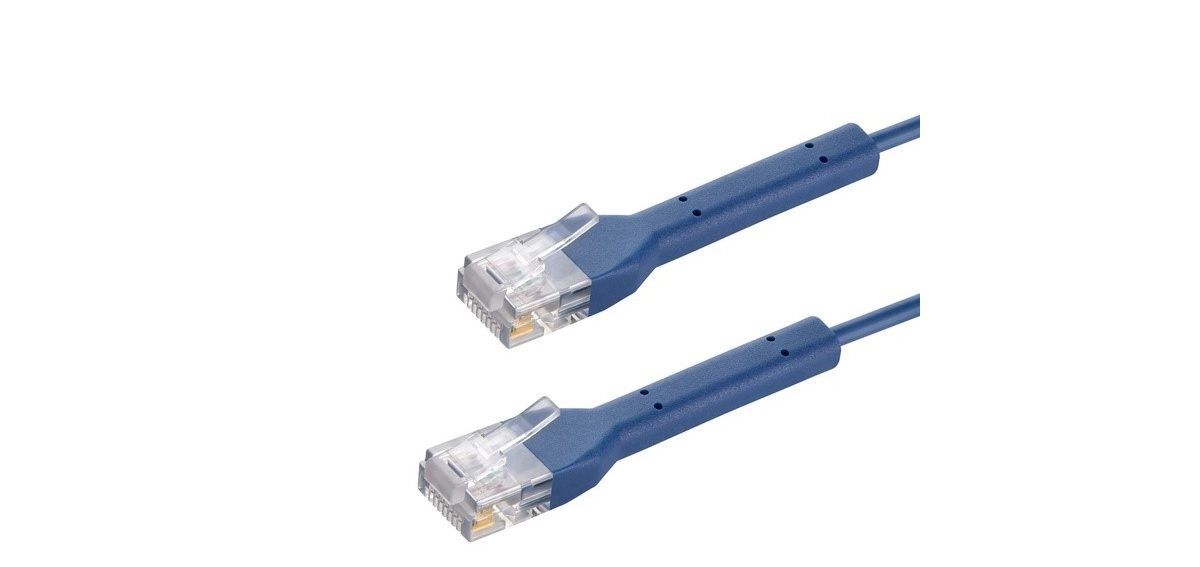
★ Your pick: Monoprice Cat6A Bendable UTP
Short, flexible, pure copper, and already far beyond a gigabit console link

★ Your pick: Full-size pure-copper Cat6A
Choose standards-compliant Cat6A for the full 100-meter 10GbE channel
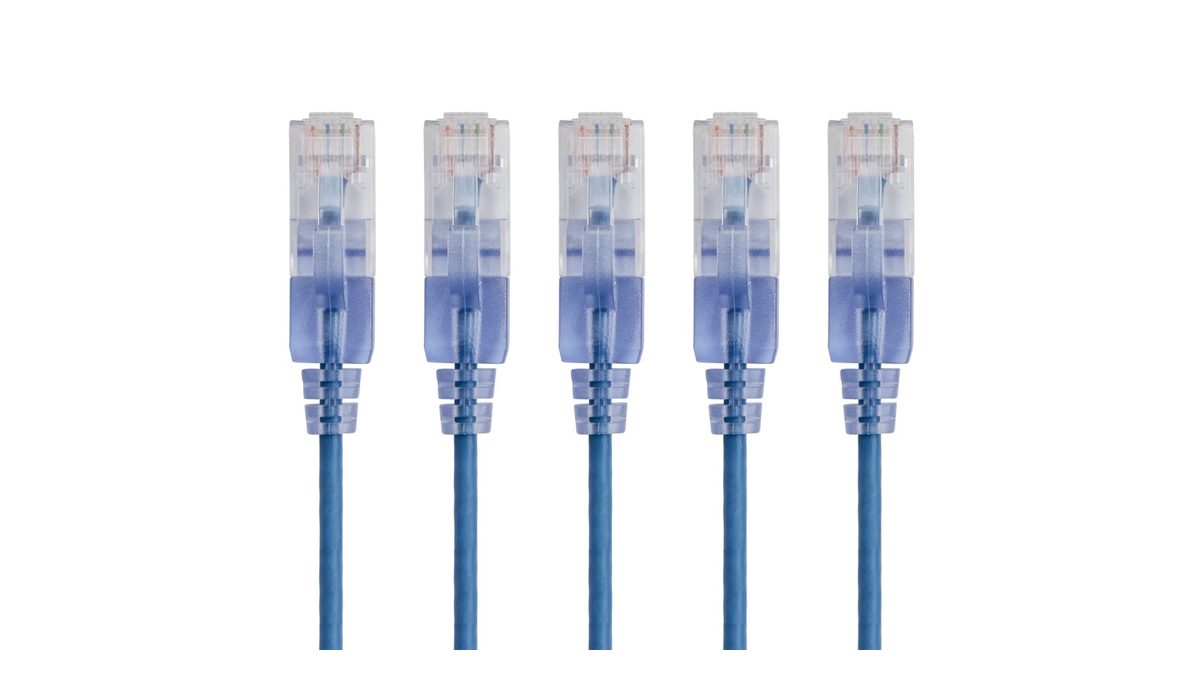
★ Your pick: Monoprice SlimRun Cat6A
The narrow jacket makes dense desk and rack routes easier to manage
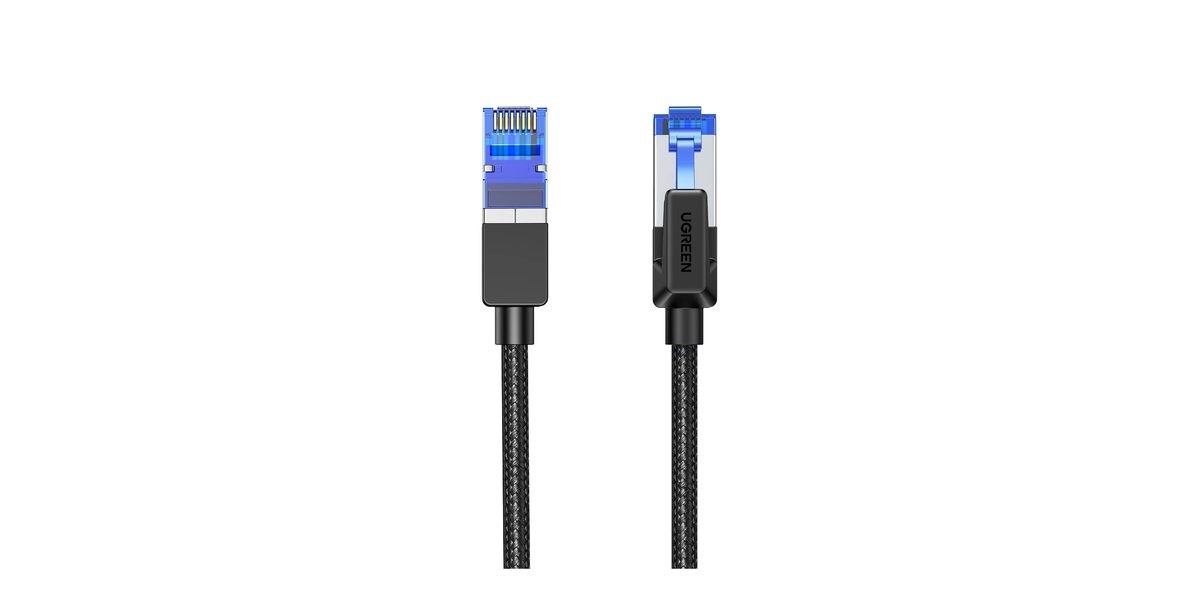
★ Your pick: UGREEN Cat8 Braided
Buy it for the braided jacket and strain relief, not for a lower ping
👑 Our Top Pick — Best Overall Value
Monoprice Cat6A Bendable UTP
A thin pure-copper patch cable that handles a normal PC or console run without pretending Cat8 lowers ping
Opens on our Top Pick. Tap an option to see the best match for you.
Why a Faster Label Does Not Make a Faster Game
An Ethernet connection is a chain. Your console or PC network port negotiates a link with the router or switch. That local link then hands traffic to your internet connection, your provider, several networks in between, and finally the game server. The slowest or busiest stage sets the result.
If both ports are gigabit, Cat6, Cat6A, and Cat8 all negotiate at 1Gbps. The Cat8 cable has more electrical headroom, but the ports do not unlock a hidden 40Gbps mode. A game also uses a tiny stream compared with a large download. What matters is whether those packets arrive steadily and whether the server is close—not how much unused bandwidth the cable could carry in a lab.
This is why switching from busy Wi-Fi to Ethernet can calm lag spikes while swapping one healthy Ethernet cable for a more expensive category usually changes nothing. Our Ethernet vs Wi-Fi guide explains that consistency gap, while the best Wi-Fi router guide covers the other end of the link.
Keep in mind: 2000MHz on a cable box describes tested signal bandwidth, not internet speed. MHz and Mbps measure different things, so never convert one into the other.
The Category That Fits Each Gaming Setup
Cat5e Still Handles a Gigabit Port
A certified Cat5e patch cable can carry gigabit Ethernet to 100 meters. If you already own a good one and your console links at 1Gbps, replacing it is not an upgrade. Keep playing unless the connector is loose, the jacket is damaged, or the link falls back to 100Mbps.
Cat6 Is the Default New Purchase
Cat6 gives more noise margin than Cat5e and supports 10GbE on shorter runs. Cisco’s installation guide lists Cat6 at up to about 55 meters for 10GBASE-T, depending on crosstalk conditions. That is far beyond a cable from a console to a router in the same room.
Cat6A Is for Real 10GbE Plans
Cat6A is the safe buy when you are wiring a room, connecting a 10GbE PC to a NAS, or want a long run that will not need replacing. The same Cisco cabling guidance gives Cat6A the full 100-meter channel at 10Gbps. That distance—not gaming—is the reason to pay more.
Cat7 and Cat8 Mostly Sell Headroom
Cat7 is a poor shopping signal because retail cables often use the name loosely while ending in ordinary RJ45 plugs. Cat8 is a real high-speed category, but its 25Gbps and 40Gbps jobs live in short data-center links with matching hardware. A PS5, Xbox, or 1GbE motherboard cannot use that capacity.
The catch: a cable sold as “Cat8” can still be a bad cable. Category ink does not rescue weak plugs, bad termination, or copper-clad aluminum conductors.
Monoprice Cat6A Bendable UTP for Normal Gaming Runs
1. Monoprice Cat6A Bendable UTP
Best overallPure bare copper0.5 to 20 feet500MHz
This is the boring pick you should put behind a PS5, Xbox, or gaming PC. Monoprice’s product sales sheet specifies 30AWG pure bare copper, 500MHz operation, 10GBASE-T support, and lengths from 0.5 to 20 feet. The thin, bendable boot is easier for you to route around a desk than a stiff shielded cable.
Watch the length range before you buy — this is a patch lead, not a cable for a 100-meter in-wall run. At desk distance, it gives your gaming gear more link capacity than it can use while staying easier to manage than a thick Cat8 cable.
Pros
- Pure bare copper rather than copper-clad aluminum
- Flexible 30AWG build for a desk or entertainment center
- Honest Cat6A specification without Cat8 pricing theater
Cons
- Short patch lengths only
- Thin cable is not my choice for permanent in-wall wiring
Monoprice SlimRun Cat6A for Dense Cable Routes
2. Monoprice SlimRun Cat6A
Best cable managementSlim patch leadCat6AMulti-pack friendly
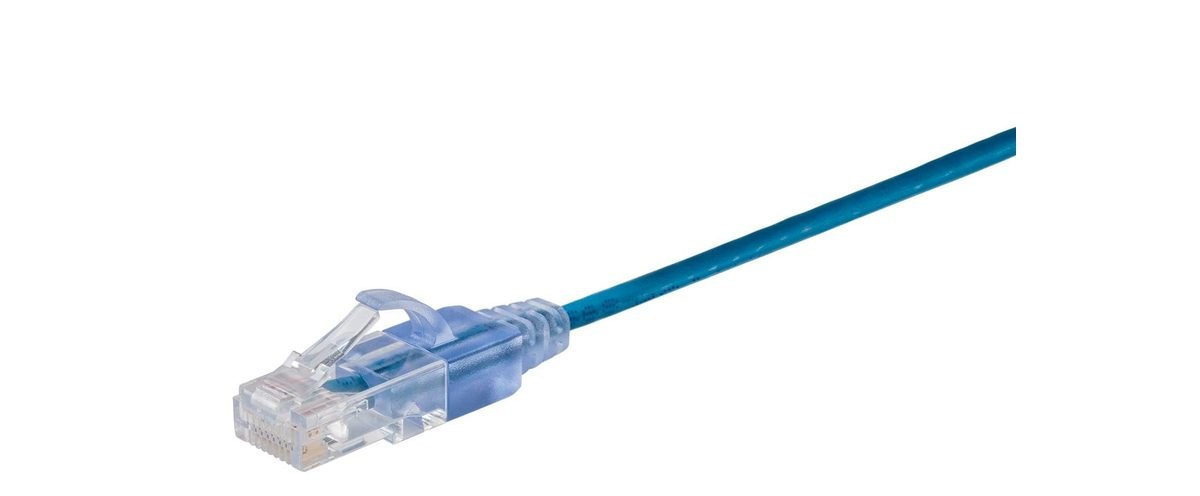
Reach for SlimRun when five thick patch leads would turn the back of your desk or switch into a brush pile. The Monoprice SlimRun Cat6A listing is built around a narrow cable diameter, so it bends cleanly through your crowded trays and leaves more air around tightly packed ports.
That convenience is the whole feature, so don’t mistake a slim patch cable for full-size horizontal cabling across your house. Use SlimRun between nearby equipment on your desk; use full-size, standards-compliant pure-copper Cat6A for the long permanent route.
Pros
- Much easier to dress behind a desk or network switch
- Small connector body suits crowded ports
- Cat6A headroom for nearby multi-gig equipment
Cons
- Not the first choice for a long in-wall run
- A normal two-device setup does not need its space-saving advantage
UGREEN Cat8 Braided for Physical Durability
3. UGREEN Cat8 Braided
Best tough jacketBraidedShieldedUp to 40Gbps claim
UGREEN markets this cable at up to 40Gbps and 2000MHz. Those are category ceilings, not a promise that your game will respond faster. Buy it for something you can actually see: a braided outer jacket, substantial strain relief, and a build better suited to a cable that crosses your open floor, travels with a console, or gets dragged around a gaming room.
The UGREEN product page makes the maximum-speed claim — treat it as compatibility headroom, not a performance upgrade. On a gigabit console, this cable and the Monoprice pick still negotiate the same gigabit link for you.
Pros
- Braided jacket suits repeated handling and exposed routes
- Strong strain relief around the connectors
- Backward-compatible with ordinary RJ45 Ethernet ports
Cons
- Thicker and harder to hide than a slim Cat6A cable
- The 40Gbps label buys no extra gaming performance on gigabit hardware
Cable Matters Slim Cat6A 2-Pack for Wiring Two Setups
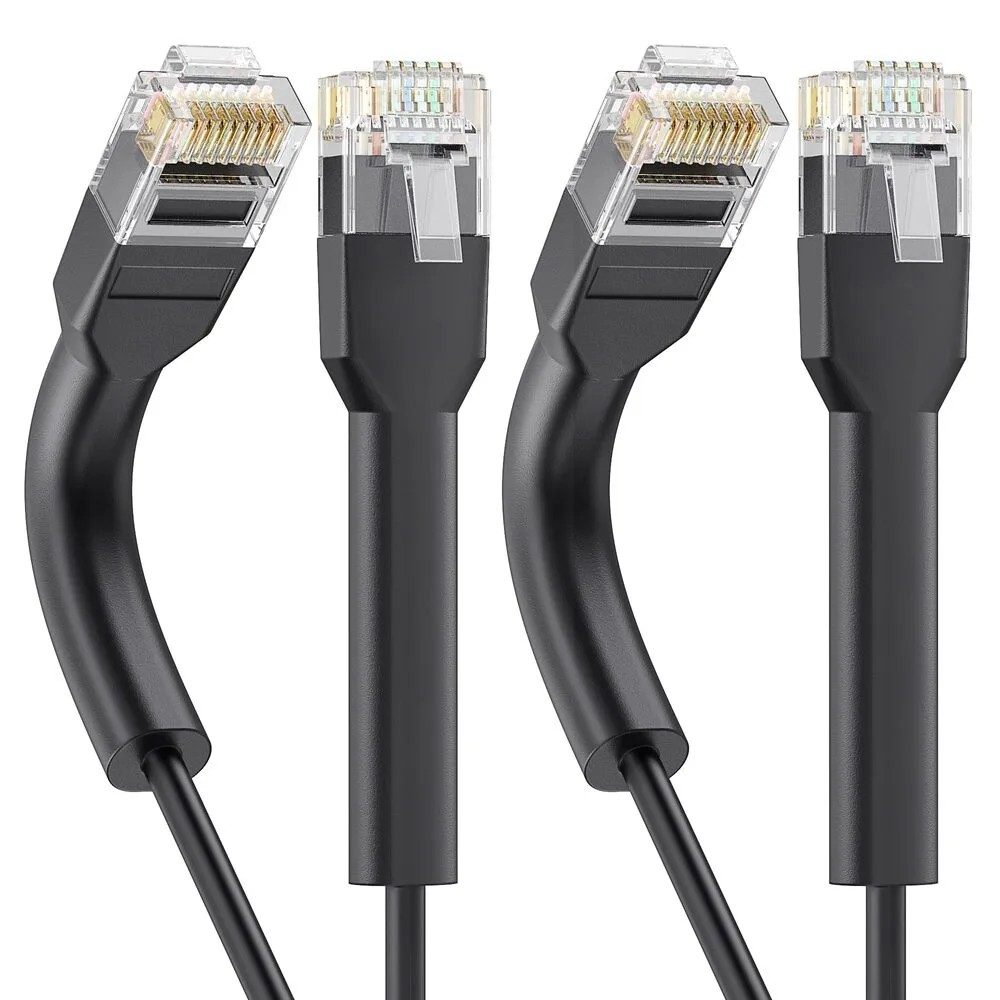
4. Cable Matters Slim Cat6A 2-Pack
Best 2-pack value30AWG bare copper550MHzPoE++ ready
Buy this one when you’re running cable to two spots at once — say, a PS5 in the living room and a gaming PC down the hall — instead of ordering two separate cables and hoping the colors and specs match. Cable Matters’ product spec page lists 30AWG bare copper conductors, a 550MHz rating, and bendable boots that flex up to 90 degrees — handy if your console or PC sits flush against a wall and a rigid plug won’t seat. It’s also rated for PoE, PoE+, and PoE++, so the same cable still works if you’re feeding a PoE camera or access point off the same switch.
You’re not getting extra speed over the other Cat6A pick here — it negotiates the same link a single Monoprice cable would. You’re paying for two identical, correctly-specced cables in one box instead of gambling on a mismatched pair.
Pros
- Two identical Cat6A cables in one purchase, so both runs match
- Bendable boots help in tight wall or furniture gaps
- PoE / PoE+ / PoE++ rated for powered gear on the same run
Cons
- Slim design, not built for a long in-wall pull
- No advantage over a single Monoprice pick if you only need one cable
GEARIT Flexible Cat6 Multi-Pack for Wiring the Whole House
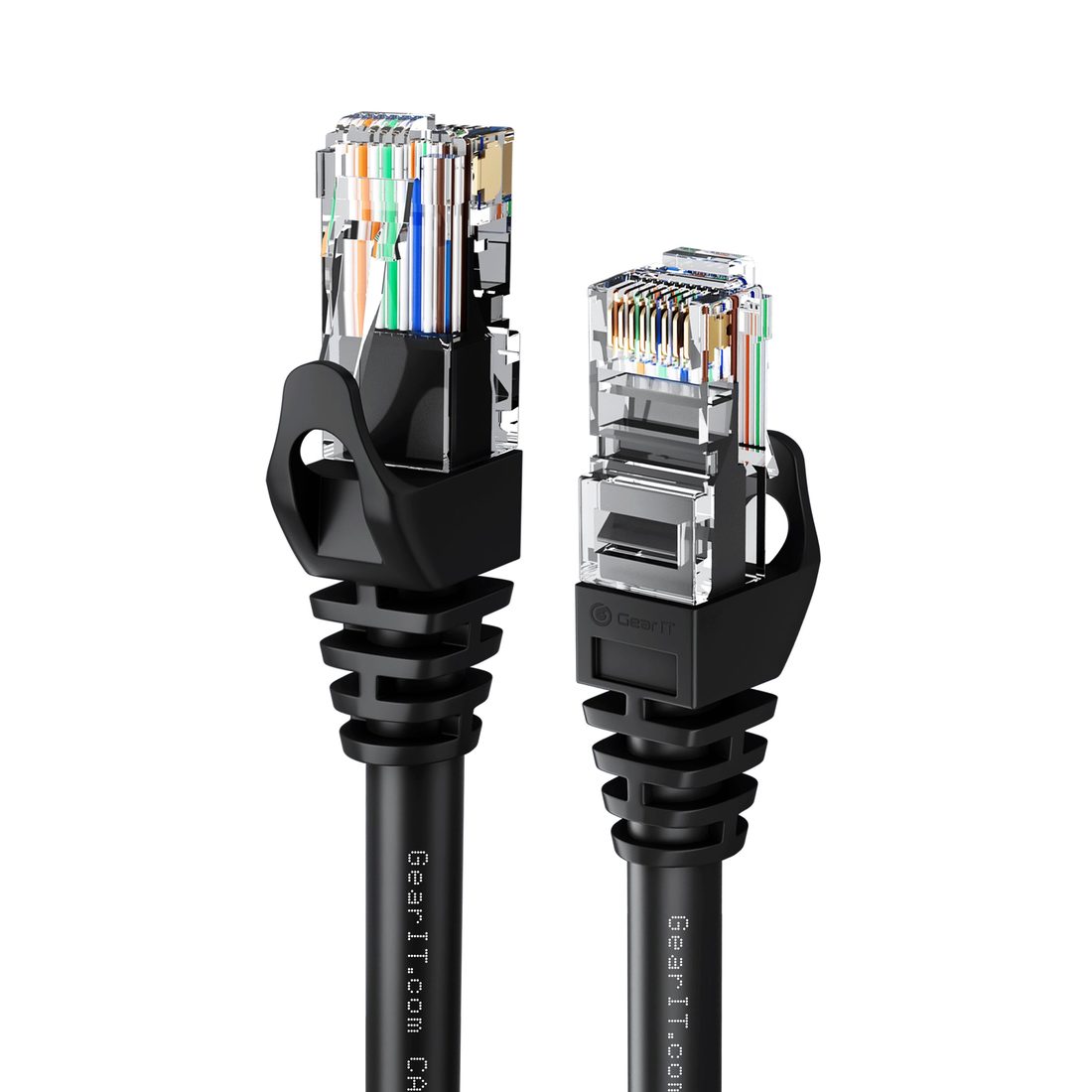
5. GEARIT Flexible Cat6 Multi-Pack
Best bulk value24AWG pure bare copper550MHzUp to 100-pack
If you’re wiring more than one room — a console in the living room, a PC in the bedroom, maybe a streaming box in between — buying single cables one at a time gets expensive fast. GEARIT sells this Cat6 patch cable in 10-, 20-, 50-, and 100-packs, built from 24AWG pure bare copper (not CCA) with a 550MHz rating and a soft push-tab boot that resists snagging on carpet or furniture edges.
You give up nothing on the copper spec to save money in bulk — it’s the same pure-copper, real-Cat6 formula as the pricier single cables above. What you don’t get is the Cat6A jump for a long 10-gigabit run, so keep a full-size Cat6A cable in mind if you’re wiring a NAS or 10GbE switch closet instead of a console.
Pros
- Genuine pure bare copper at multi-pack pricing
- Soft push-tab boot resists snagging in carpet or under furniture
- Bulk packs make wiring several rooms affordable
Cons
- Cat6, not Cat6A — skip it for a long 10GbE backbone
- Bulk packs are overkill if you only need one cable
What to Check Before You Buy
Match the Two Ports First
Check the Ethernet specification on the gaming device and router or switch. If either end is 1GbE, the link is 1GbE. A 2.5GbE PC needs a 2.5GbE or faster port at the other end before a faster local transfer can happen.
Measure the Route Instead of the Room
Follow the baseboard and furniture, then add enough slack to unplug the device without pulling the cable tight. A neat 15-foot route can cross a 10-foot room. Buying 50 feet “just in case” leaves a coil that is harder to manage and easier to damage.
Demand Pure Copper and a Real Specification
Look for pure or bare copper conductors, an identified category, and a manufacturer that publishes a spec sheet. Skip CCA, which means copper-clad aluminum. The lower price is not worth making the conductor itself the unknown part of your network.
Use Full-Size Cat6A for Long 10GbE Runs
For permanent wiring or a long 10GbE link, choose full-size pure-copper Cat6A rated for the installation. Patch-cable flexibility and a high marketplace category number are not substitutes for the right cable construction.
Tip: if a new cable links at only 100Mbps, reseat both plugs and try another router port before blaming your internet plan. A damaged pair or poor termination can force that exact fallback.
The Verdict for PC, PS5, Xbox, and Streaming
If you’ve got a PS5 or Xbox in the same room as the router, grab the Monoprice Cat6A Bendable — or any honest pure-copper Cat6 cable cut to the right length. Running a gaming PC instead? Same advice, unless both ends of your setup genuinely support 2.5GbE or 10GbE. Wiring a long 10GbE run to a switch or NAS? Move up to full-size Cat6A. Need two identical cables for two rooms? That’s where the Cable Matters 2-pack earns its keep. Wiring three or four rooms on a budget? Buy the GEARIT multi-pack instead of several separate cables. And if your cable gets stepped on, dragged across the floor, or lives somewhere it’ll take abuse, pick the UGREEN Cat8 for the braided jacket — not for the ping.
Streaming doesn’t change your shopping list. Even a 4K stream uses a fraction of a gigabit link, so a solid cable stops wireless interference from interrupting playback, but no cable category makes a service send video faster than Cat6 already allows.
The clean buying rule survives every platform you own: match your slowest port, measure the actual distance, insist on pure copper, and stop paying once those needs are met.
Frequently Asked Questions
What Is the Best Ethernet Cable for Gaming on PS5?
A pure-copper Cat6 cable is enough for PS5. Cat6A is also fine if the price and flexibility suit your setup, but Cat7 or Cat8 will not unlock a faster console port or lower the server’s ping.
What Is the Best Ethernet Cable for Gaming on PC?
Match the cable to the PC and router ports. Cat6 is the sensible choice for 1GbE and short multi-gig links. Use Cat6A when both ends support 10GbE or when you are installing a long cable you want to keep for years.
Which Ethernet Cable Should I Use for Xbox?
Use a standards-compliant pure-copper Cat6 patch cable in the shortest practical length. A healthy Cat5e cable also handles gigabit Ethernet, so there is no reason to replace one that already negotiates correctly and stays connected.
Does Cat8 Lower Ping in Games?
No. Cat8 does not lower ping compared with a healthy Cat6 cable on the same gigabit ports. Moving from Wi-Fi to Ethernet may reduce local variation, but internet routing, congestion, and server distance remain the larger latency factors.
Is Cat6 Fast Enough for Gaming and Streaming?
Yes. Gaming traffic and video streaming both fit comfortably inside a gigabit link. Cat6 supplies that link with ample headroom at normal home distances; the quality of the connection matters more than a higher category label.
How Long Can a Gaming Ethernet Cable Be?
Gigabit Ethernet over standards-compliant Cat5e, Cat6, or Cat6A supports a 100-meter channel. For 10GbE, Cisco lists Cat6 at roughly 55 meters under suitable conditions and Cat6A at 100 meters. Buy only the route you need, with a little slack for moving the device.