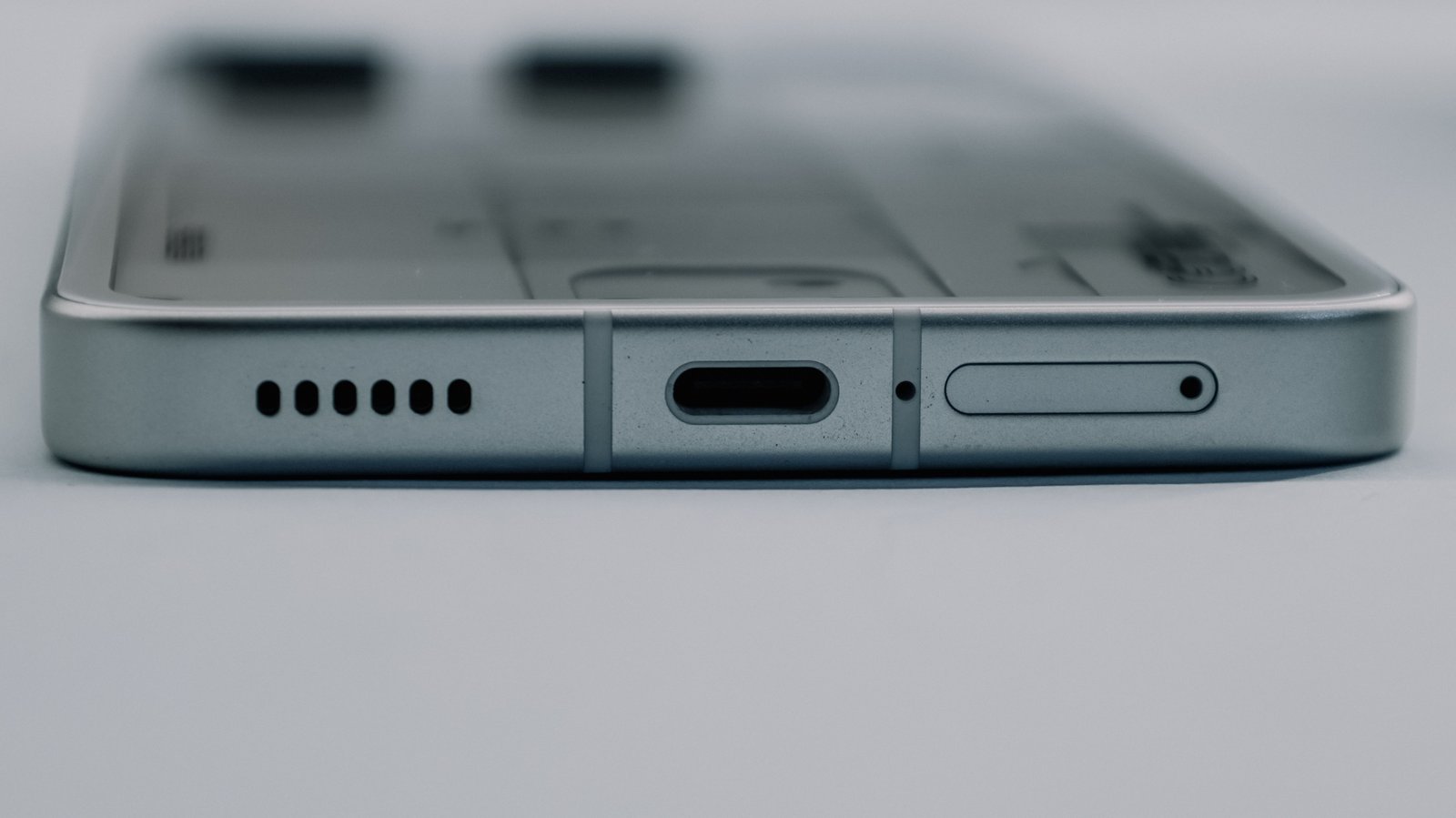
Your phone stopped charging again. The cable slides in loose or wiggles when plugged in, or the charger works everywhere except this one phone. Before you book a repair or shop for a new device, there’s something you should try first: clean the charging port. Pocket lint is the number-one cause of charging failures, and clearing it out is a five-minute job anyone can do.
The charging port on a modern phone is basically a tiny open trench. Every day, your phone slides into jeans pockets, jacket linings, purses, and couches — and every trip packs more lint, dust, and debris into that trench. Over weeks, the debris compresses into a hard plug that prevents the cable from seating fully. The phone doesn’t detect the charger, and you assume the port is dead.
It usually isn’t. Here’s what’s actually going on, and how to fix it safely. If your phone won’t charge at all even after cleaning the port, see our guide to why an AirPods case stops charging — the same debris-on-contacts failure, in a smaller enclosure.
- Pocket lint is the #1 charging failure cause — not a dead port. Compressed debris prevents full cable seating.
- USB-C ports are more vulnerable than Lightning because the tongue is fragile and the cavity traps debris deeper.
- The only safe tool is a non-conductive pick — plastic or silicone first, a smooth wooden toothpick if that’s all you have. Never metal.
- Compressed air and blowing into the port push debris deeper. Don’t.
- If cleaning doesn’t fix it, the port may be worn out — wireless charging is the cheapest workaround.
TechDaily may earn a commission on purchases made through links in this article. This never affects which products we recommend.
Why Lint Kills Charging (And Why It Looks Like a Dead Port)
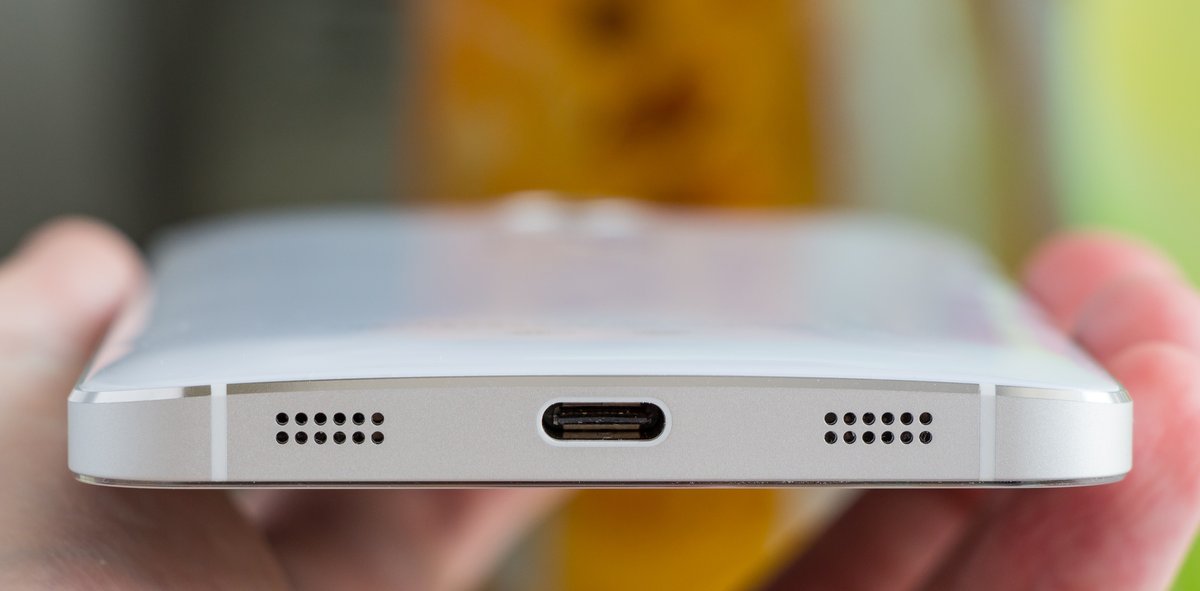
A phone charging port is an open cavity that collects whatever your pocket sheds — cotton fibers, denim lint, dust, sand, crumbs, pet hair. Every time you pocket your phone, that trip packs the material in a little deeper. Over weeks to months, the debris compresses against the bottom of the port, forming a dense plug your cable can’t push past.
You’ll recognize the symptom immediately: the cable clicks in but doesn’t latch (Lightning) or feels loose (USB-C). Your phone won’t charge, won’t recognize accessories, and may throw a “Liquid Detected” false alarm if the plug is holding moisture against the pins. If you have a Lightning iPhone, you’ll see the cable sitting visibly proud of the phone body — the retention clips can’t reach the locking notches. On a USB-C phone, the cable wobbles or falls out in your hand.
Here’s the part that matters: your electrical connection is still fine. The pins are just being physically blocked from meeting.
This is a mechanical blockage, not corrosion. If your port has actually seen liquid (dunked, rain-soaked, sweat in a gym pouch), skip to the FAQ section on water exposure — wet lint is a different problem that needs drying before cleaning.
How to Clean a Phone Charging Port in 5 Minutes
What You’ll Need
- A wooden or plastic toothpick (not bamboo — it splinters; use a plastic floss pick or a purpose-made plastic port-cleaning tool if you have one)
- A soft-bristle brush (a clean, dry toothbrush or a dedicated electronics brush)
- Isopropyl alcohol (90% or higher) — only if the debris is sticky. Never use on a wet phone.
- A bright flashlight or phone light
What Not to Use on a Charging Port
- Metal (paperclip, needle, SIM eject tool pin) — scratches the port walls, shorts the power pins
- Compressed air — forces debris deeper into the phone body
- Cotton swab — shreds fibers and leaves worse lint behind
- Blowing into the port — your breath carries moisture
- Liquid cleaner sprays — residue attracts more dust
- The charger cable itself — jamming it harder can widen the port
Warning: A metal SIM eject tool is safe for opening the SIM tray but NOT for the charging port. Metal bridges the power and data contacts and scrapes the plating that carries the connection — and if the phone is on, or supports reverse charging, those contacts can be live. Use something non-conductive.
Step 1 — Power Off and Inspect
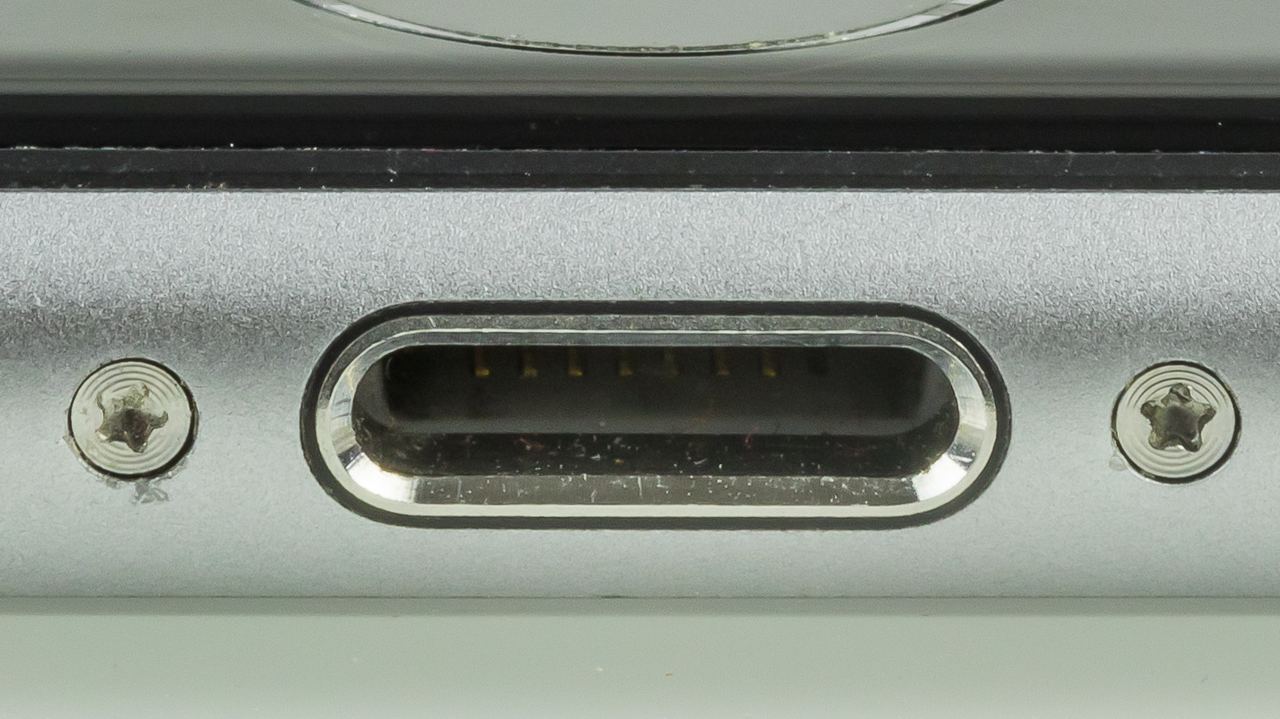
Turn the phone off. Use a bright light (another phone’s flashlight works) and look directly into the port. You’ll probably see a solid mat of compacted gray or brown lint at the bottom of the cavity. On USB-C ports, the tongue (the thin plastic island in the middle) may be hidden under debris.
On Lightning ports, look for the row of eight gold contacts at the bottom — if you can’t see them clearly, they’re buried.
Step 2 — Pick Gently
Take your non-conductive pick and gently scrape along the bottom wall of the port — the side opposite the screen. Do not poke at the center of a USB-C port (that’s the fragile tongue) or the bottom of a Lightning port (that’s the pin array).
Work from the opening inward, lifting debris upward. You’ll see lint flakes come out. Tap the phone on a table to dislodge loose particles. Repeat until the pick comes out clean and you can see the full depth of the port.
Warning: A snapped USB-C tongue isn’t something you can undo — the whole charge-port flex has to be replaced, $50–100 at a shop and often more than an old phone is worth. That’s why two minutes of dry brushing beats one more minute of aggressive picking.
Step 3 — Brush Away Loose Debris
Use the dry soft-bristle brush to sweep out any remaining particles. Brush from the port opening outward. If the debris is damp or sticky, you can dampen the brush with 90%+ isopropyl alcohol and shake off the excess before brushing. Know that Apple’s cleaning guidance says to avoid getting moisture in openings and not to use cleaning products on the phone — so treat this as a last resort on a powered-off phone, dry-brush first, and understand it may affect warranty cover.
Step 4 — Test the Connection
Plug in the cable. It should click in fully (Lightning) or seat flush (USB-C). If it charges, you just saved a service trip.
If it doesn’t charge after cleaning, try a different cable — the old cable’s connector may be worn to match the previously obstructed port shape and won’t grip a clean port.
When Cleaning Won’t Help
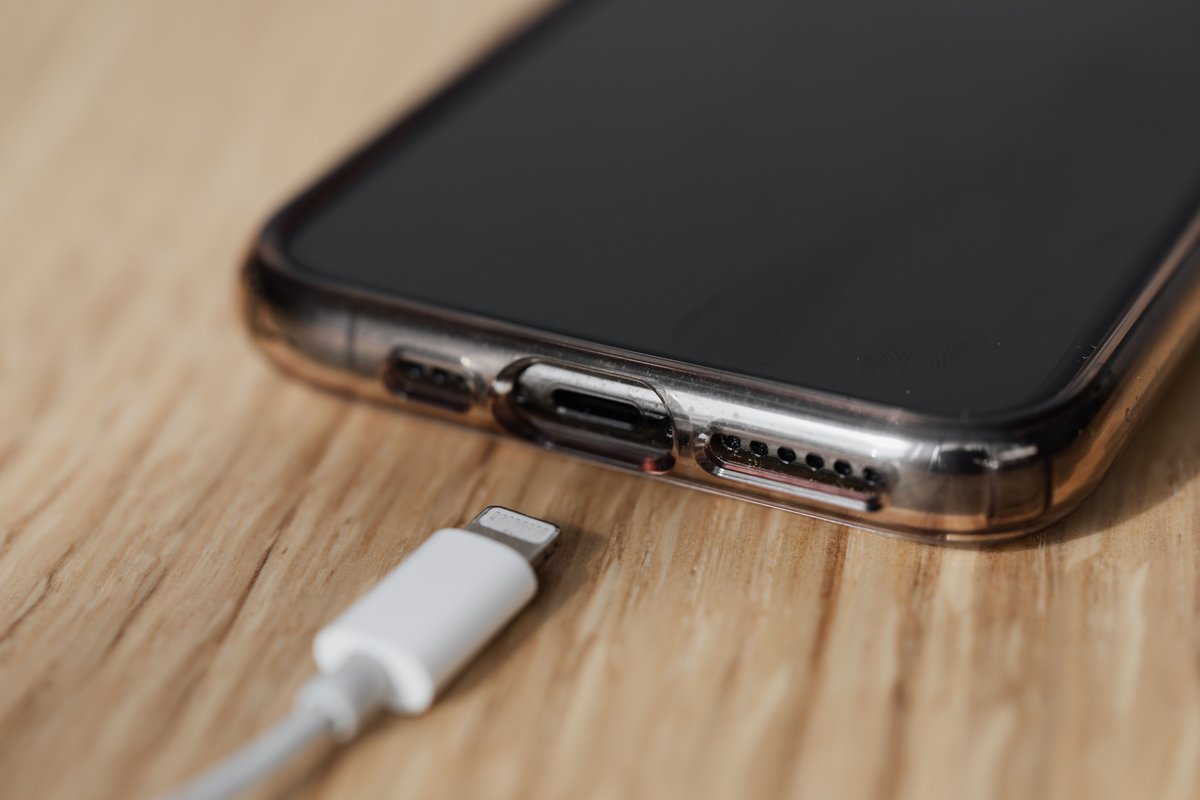
Cleaning solves a large share of “won’t charge” complaints — it’s the first thing any repair counter checks before quoting you for a part. The rest fall into categories you can’t fix at home:
Worn port. A Lightning port’s retention clips weaken with use. Apple’s MFi connector spec targets more than 10,000 insertion cycles, but real ports give up earlier when you yank the cable at an angle or the port is already full of grit. A USB-C port’s tongue can crack if you’ve been plugging in at an angle for years. You’ll notice the cable goes in but won’t stay, or your phone only charges when you hold the cable at a specific angle. Your options here are a port replacement ($50–100 at a repair shop) or switching to wireless charging as a permanent workaround.
Damaged charging IC. If your phone charges after a restart but stops again, or shows “Charging” that never actually moves the battery percentage, the charge controller chip on the motherboard may have failed. That’s a micro-soldering repair ($80–150), and it’s usually not worth paying for on a phone older than 3 years.
Corroded pins. Liquid damage leaves visible green or white crust on the port pins. Isopropyl alcohol and a stiff brush can clean light corrosion yourself, but if corrosion has eaten into the pin plating, you’re looking at a replacement, not a cleaning.
How Often Should You Clean Your Charging Port?
There’s no set schedule — it depends on your pocket environment. A phone that lives in a clean desk or a purse might go a year. A phone that shares a pocket with lint-heavy denim or works on a construction site may need cleaning every 2–3 months.
A good tell: if the cable starts feeling loose or you have to wiggle it to make a connection, it’s time to clean.
Keep in mind: consistent cleaning prevents port wear. Debris doesn’t just block charging — it acts as an abrasive that wears the connector’s contact surfaces. A port that’s cleaned every few months will outlast one that’s cleaned only when it fails.
Lightning vs USB-C vs MagSafe — How Port Types Affect Cleaning
| Port Type | Debris Risk | Safe Cleaning Zone | Main Failure Mode |
|---|---|---|---|
| Lightning | Moderate — debris settles at the bottom, behind a plastic wall | Bottom wall, away from the 8 contacts | Worn retention clips — cable won’t latch |
| USB-C | High — shallower cavity packs debris faster | Outer shell only, never the center tongue | Cracked or bent center tongue |
| MagSafe / Qi2 | None — no open port to collect debris | N/A — no port | Slower charging, more heat; no port failure mode |
Lightning (iPhone 5 through iPhone 14, iPhone SE)
If you’re on an iPhone with Lightning, you’ve got a single-sided receptacle with retention clips on each side. It’s relatively robust — the clips take the mechanical load, not the pins — so cleaning is straightforward because the bottom pins are recessed behind a plastic wall you can scrape along.
The downside is that the clips wear out over time. If your Lightning port keeps dropping the cable no matter how clean it is, that’s mechanical wear, not debris.
USB-C (All Android Phones, iPhone 15/16/17, Laptops, Tablets)
If your phone uses USB-C, you’re dealing with a reversible double-sided port that has a fragile center tongue. The pins sit on this tongue rather than the port walls, so any debris trapped between your cable and the tongue presses directly on the connectors. USB-C is also shallower than Lightning, so debris packs tighter and faster in your port.
The critical rule for you: never poke the center of USB-C. Always scrape along the outer shell.
MagSafe and Wireless Charging as a Permanent Workaround
MagSafe completely eliminates the port problem. An iPhone 12 or newer (or any Qi-enabled phone) can charge wirelessly without ever plugging in. If you’re tired of cleaning your charging port, a MagSafe or Qi2 charger is a permanent workaround — you basically never touch the port again.
The trade-off: wireless charging is slower (7.5–15W vs 20–45W wired), generates more heat, and slightly reduces battery lifespan over years. For most people, the convenience trade is worth it.
The Bottom Line on Charging Port Cleaning
Most charging failures start as debris, not damage — try the five-minute clean before you assume the worst. If a freshly cleaned port still won’t hold a charge, or the cable only grips at one angle, you’ve moved past dirt into worn contacts, a cracked tongue, or a failing charge controller, and no amount of picking fixes that. Pick and brush first; shop for a repair or a wireless workaround only once cleaning has actually failed.
Frequently Asked Questions
Can I use a toothpick to clean my charging port?
A wooden toothpick is OK if the wood is smooth and you scrape along the port walls only. The risk is splintering — a broken toothpick tip left inside can lodge against the pins and short them. A plastic floss pick is a better choice because plastic doesn’t splinter. Never use bamboo (cooks off splinters unpredictably).
Can compressed air clean a charging port?
No. Compressed air pushes debris deeper into the phone body, where it can settle on the microphone mesh, speaker grille, or other internal components. It may temporarily dislodge the visible blockage but redeposits it somewhere worse.
My phone says “Liquid Detected” but it hasn’t been near water
Moisture sensors on the charging port can trigger from humidity after cleaning or condensation from moving between hot and cold environments. A compacted lint plug can also trap moisture against the pins, making the phone think there’s liquid. Clean the port, then leave the phone in a dry room for 2 hours.
Can a charging port be cleaned with alcohol?
Apple would say no — its cleaning guidance tells you to unplug all cables, turn the phone off, use a soft, slightly damp, lint-free cloth, and avoid getting moisture in openings. Repair techs do use 90%+ isopropyl on a powered-off phone for sticky residue, applied to a brush and never poured in. It works, but it goes against the manufacturer’s instruction, so make it your last step rather than your first.
How do I know if my port is dead vs just dirty?
Plug in the cable and look at the connection. If the cable visibly doesn’t seat flush or you see a gap between the connector and the phone body, it’s debris. If the cable seats fully and still doesn’t charge, the issue is electrical (worn port, bad IC, or corroded pins).
Try a second cable — if neither works on this phone but both charge another phone, the port is the problem, not the cable. Apple’s official guidance on cleaning your iPhone tells you to unplug all cables, turn the phone off, avoid getting moisture in openings, and never use compressed air.
Can I prevent lint from getting in my charging port?
Partially. A silicone port plug (about $5 for a pack of 10) keeps debris out when the phone is in a pocket. Some cases include a built-in port cover. The trade-off is convenience — you have to remove the plug every charge. For most people, a quick clean every 2–3 months is less annoying than a port plug.