- The most reliable 2026 visual tell is no longer hands or text but physics — inconsistent lighting, shadows, and reflections across a scene that a model can’t keep coherent.
- AI image detectors are a second opinion, not proof: vendor ’94–98%’ accuracy is best-case, and 2026 NewsGuard testing showed leading tools flagging up to 40% of authentic news photos as fake.
- Provenance (C2PA Content Credentials plus SynthID, with 10B+ pieces watermarked per Google DeepMind) is the strongest signal when present — but its absence never proves an image is real, so verify the source and reverse-image-search anything newsworthy.
A year ago, you could catch most fake images by counting fingers. Today that trick fails more often than it works. The image models released in late 2025 and 2026 render hands, faces, and even paragraphs of text convincingly enough that the old checklist is largely obsolete. Meanwhile, AI-generated photos are driving real harm: fabricated news events, fake product reviews, political deepfakes, and synthetic profile pictures used for scams. It’s one of several 2026 AI trends reshaping how much we can trust what comes out of a model.
So the question matters more than ever, and the answer has changed. Learning how to spot AI-generated images in 2026 means combining sharper visual inspection with detection tools and, increasingly, cryptographic provenance. No single method is reliable on its own. Detection is an arms race, and the people generating fakes are always one model release ahead. But a layered approach still catches the overwhelming majority of synthetic images. Here’s the current playbook.
Why This Is Harder Than It Used to Be
The reason detection got harder is simple: the obvious mistakes got fixed. Earlier diffusion models had no real understanding of anatomy or typography, so they produced the mangled hands and gibberish signage that became internet punchlines. Newer models were specifically trained to correct those failures, and they did.
That doesn’t mean fakes are undetectable. It means the tells moved. They’re subtler now, clustered in the physics of a scene rather than in headline-grabbing glitches. Two shifts in particular reshaped the problem:
- The failures moved from “objects” to “physics.” Old models botched the things you could name — fingers, letters, ears. Current models get the objects right but still struggle to keep a whole scene internally consistent: one light source, one set of reflections, one coherent geometry. That means the tells are now relational rather than local, so you can no longer find them by zooming in on a single body part. You have to compare elements across the frame. A hand can look flawless while the shadow it casts points the wrong way.
- The “fake” images you see have usually been laundered. Most synthetic images that go viral aren’t pristine model outputs — they’re screenshots of screenshots, re-compressed by every platform they pass through, sometimes deliberately re-saved to strip identifying data. That laundering smooths over subtle generation artifacts and erases metadata, which is exactly why your eyes and provenance checks both get harder the further an image travels from its source.
The takeaway is that you have to look closer, and you have to verify rather than just eyeball.
Visual Tells to Look For in 2026
This is the part that has changed the most, so it’s worth slowing down. When you’re trying to figure out how to tell if an image is AI, scan for these current cues rather than the outdated ones. Any single sign can have an innocent explanation; what you’re hunting for is a cluster of them. The categories below group the tells by where they tend to hide, so you can run a systematic sweep instead of staring blankly.
Lighting, Shadows, and Reflections
- Inconsistent light direction. This is the single most reliable visual tell in 2026. Generators assemble a scene without a true 3D model of it, so they struggle to keep one coherent light source across the frame. Look for shadows falling in different directions, a subject lit from the front while the background is lit from the side, or a bright highlight on a cheek with no light source that could produce it. In a real photograph every shadow agrees on where the sun (or the lamp) is; in a fake, they argue.
- Reflections that don’t match. Mirrors, windows, glasses, eyes, glossy floors, and water all have to reflect a logically correct version of the scene, and AI routinely gets this wrong. Check whether a mirror shows the same pose, whether a storefront window reflects the right street, and whether the catchlights in both eyes point the same way. A reflection that shows something slightly different from what’s in front of it is a strong giveaway, because it requires the kind of physical consistency models still fake rather than compute.
- Contact shadows that float. Real objects cast a small, dense shadow right where they touch a surface. AI images frequently render objects that seem to hover, with a soft shadow in the wrong place or none at all. The consequence is an uncanny “pasted-on” look; the example to watch for is a person’s feet on pavement or a cup on a table that doesn’t quite ground itself.
Skin, Faces, and Eyes
- The “too perfect” surface. Real photos have noise, dust, skin pores, stray hairs, and asymmetry. AI images often render skin that’s flawlessly smooth, teeth that are uniformly white, and surfaces with a faint waxy or airbrushed sheen. If a candid-looking shot has the polish of a retouched magazine cover, be suspicious — though note this is a weak signal on its own, since plenty of real professional portraits are heavily retouched too.
- Eyes and gaze. On faces, look for a slightly lifeless or unfocused stare, mismatched pupil shapes, or irises that don’t quite align. The fine muscle detail around the eyes — the subtle creases that signal a real expression — is still something models get subtly wrong, which is why AI faces can read as “almost right” in a way that’s hard to name. Asymmetric or differently shaped pupils between the two eyes are a particularly common error.
- Teeth, ears, and hair edges. These high-detail, semi-repetitive structures trip generators up. Watch for too many or oddly sized teeth, ears with melted or missing internal folds, and hairlines where individual strands dissolve into a smear against the background. The consequence is a face that survives a glance but falls apart at full resolution.
Backgrounds and Periphery
- Background incoherence. Generators put their effort into the focal subject and get lazy on the periphery. Check the edges and the crowd: warped architecture, doorways that lead nowhere, blurred faces with melted features, or objects that merge into one another. Because attention to the background costs the model nothing in “looking impressive,” it’s often where a convincing fake first cracks.
- Drifting patterns. Repetitive structures — brickwork, tiling, fencing, window grids, keyboard keys, text on packaging — should stay perfectly regular, and AI tends to let them drift, bend, or change count partway across. Trace a line of bricks or a row of windows from one side of the image to the other; if the rhythm wobbles or a column quietly disappears, that’s generation.
- Impossible consistency. The flip side of drifting patterns is suspicious sameness. Identical faces repeated in a crowd, perfectly tiled “random” foliage, or two people wearing the exact same wrinkle pattern point to a model copying a motif rather than rendering a real scene. Real randomness is messy; generated randomness often isn’t.
Objects, Text, and Physics
- Physics-defying details. Jewelry that fuses with skin, glasses with mismatched arms, straps and seams that vanish midway, and limbs that pass through objects all betray a model that’s drawing plausible-looking pixels without a physical model underneath. These errors cluster around where two things meet — a hand and a railing, a strap and a shoulder — so inspect contact points and overlaps carefully.
- Degrading text. Even though models handle words far better now, long strings and small print still tend to break down. Headlines and short signs often look fine; paragraph-length text, license plates, watch faces, and tiny captions frequently dissolve into characters that are sharp in one spot and melt a few letters later. Zoom into any small text in the image — it’s one of the fastest places to catch a fake.
- Count and continuity errors. AI loses track of how many of something there should be: five-and-a-half fingers, a railing with an extra post, a jacket with one too many buttons, or a pair of shoes that don’t match. Pick a countable element and actually count it; the model’s lack of a persistent internal scene means these errors survive even in otherwise polished images.
A practical method: pick the subject’s hands or face first, then deliberately move your eyes to the corners and the background, then check whether every shadow and reflection agrees on where the light is. The fakes usually break down somewhere in that sweep.
Detection Tools (AI Image Detectors) That Actually Help
When your eyes aren’t enough, an AI image detector can give you a second opinion. These tools analyze color patterns, textures, frequency-domain artifacts, and statistical fingerprints that betray a generator, and most return a confidence score plus a guess at which model produced the image.
In published 2026 testing, the stronger commercial options include the following. Treat every figure below as best-case, vendor-tuned or single-study performance — real-world accuracy on screenshots and unfamiliar models is consistently lower.
- Hive Moderation. Vendor figures cite roughly 94% aggregate accuracy across major generators, and the tool names the likely source model, which makes it useful for triage rather than a yes/no verdict. In independent 2026 comparison testing it posted the highest accuracy on standard generators (around 89%) but, like its peers, struggled on heavily post-processed images — the consequence being that a clean screenshot can defeat the same tool that nails an original file.
- Sightengine. Reports around 98% on some generators with a low (~1.2%) false-positive rate, and it’s aimed at enterprise moderation pipelines rather than one-off checks. Those numbers describe controlled conditions on supported generators; an unfamiliar model or an authenticity-tuned pipeline can drag real-world performance down sharply.
- Benchmark-topping newcomers like TruthScan. New entrants regularly top a given month’s benchmark, then lose ground as generators update. That churn is the point: a tool’s leaderboard position is a snapshot, not a durable guarantee, so don’t anchor on last quarter’s “best detector.”
Free browser-based checkers exist too, though they tend to be less consistent and more prone to false alarms. Three caveats are non-negotiable:
- No tool is 100% accurate. Individual detectors have meaningful false-positive rates and can miss synthetic images outright, especially from a generator they weren’t trained on. The failure isn’t rare or theoretical: in late April and early May 2026, NewsGuard ran 15 authentic news photos through five leading detectors and found ScamAI flagging 6 of 15 (40%) real images as AI-generated and ZeroGPT flagging 3 of 15 (20%). A tool that calls real photos fake is just as dangerous as one that misses fakes.
- Accuracy collapses on processed files. Screenshots, heavy compression, upscaling, and re-saves all strip the statistical signals these tools rely on. A laundered image is much harder to flag — and “authenticity-optimized” generators that bake in real camera characteristics can push detection below 50%, no better than a coin flip.
- Always cross-check. Run a suspicious image through at least two detectors and pair them with your own visual inspection. Treat a single tool’s verdict as a data point, never a conclusion — and weigh a “this is fake” result especially skeptically when the image is a professionally edited or compressed real photo, the exact case where false positives spike.
I Tested How to Tell if an Image Is AI Generated With Four Free Detectors
Vendor accuracy claims are easy to print and hard to trust, so in July 2026 I stopped quoting them and ran my own test. The setup was simple and deliberately hostile: the same four images, pushed through every free browser-based detector I could actually reach without creating an account. Two of the images are guaranteed AI, because I know exactly where they came from — they’re this article’s own header images, generated with Google’s Imagen 4 Fast (yes, the irony is noted). The other two are guaranteed real with a paper trail: the official 2012 White House portrait of Barack Obama, shot by Pete Souza, and a long-exposure night photo of Shibuya Crossing from 2018 on Wikimedia Commons. I picked those two real photos on purpose — a heavily retouched studio portrait and a processed long-exposure are exactly the “professional polish” cases where detectors are known to cry wolf. Every tool received the identical files, first-generation JPEGs around 1,000 pixels wide.
| Test Image | Ground Truth | Sightengine | DeepAI Detector | Decopy |
|---|---|---|---|---|
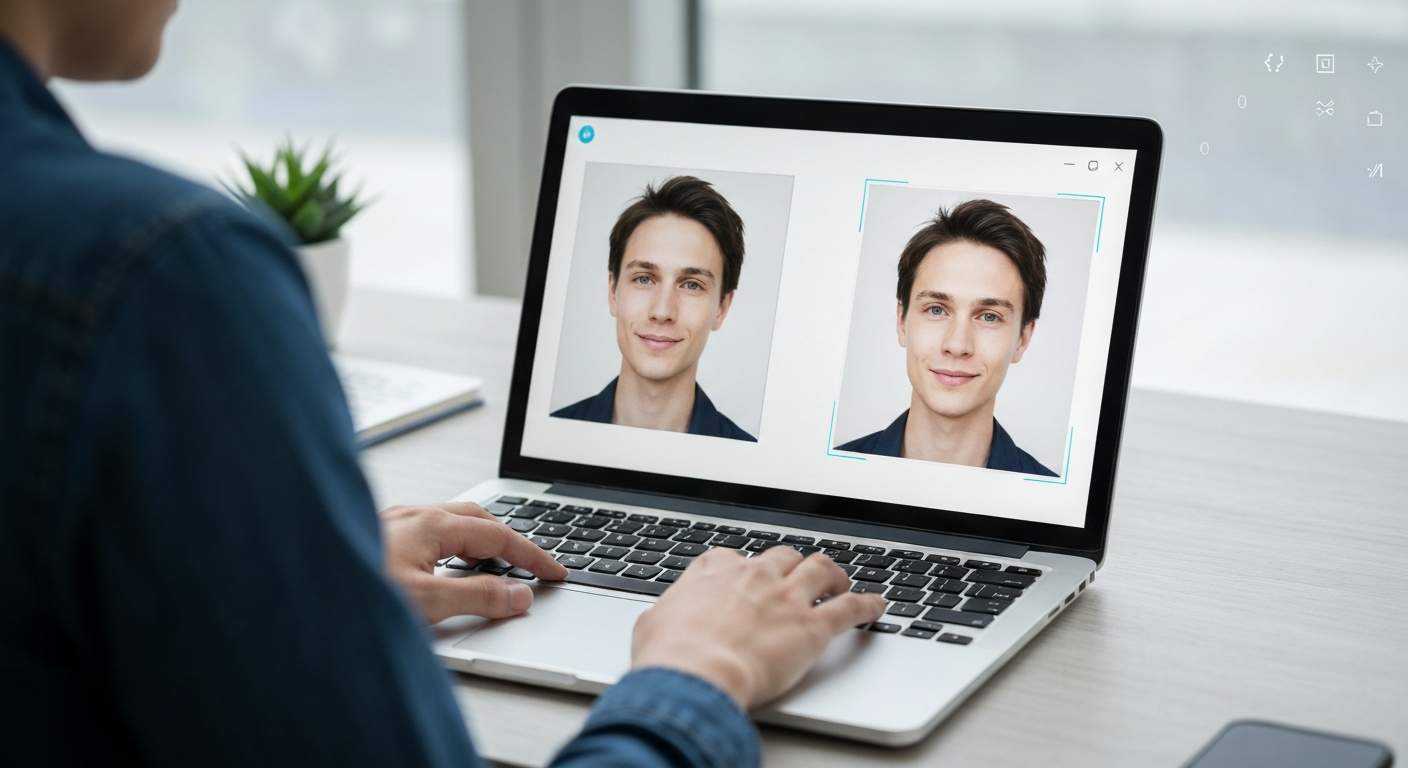
| Man reviewing two AI headshots on a laptop (this article’s featured image) | AI — Imagen 4 Fast | 99% AI, named Imagen as the likely generator | 97% AI, high confidence | 97% AI |
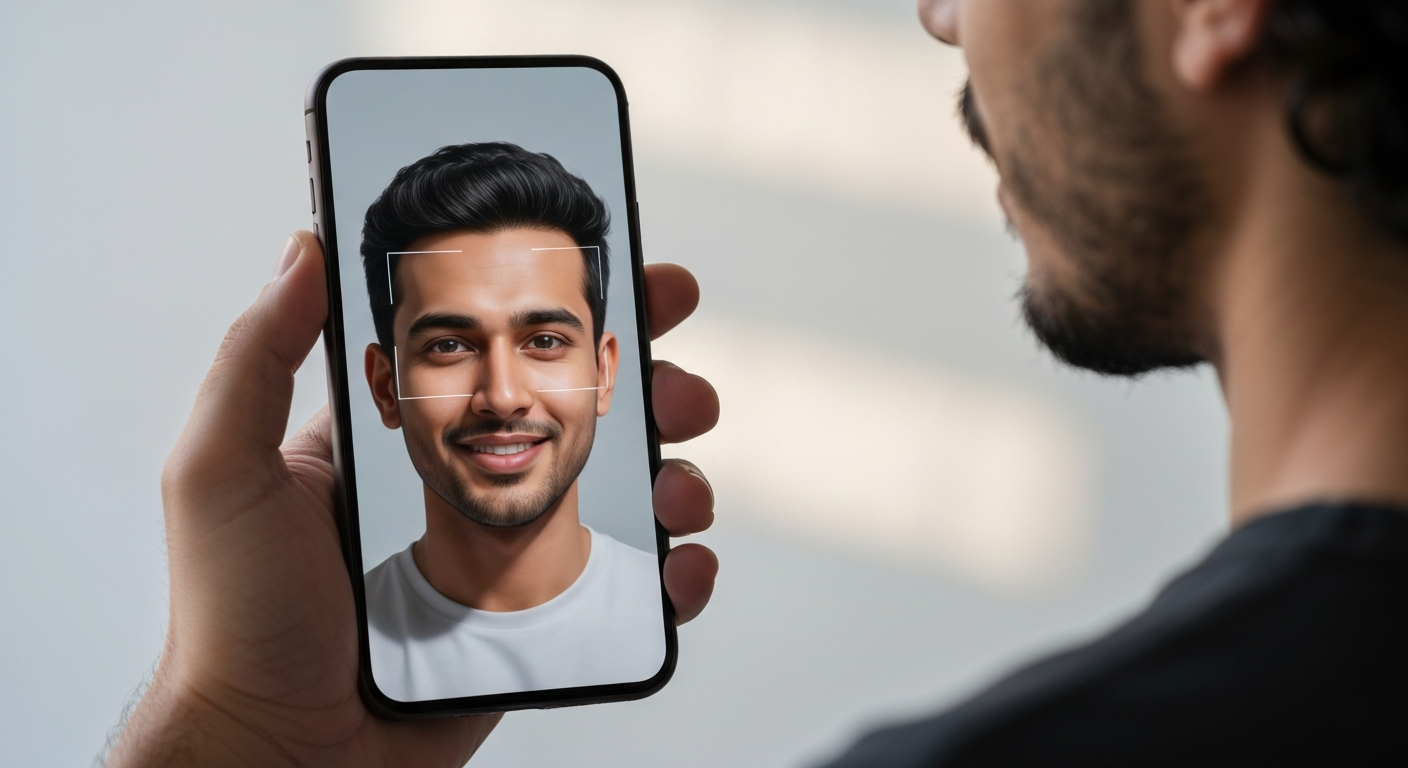
| Man holding a phone showing a synthetic face (this article’s body image) | AI — Imagen 4 Fast | 99% AI, named Imagen again | 97% AI, high confidence | 99% AI |
| Official 2012 White House portrait of Barack Obama | Real photo | 1% AI | 3% AI, “likely real” | 80% AI, “Likely AI-Generated” — wrong |
| Long-exposure night shot of Shibuya Crossing, Tokyo (2018) | Real photo | 0% AI | 3% AI, “likely real” | 0% AI |
| Score | — | 4 of 4 | 4 of 4 | 3 of 4 |
Two footnotes the table can’t hold, because I’m only reporting what I actually witnessed. The fourth detector, WasItAI, correctly called both AI images (“we are quite confident that this image, or part of it, was created by AI”) and then hit its guest limit before it ever saw the real photos — two free checks and the meter stops, so it doesn’t get a scored column. And Hive, the detector independent benchmarks keep ranking near the top, no longer offered a web demo I could operate at all; its site now routes you toward a Chrome extension. Rather than quote a number I didn’t see with my own eyes, it stays out entirely.
What the Detectors Got Right
On clean, first-generation AI files, this is close to a solved problem. Every AI-image check that actually ran came back correct at high confidence — ten out of ten across the four tools. The standout was Sightengine, which didn’t just flag both fakes at 99% but attributed them to the Imagen family as its top model guess both times. That’s a different class of result: it named the brush, not just the forgery, and generator attribution is genuinely useful when you’re trying to trace where a fake came from.
The quiet surprise was DeepAI’s free checker, which turns out to run on TruthScan — the same benchmark-topping engine I mentioned earlier as an enterprise contender. That’s worth knowing: one of the strongest engines in the category is sitting behind a free upload box, which makes “run it through two detectors” advice cheaper to follow than most people assume.
Where the Free Detectors Fell Apart
Decopy looked at one of the most widely published real photographs on the planet — the 2012 Souza portrait — and scored it 80% AI-generated. The failure gets stranger the closer you look: the tool’s own written analysis praised the photo’s “natural depth,” real lighting complexity, and skin with “natural pores, lines, and slight asymmetries… indicating a likely real human,” and then its score contradicted its own reasoning. That’s the NewsGuard false-positive pattern from earlier in this piece happening live on my desk: professionally lit, heavily retouched photography reads as “too clean” to a classifier, and a real image gets branded fake.
Think about the second-order damage for a second. A screenshot of that 80% verdict, posted with enough confidence, is all it takes to “debunk” an authentic photo — the false positive isn’t a lesser error than a missed fake, it’s the same weapon pointed the other way. Add the access rot I hit (one leading tool retreating into an extension, another metering guests at two checks), and the free detector tier is both narrower and less trustworthy on real photos than the marketing suggests.
The catch: My test was easy mode — pristine files straight from the generator, never re-shared. A single screenshot-and-repost cycle strips the metadata and smears the frequency-domain fingerprint these classifiers score, so treat the 97–99% results above as a ceiling, not an expectation, for anything you pull off a social feed.
The practical rule this test earned: a high AI score on a pristine upload is strong evidence, a high AI score on professional or retouched photography is weak evidence until a second tool agrees, and any disagreement between two detectors is your cue to stop scoring pixels and start checking provenance — which is exactly where the next section takes over.
How C2PA, Content Credentials, and SynthID Prove Provenance
The most durable answer to “is this real?” is increasingly not detection at all, but provenance — proving where an image came from rather than guessing after the fact. Two complementary systems now anchor this approach.
C2PA Content Credentials
C2PA Content Credentials are cryptographically signed metadata attached to a file. They record who created it, what tool produced it, when, and what edits were applied. Because the record is signed, any tampering breaks the signature, so you can trust an intact credential. You can read these “nutrition labels for media” with the official Content Credentials verifier, and the open standard is published by the Coalition for Content Provenance and Authenticity at C2PA.org.
Crucially, C2PA is no longer just an AI-labeling scheme — it’s also how cameras can prove a photo is real. By 2026 several manufacturers ship hardware that signs images at the moment of capture: Leica pioneered it with the M11-P, and Sony, Canon, Nikon, Fujifilm, and Panasonic now have C2PA-capable bodies aimed largely at newsrooms and professionals. The catch cuts both ways. First, metadata is fragile: screenshot an image, re-save it as a fresh PNG, and the manifest is simply gone. Second, the infrastructure is still maturing — Nikon’s certificate programme was suspended in early 2026 after a signing vulnerability surfaced, a reminder that a provenance system is only as trustworthy as the keys behind it.
SynthID
SynthID, developed by Google DeepMind, fills the gap left by fragile metadata. It embeds an imperceptible watermark directly into the pixels, so it can survive screenshots, compression, and many edits that destroy a C2PA manifest. As of mid-2026, Google DeepMind reports more than 10 billion pieces of content watermarked with SynthID (figure per Google I/O 2026 — verify against DeepMind’s latest update, as it moves quickly), and verification is rolling out across Gemini, Search, and Chrome. SynthID now ships by default across Google’s own generative tools, and Google has reported additional providers signing on to adopt or detect it.
Its limit is the mirror image of C2PA’s. Detecting a SynthID watermark requires Google’s classifier, and a positive result tells you an image is AI-generated without the rich edit history a credential carries. Just as important, the watermark only exists if the generator chose to add it — the overwhelming majority of images in the wild, including those from models that embed nothing, carry no SynthID at all. So a “no watermark found” result is meaningless as proof of authenticity.
How the Two Layers Fit Together
Through 2026, the industry has been converging on this dual-layer approach. Reporting indicates major AI providers — including OpenAI and Google — have moved toward embedding SynthID-style watermarks alongside C2PA manifests, with platforms bringing both checks into search and browsers. (Treat specific dates and corporate-membership details as fast-moving; verify them against OpenAI, Google DeepMind, and C2PA’s own announcements before relying on them.)
The practical upshot: C2PA gives you full provenance when a file survives intact, and SynthID-style watermarks preserve a bare AI-origin signal when the metadata gets stripped. Neither is foolproof, and many models still embed nothing at all, but together they’re the most trustworthy verification layer available. The mental model to keep: provenance can confirm origin when it’s present, but its absence never confirms anything — an image with no credentials and no watermark is simply unverified, not authentic.
How to Verify a News or Viral Image
Spotting that an image might be synthetic is only half the job; for a photo that claims to show a real event, the more powerful move is verifying where it actually came from. This is the workflow professional fact-checkers lean on, and it works even against fakes too good to catch by eye.
- Reverse-image search it first. Upload the image (or a screenshot) to Google Lens, TinEye, or a fact-checking tool like InVID/WeVerify, which is purpose-built for video and image verification. The goal is to find the earliest appearance and the original publisher. If a “breaking news” photo first surfaced months ago in an unrelated context, or only ever appears on anonymous accounts, that’s your answer — provenance by paper trail rather than pixels.
- Trace it to a reputable original source. A genuine newsworthy image almost always traces back to a wire service (AP, Reuters, AFP) or an established outlet that can stand behind it. If no credible original publisher exists and the image lives only on social media, treat it as unconfirmed. The consequence of skipping this step is amplifying a fake; the example is the wave of fabricated “war photos” that circulate during every major conflict.
- Check the context, not just the pixels. Cross-reference the claimed location, weather, signage, and date against reality. A photo allegedly from a sunny afternoon protest that shows long evening shadows, or a foreign-language sign in the wrong country, is a contradiction no amount of rendering quality can fix. This catches both AI fakes and the older, cheaper trick of mislabeling a real photo from somewhere else.
- Inspect any available provenance data. Run the file through the Content Credentials verifier and a SynthID check where supported. An intact C2PA manifest from a known camera or outlet is strong corroboration; a SynthID hit is strong evidence of AI origin. Just remember that a clean result from either only means “no signal found,” not “confirmed real.”
Why Spotting Fakes Gets Harder Every Quarter
It’s worth being honest about the trajectory. Every technique above is in a moving contest, and the advantage is structural, not incidental.
- Detectors chase a moving target. Most detectors only reliably catch what they were trained on, so each new generator release opens a window where its outputs slip through. By the time a detector adapts, two more models have shipped — which is why benchmark leaders rotate constantly and why a tool’s accuracy on last year’s images tells you little about this year’s.
- Adversarial laundering is cheap. Anyone trying to pass a fake can re-compress, lightly edit, add grain, or run an image through a second model to scrub artifacts and watermarks. None of this requires expertise, and all of it degrades the exact signals detectors and watermarks depend on. The cost asymmetry favors the faker.
- Provenance is opt-in and incomplete. C2PA and SynthID only help when a generator or camera chose to add them and the file survived intact. Vast swaths of the image ecosystem — older models, open-source generators, anything screenshotted — carry no provenance at all, so absence of a signal will remain ambiguous for the foreseeable future.
- Visual tells keep shrinking. The artifacts we rely on today are the ones this generation of models hasn’t fixed yet. They will be fixed. The durable skill isn’t memorizing a checklist of glitches but internalizing the verification mindset: stack independent checks, weight provenance highest when present, and default to “unverified” rather than “real” when the evidence runs out.
Old Myths You Should Drop Now
If you’re still relying on these, update your instincts:
- Counting fingers. Hands were the canonical tell, and modern Midjourney, DALL·E, and their peers now render them correctly most of the time. Malformed hands still appear, but their absence proves nothing.
- Garbled text. Signs, labels, and short captions used to dissolve into nonsense. Current models handle words well. Long passages and tiny print still wobble, but readable text is no longer evidence of authenticity.
- “It looks too good to be real.” Polish is a weak signal in both directions; plenty of real professional photography is flawless, and plenty of AI deliberately adds grain and imperfection to pass.
- Trusting one detector. A single green or red verdict from one tool is not proof — and as the NewsGuard testing showed, leading detectors regularly mislabel authentic photos as fake. Layer your checks.
The throughline: any single signal can be defeated. Confidence comes from stacking visual inspection, tool detection, and provenance together, and from staying skeptical when something can’t be verified.
Frequently Asked Questions
What is the most reliable way to tell if an image is AI in 2026?
There isn’t one single method. The most reliable approach is layered: inspect the image for inconsistent lighting, shadows, and reflections, run it through two different AI image detectors, and check for C2PA Content Credentials or a SynthID watermark. For a photo claiming to show a real event, add a reverse-image search to find the original source. Provenance is the strongest signal when it’s present, because it’s cryptographically verifiable rather than a guess.
Are AI image detectors accurate?
The best ones cite 94–98% on the generators they’re tuned for, but those are best-case figures. Accuracy drops sharply on screenshots, compressed files, and unfamiliar models, and false positives are a real problem — in 2026 NewsGuard testing, leading detectors flagged up to 40% of authentic news photos as AI-generated. Use them as a strong second opinion, not a final verdict, and always cross-check with another tool and your own eyes.
Do hands still give away AI images?
Rarely. Newer models fixed the mangled-hands problem that defined early AI images, so correct hands no longer prove an image is real. Badly rendered hands still surface occasionally and remain a clue, but you can’t rely on them the way you could a year ago. Lighting and reflection inconsistencies are now far more dependable tells.
What are Content Credentials and C2PA?
C2PA is an open technical standard for media provenance, and Content Credentials are the signed metadata it produces. They travel with a file and record its origin, the tool that made it, and its edit history — and some 2026 cameras can sign photos at capture to prove they’re real. You can inspect them with a public verifier, but they can be erased if the file is screenshotted or re-saved without them.
Can AI watermarks like SynthID be removed?
They’re designed to be hard to remove and to survive screenshots, compression, and many edits, which is their main advantage over fragile metadata. They aren’t indestructible, though, and aggressive manipulation can degrade them. Crucially, most images don’t carry one at all, so the absence of a watermark never proves an image is real.
How do I verify a news photo I saw on social media?
Start with a reverse-image search on Google Lens or TinEye to find where the image first appeared and who originally published it. A genuine newsworthy photo almost always traces back to a wire service or established outlet; if it lives only on anonymous social accounts, treat it as unconfirmed. Then cross-check the claimed location, date, and details against reality, and inspect any C2PA or SynthID data the file carries.
If detection keeps failing, what should I actually do?
Shift from detecting fakes to verifying truth. Check the source, look for the same image from a reputable original publisher, inspect any available provenance data, and reverse-image-search to find where it first appeared. When something can’t be verified through any of these, treat it as unconfirmed rather than assuming it’s genuine.